Written by Jelle
Edited on
21 March 2025
·
16:32
How do you install the included PC software?
The manufacturer of your desktop installs free software that allows you to adjust the settings of your hardware. When you reinstall Windows or restore your desktop to factory settings, you have to reinstall this software. We'll explain how to do this in 3 short steps here.

Install software in 3 steps
To manage the hardware of your desktop, you have to install the software from the manufacturer:
- Step 1. Go to the website of the manufacturer
- Step 2. Download the software
- Step 3. Install the software
Step 1: go to the website of the manufacturer
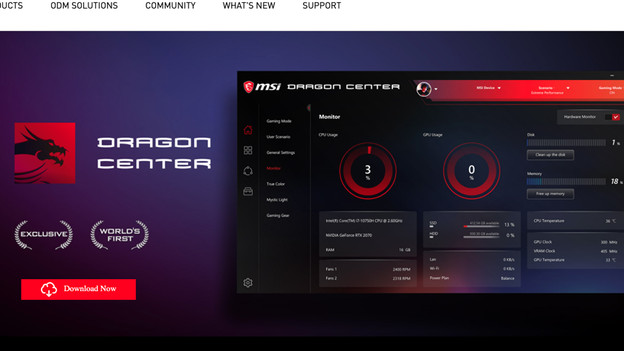
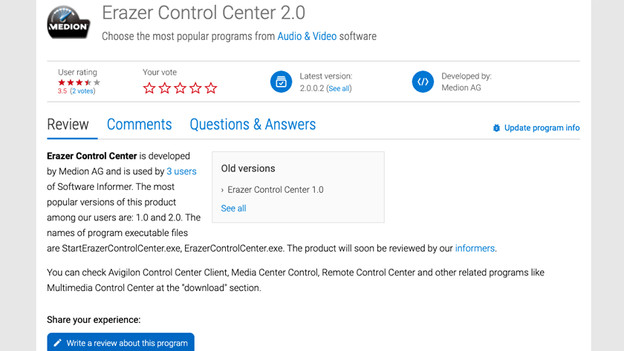
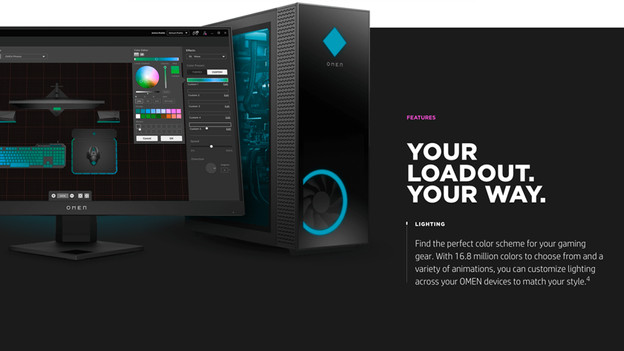
Go to the website of the manufacturer of your desktop to download the software. You can find it on the Support page. When you enter the serial number of your desktop, you can easily find all available software for your desktop. Are you looking for a specific application to manage your RGB lighting, for example? Download the Control Center that your manufacturer offers: HP: OMEN Gaming Hub Lenovo: Lenovo Vantage Acer: PredatorSense MSI: Dragon Center Medion: Erazer Control Center
HP OMEN Gaming Hub
Lenovo Vantage
Acer PredatorSense
MSI Dragon Center
Medion Erazer Control Center



Step 2: download the software
Choose the software you want and download the installation files from the website of the manufacturer. Some manufacturers offer a function that scans your system. That way, you know right away which software you need to download.
HP OMEN Gaming Hub
Lenovo Vantage
Acer PredatorSense
MSI Dragon Center
Medion Erazer Control Center


Step 3: install the software
Open the installation file and go through the steps to install the software. Do you have several files? Do this for all of the software. Restart your desktop once you've installed all of the software.
Article by Jelle
Desktop Expert.