
Written by Lodi
Edited on
16 November 2023
·
08:30
How do you do a good heart rate reading on your Fitbit?
There are different factors that affect a heart rate measurement with your Fitbit. An energetic workout, for example. Or the function can be turned off. In this article, you can read several tips that help you perform a good heart rate measurement on your Fitbit.

Get started with the heart rate monitor on your Fitbit
With the tips below, you prevent an incorrect heart rate reading. For example, relax your wrist, turn on the heart rate registration, and wear your Fitbit correctly. Do these tips not work? Reset the device.
- Tip 1. Relax your wrist
- Tip 2. Turn on heart rate registration on your Fitbit
- Tip 3. Wear your Fitbit correctly
- Tip 4. Reset your Fitbit
Have you tried everything, but doesn't the heart rate monitor work yet? Or is there a different problem with your Fitbit? Contact the Fitbit customer service. They van help you solve the problem.
Tip 1: relax your wrist
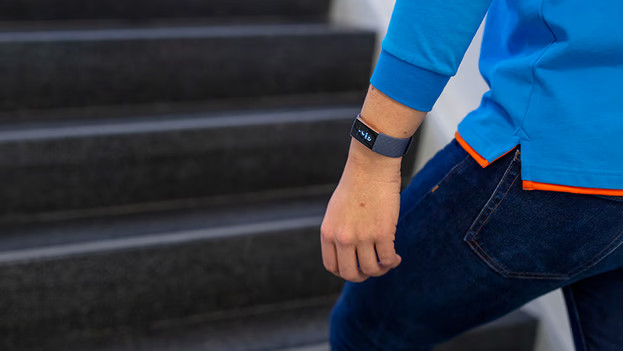
Don't see a heart rate or does the heart rate have a gray color on your Fitbit? That might be because of energetic movements you've made during an intense workout. In that case, the signal is too weak to perform a good measurement. Relax your wrist and stand still for up to 10 seconds. The heart rate reading should start up again automatically on the screen of your Fitbit.

Tip 2: turn on the heart rate registration on your Fitbit
Heart rate monitoring is enabled on your Fitbit by default. Is it disabled? That means your watch can't monitor your heart rate. You can easily enable this feature.
- Open the Settings app on your Fitbit.
- Tap Heart rate and choose Om. Your Fitbit can now monitor your heart rate.

Tip 3: wear your Fitbit correctly
The sensors of your Fitbit need to make proper contact with the top of your wrist. The Fitbit can't be too tight or too loose. Otherwise, the sensors don't make proper contact with your wrist. There needs to be enough space between the watch strap and your wrist, so your skin can breath. When you wear the watch the right way, your Fitbit can measure your heart rate most accurately.
Tip 4: reset your Fitbit
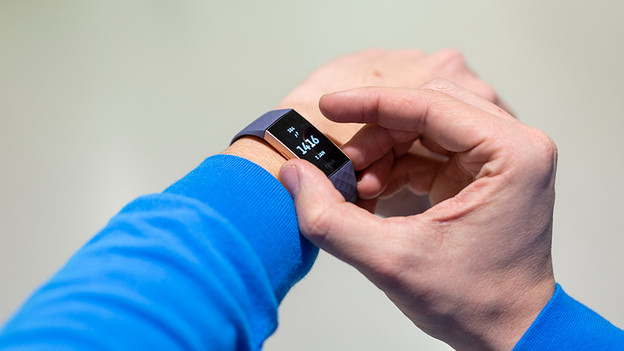
If nothing helps, reset your Fitbit. You can either perform a hard reset or a soft reset. Note: with a hard reset, you reset the watch to factory settings. In this article, you can read how to reset your Fitbit model.
Article by Lodi
Smartwatch Expert.

