Written by Prescious
Edited on
16 September 2024
·
14:25
How do you solve connection problems with your Pico controllers?
You bought the Pico VR headset and notice your controllers don't work properly or at all. This might be due to the calibration or the battery. In this article, we'll explain how you can reconnect and calibrate your controller or how to replace the battery.
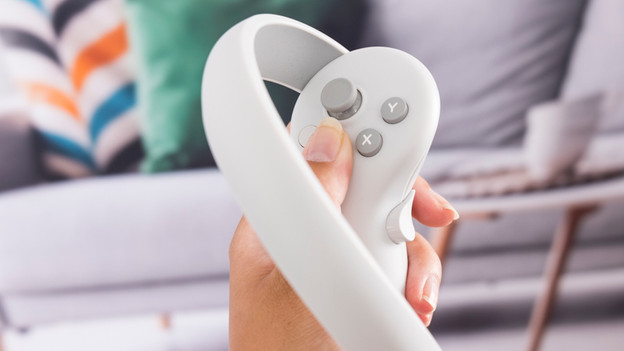
Controller doesn't work
Before you go through the following steps, make sure your controllers aren't in deep sleep mode. Press and hold the Pico button on your controllers. This'll reactivate your controller. Doesn't this work? Go to the next step.
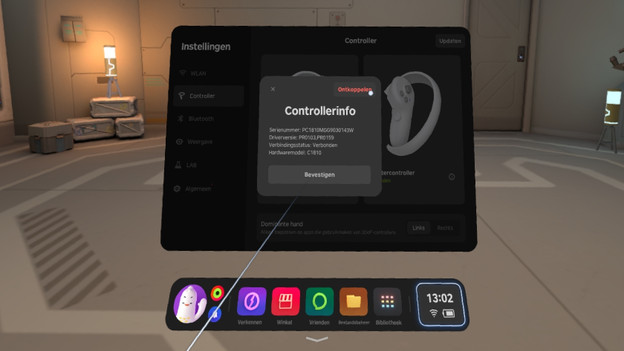
Disconnect your controllers
Do this step for each controller. That way, you'll always have a working controller. Disconnect your controller first:
- Turn on your headset and put it on your head.
- Go to 'Controller settings' at the bottom right of the menu.
- Click the controller for more information and click 'Disconnect controller' at the top right in the pop-up.
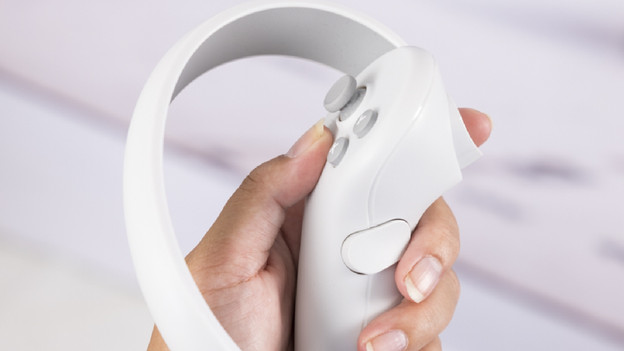
Reconnect your controllers
- Turn on the headset and put it on your head.
- Click the 'Quick settings' icon at the bottom right of the dock to go to 'Controller settings' via the 'Volume up' button on the right arm of the headband near your ear.
- Select one of the controllers displayed in the menu with the 'Volume up' button.
- Hover your cursor over the 'Connect' button and press the 'Volume up' button.
- Grab the controller and press and hold the 'Pico button' and 'Trigger' for up to 10 seconds to set up a connection.
Calibrate your controllers
The controllers have been calibrated by default. If you notice the tracking isn't good, you should go through the following steps:
- Grab your controller.
- Aim the controller forward horizontally.
- Press and hold the 'Home' button for more than 1 second.
Your controllers and field of view will be realigned.

Replace the battery
Didn't the other steps work? It's probably the battery.
- Slide open the battery compartment.
- Remove the battery and put a new one in.
- Close the battery compartment again.
Tip: get rechargeable batteries so you can charge the controllers when you don't use the Pico VR headset.