
Written by Marijn
Edited on
27 January 2025
·
13:10
How do you solve error codes on a Samsung microwave?
Does your Samsung microwave run into an error or display an error code? In this article, you can read what the most common error codes are and how to solve them.
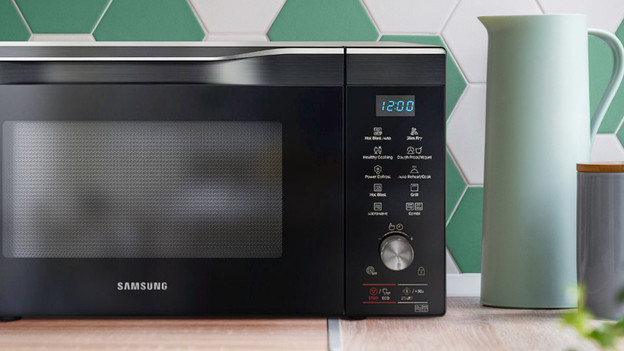
Summary error codes
In this article, you can read how to solve the error codes below:
- Error SE
- Error C-F2 / CdO
- Error E24 / C21
- Error C-10 / C-20 / C-F0 / C-F1
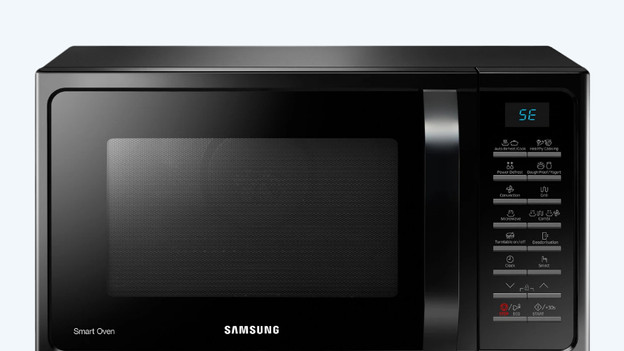
Error code SE
This error indicates that the start button is stuck halfway down. Push the button again, until it's released.
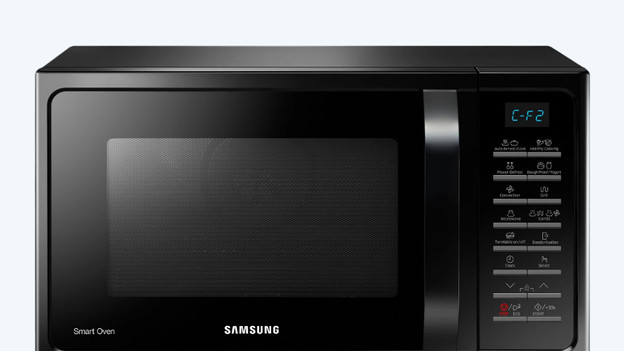
Error code C-F2 / CdO
With this error, the microwave has a communication error. Push the 'Stop/Cancel' button and pull the plug of the microwave out of the socket. Let the appliance cool down and restart your program.
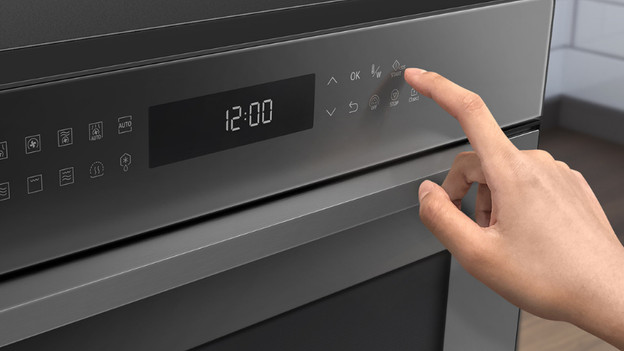
Error code E24 / C21
You'll see this error code when the temperature in the microwave is too high. Pull the plug out of the socket and let the microwave cool down. Turn the microwave back on once it's completely cooled down.

Error code C-10 / C-20 / C-F0 / C-F1
Do you see one of the error codes mentioned above on the display of your microwave? There's something wrong with the temperature sensor. Pull the plug out of the socket. Push the 'Stop/Cancel' button and start again. If the same thing happens, turn the microwave off for more than 30 seconds and restart it.
Article by Marijn
Microwave Expert.

