
Written by Lodi
Edited on
19 June 2023
·
10:58
How do you solve problems setting up your Fitbit?
You just received the new Fitbit, but you can't get it set up. There may be different reasons for this problem. In this article, we'll discuss 3 ways to solve these problems.
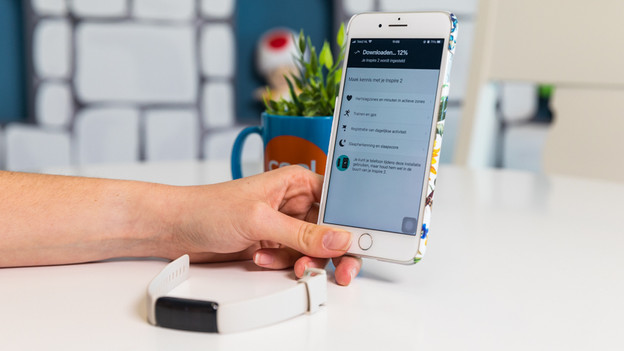
Get started with solving your Fitbit problems
Read some tips below to solve the setup problem with your Fitbit. Make sure your Fitbit is connected to the charger when you go through these steps.
Can't pair your Fitbit? Or is there a different problem with your Fitbit? Contact the Fitbit customer service. They'll help you solve the problem.
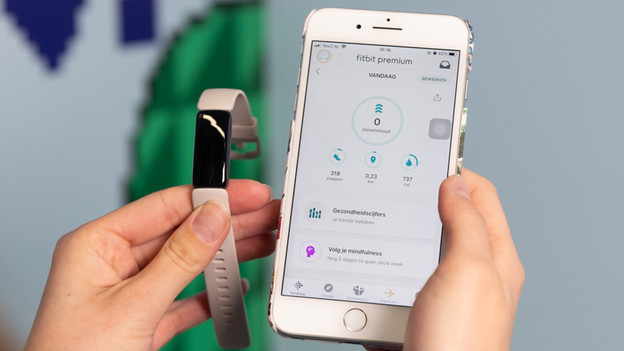
Check this before you star
- Follow the installation instructions for your Fitbit in the Fitbit app on your smartphone or tablet.
- Update the software of your smartphone or tablet. You do this via the settings of your smartphone or tablet.
- Turn on Bluetooth on your smartphone or tablet. You can also do this via the settings of your smartphone or tablet.
If you have an Android smartphone, check the following things as well:
- Check whether the Fitbit app supports your smartphone.
- Check whether the energy saving mode of your smartphone is turned off.
- Check if your location is enabled and if the Fitbit app has access to your location.
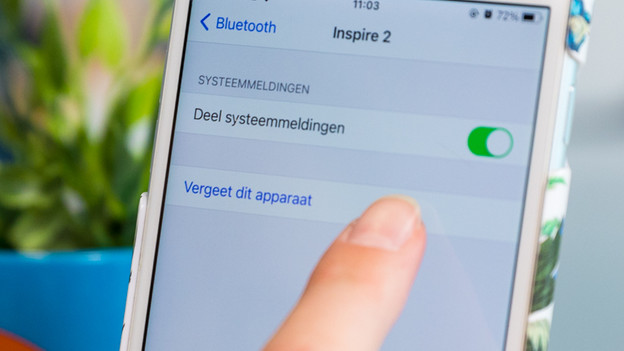
Solve the problem
You can solve setup problems with the steps below. Try to set up your Fitbit again after each step. Doesn't it work? Continue to the next step.
- Turn off Bluetooth, wait for 10 seconds, and turn it back on.
- Turn off your Fitbit and restart it.
- Restart your smartphone or tablet.
- Still not able to set up your Fitbit? Remove all Fitbit devices from your Fitbit account. Make sure to also delete all Fitbit Bluetooth devices on your smartphone or tablet.
- Still nog working? Remove the Fitbit app and reinstall it to your smartphone or tablet.
- Didn't this help? Reset your Fitbit. Read the article below to find out how to do this.
- Aren't you still able to set up your Fitbit? Contact the Fitbit customer service. They'll help you solve the problem.
Article by Lodi
Smartwatch Expert.

