
Written by Lodi
Edited on
26 May 2023
·
15:02
How do you solve WiFi problems on your Fitbit?
Doesn't your Fitbit connect to the internet? In that case, there are a lot of functions that don't work or don't work properly. Luckily, you can someitmes easily solve WiFi problems with your Fitbit yourself. We'll tell you how to fix issues with your WiFi in 4 steps in this article.
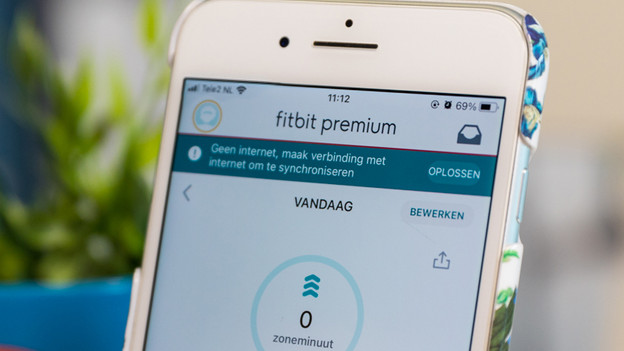
Get started with setting up WiFi on your Fitbit
You can solve WiFi problems on your Fitbit in 4 steps:
- Step 1: check if your WiFi network works
- Step 2: charge your Fitbit and keep it within WiFi reach
- Step 3: remove your smartwatch from the Bluetooth settings
- Step 4: reset your Fitbit
Did you reset your Fitbit and does it still not work? Or does your Fitbit have a black screen? Contact the Fitbit customer service. They'll help you further to solve the problem.
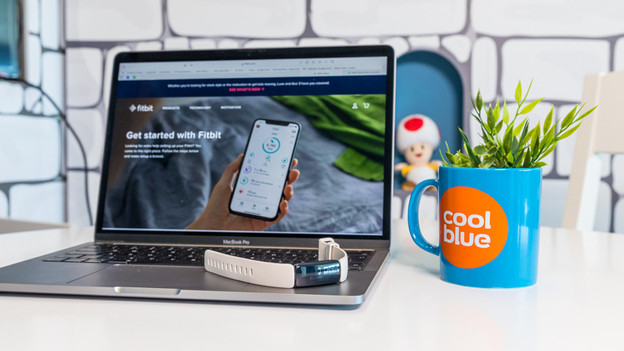
Step 1: check if your WiFi works
First, check if your WiFi network isn't the problem.
- Connect a different device to your WiFi network, such as your smartphone or laptop.
- Open the internet browser on your smartphone or laptop and browse different websites.
- Don't have any internet on your smartphone or laptop? Solve the problems with your WiFi network first.
- Do you have internet on your smartphone or laptop? Go to step 2.
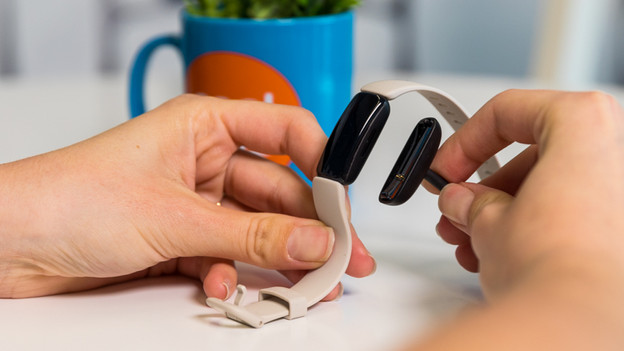
Step 2: charge your Fitbit
Is the battery level of your Fitbit is below 25%? The WiFi won't work on your smartwatch. That's why you should fully charge your Fitbit before you continue with the next steps.
Make sure your Fitbit is near your WiFi network. The closer you hold your Fitbit to the router, the more likely you are to get a strong connection.
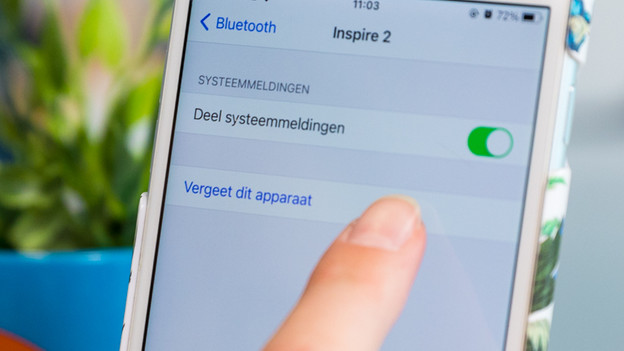
Step 3: reconnect your Fitbit
Sometimes, it helps to remove your smartwatch from the list of Bluetooth devices on your smartphone.
- Go to Settings on your smartphone and then to Bluetooth settings.
- Tap your Fitbit in the list of Bluetooth devices and tap Forget this device.
- Restart your Fitbit by pressing and holding the buttons until you see the Fitbit logo on the screen.
- Now open the Fitbit app on your smartphone and reconnect your Fitbit. Your Fitbit now connects to the WiFi network of your smartphone.
- Keep your Fitbit closer to your WiFi network if your network doesn't appear in the list but other WiFi networks do.
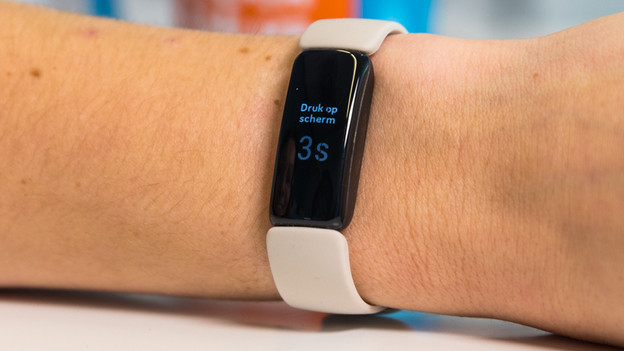
Step 4: reset your Fitbit
Still can't connect your Fitbit to the internet? Sometimes, it helps to reset your Fitbit. Did you reset your Fitbit and does it still not work? Contact the Fitbit customer service. They'll help you further.
Article by Lodi
Smartwatch Expert.

