
Written by Lucinda
Edited on
12 July 2024
·
15:23
The camera of the Apple iPhone 11 Pro
The video clip of the song 'Lose You To Love Me' by Selena Gomez was entirely recorded with the camera of the Apple iPhone 11 Pro. That shows how good the lenses of the latest Apple flagship device. But what are the functions of the camera and what can you do with it? In this article, I'll tell you everything you need to know about the camera of the Apple iPhone 11 Pro.

Triple camera
The iPhone 11 Pro is the first iPhone with 3 cameras on the back. The device has a telephoto lens, a wide-angle lens, and an ultrawide-angle lens. This way, you'll have a suitable lens for any situation. For example, the ultrawide-angle lens allows to to fit 4 times as much in the frame than a standard lens. With the camera at the front, I can take 12-megapixel photos, compared to the 7 megapixels of the iPhone Xs, its predecessor. As a result, the quality of selfies improved a lot and I can see more details. In addition, this camera allows me to make slow-motion videos and the image is wider than before.
Functions of the cameras
| Deep Fusion | Smart HDR | Night mode | |
|---|---|---|---|
| Ultrawide-angle lens | No | Yes | No |
| Wide-angle lens | In less bright light | In bright light | In low light |
| Telephoto lens | Often | In bright light | In low light |

Night mode
We had to wait for a bit, but the iPhone 11 Pro allows us to use night mode. This way, the photos you take in the dark are brighter and the colors look better. This night mode is enabled by default and the iPhone 11 Pro will switch automatically when the camera detects low light. Do you want to turn off night mode? You can do that by sliding the night mode icon to 'off'.
Ultrawide-angle lens: 4 time more in frame
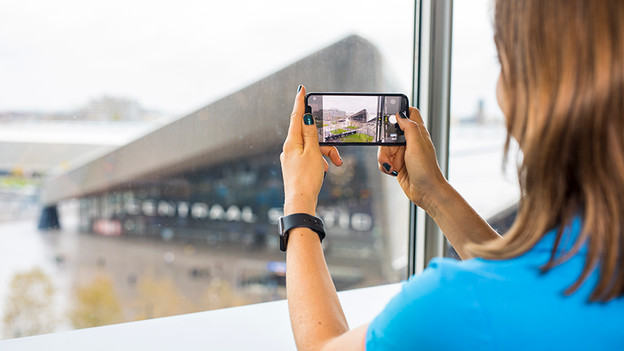
With the iPhone 11 Pro, you can easily switch between the telephoto lens and the ultrawide-angle lens. This way, you can zoom in like a 4x optical zoom. I notice that when I leave the office to test it out in Rotterdam. As an example, I took photos of Rotterdam Central Station with the 3 different lenses.
Ultrawide-angle lens
Wide-angle lens
Telephoto lens


Deep fusion
The camera of the iPhone 11 Pro also has Deep Fusion, another new technique. This technique makes sure each pixel in your photo is sharp. Before you tap the capture button to take a photo, the iPhone 11 Pro has already made 4 brief extra photos. As soon as you tap the button on your screen, the iPhone takes a photo with longer exposure. Deep Fusion analyzes all 24 million pixels in the photos and finds the best version of each pixel. Thanks to Deep Fusion, you'll have less noise and sharper details in your photos.
Article by Lucinda
Apple Expert.

