
Written by Lena
Edited on
25 June 2026
·
13:40
What advantages do the MyFRITZ!App and the FRITZ!App WLAN offer you?
To get the most out of the FRITZ!Box, use the free MyFRITZ!App and FRITZ!App WLAN. They help you achieve optimal distribution of your WLAN and in controlling your Smart Home remotely. Together with the MyFRITZ!App, you use your FRITZ! Router even as a personal cloud. We tell you what you use the two apps for.
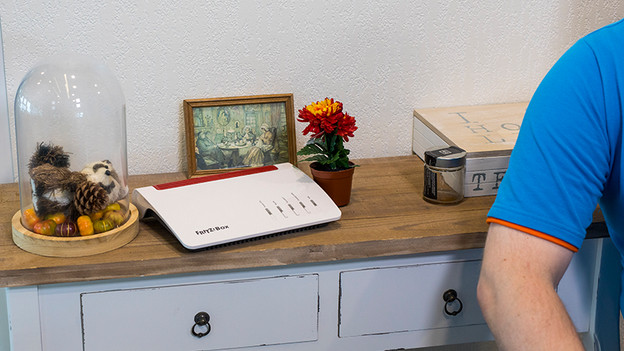
Easy setup
All beginnings are difficult. Not when it comes to setting up your smart home with FRITZ! goes.
- Connect the smartphone to the WLAN network of the FRITZ!Box.
- Download the MyFRITZ!App.
- Start the app and enter the router's password in the app. Done!
If that's not enough for you, you can connect another router to the app by clicking on the gear icon and Add another FRITZ!Box.
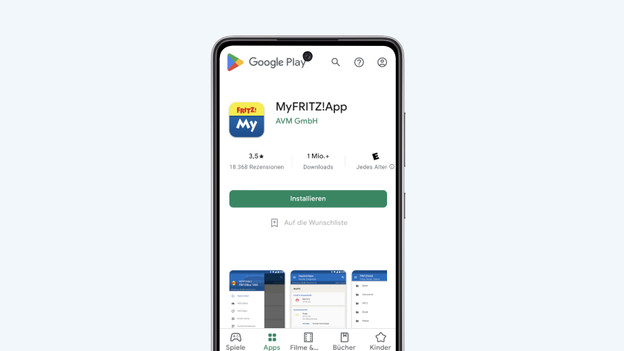
Control your smart home with MyFRITZ!App
Download the free MyFRITZ!App onto your Android mobile phone or Apple iPhone to stay in touch with the FRITZ!Box and your landline network in real time. You'll be notified of missed calls to your landline number, can listen to messages on the answering machine, or set a call diversion. You can use the app to control electronic devices via the FRITZ!DECT 200 smart plugs. You can also use the MyFRITZ!App from anywhere to access photos, videos, or music on the internal storage of your FRITZ!Box or its USB storage device.
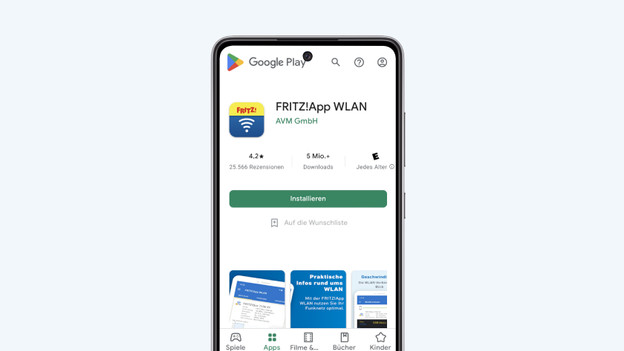
Monitor and optimize your WLAN with FRITZ!App WLAN
You can download the FRITZ!App WLAN onto your smartphone free of charge. You can monitor your WiFi in the app. For example, look at the current transmission rate to know how fast your internet is at the moment. Do you have a new laptop? The app will help you connect to the network. This is also practical for your guests. Instead of a 10-digit code, you simply send them a QR code for your guest WiFi. When searching for the best position for your repeater, the app gives you feedback on whether you could place it better.
