Written by Job
Edited on
12 February 2026
·
13:51
What AI functions does NVIDIA Studio have?
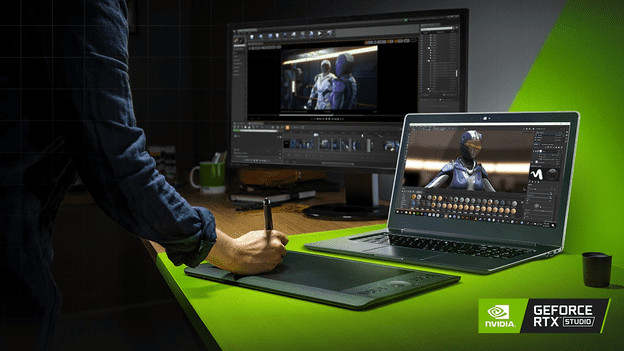
With NVIDIA Studio, you can edit photos and videos with the help of AI functions. That way, AI Super Resolution images without losing image quality. With AI Frame rate Boost, you can enhance old videos to at least 60 fps. In this article, we'll explain what the most important NVIDIA Studio AI functions are and how you can use these.
Which AI functions do you use for photo editing?
When you work a lot in Adobe Photoshop or Lightroom, you have a number of AI functions that make your work easier. For example, you can use AI Neural Filters in Photoshop to adjust colors and smoothen details automatically. These functions work up to 10 times faster than when you adjust them manually. With AI Object Removal, you can remove details from your photos that you don't want to keep automatically. AI Selection and Masks select the right masks and lenses automatically for your photos. That way, you can work between 5 to 10 times faster with these functions.
Which AI functions do you use for video editing?
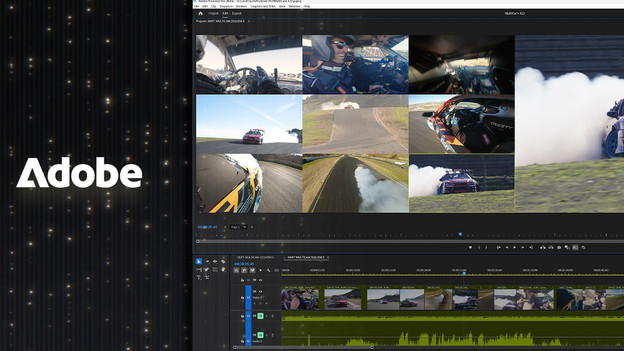
Auto Reframe is a useful function for video editing. With it, the AI cores recognize the subject and adjust them automatically to the screen size. As a result, you have the right screen size for every social media platform. Auto Reframe works 5 times faster than when you crop photos manually. AI Video Enhancement, Color Matching, and Auto Grading also helps with video editing. Video Enhancement increases the frame rate of your videos and reduces blurry images. With Color Matching and Auto Grading, you can adjust all the lighting, shadows, and color balances automatically thanks to AI. That way, you always have a beautiful, complete result.
Which AI functions do you use in 3D editing?
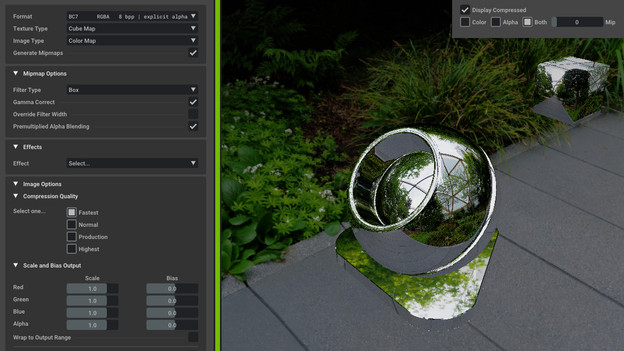
Studio AI functions also have with 3D editing. In programs like NVIDIA Omniverse and Blender, you can use Render Denoising, for example. This function makes faster renders, which is useful if you want a fast preview. They look finished, but are actually a light version the final result. Another function is AI Texture Generation. That way, the AI generates the right materials for your design based on the prompt. As a result, you have all basic elements within a few minutes, while this would normally cost you hours of searching.
What other AI functions does NVIDIA Studio have?
NVIDIA Studio also has AI functions besides image editing. NVIDIA Broadcast provides all functions that are necessary for streaming. In addition, the AI suppresses noise and you're clearly visible thanks to the autofocus. Broadcast also works together with the encoder on your NVIDIA video card. This decreases the amount of work and stress on your processor, so you're less bothered by slowing down. You can't use NVIDIA Broadcast during streaming or video calls. This is due to the support in Zoom, Microsoft Teams, and Discord.