TP-Link Tapo security cameras
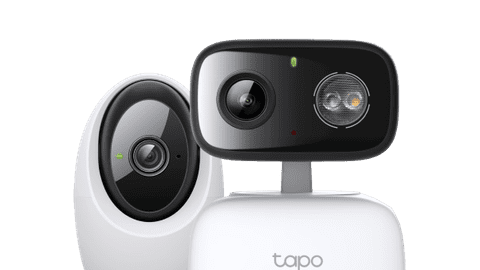
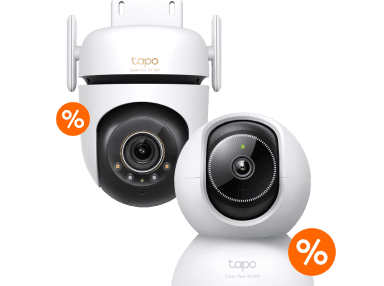


Compare the TP-Link Tapo PTZ cameras
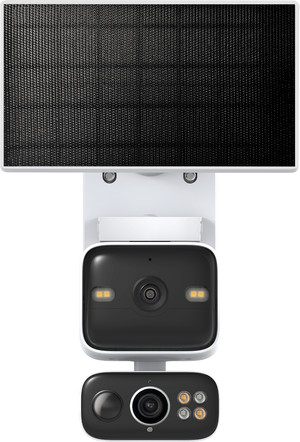
2K camera with 2 built-in lenses and solar panel
Thanks to the solar panel, you can charge the battery of the camera sustainably with solar power.
You can maintain an overview of the entire space thanks to the wide-angle lens, while the pant tilt zoom (PTZ) lens moves.
The PTZ lens rotates fully and automatically follows movements.
You can store the footage on an SD card, without an extra subscription.
From
to€ 80,90
€ 159,90
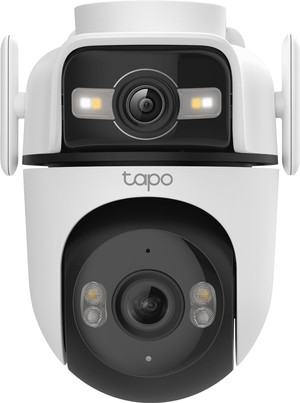
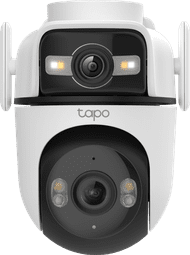
2K camera with 2 built-in lenses
You can maintain an overview of the entire space thanks to the wide-angle lens, while the pant tilt zoom (PTZ) lens moves.
The PTZ lens rotates fully and automatically follows movements.
You can store the footage on an SD card, without an extra subscription.
From
to€ 103,99
€ 397,90
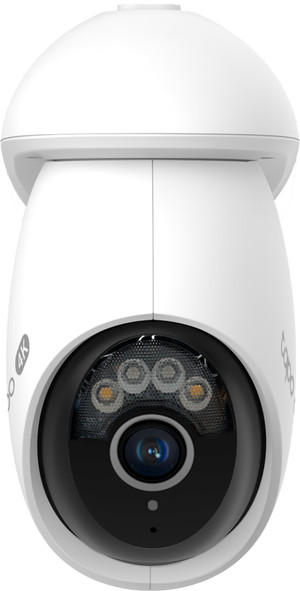
4K camera with 1 lens
The camera rotates fully and automatically follows movements.
You can store the footage on an SD card, without an extra subscription.
From
to€ 84,90
€ 340,90
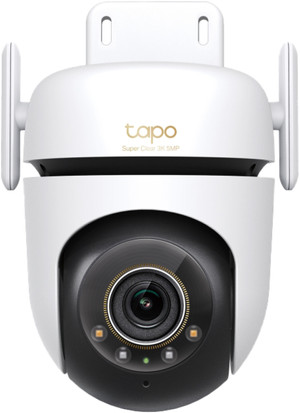
3K camera with 1 lens
You can store the footage on an SD card, without an extra subscription.
From
to€ 59,-
€ 342,90
Wired or wireless?
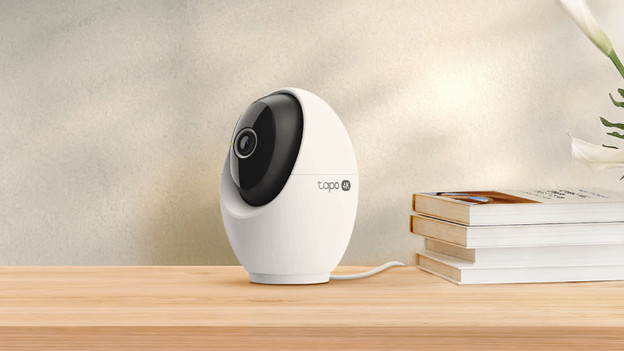
You choose a Tapo IP camera with a plug, battery, or wired connection. Each type of camera has pros and cons. For example, a camera with a plug always has power, but you do need a power outlet nearby. A wired camera also never runs out of battery. Installation is more difficult because you have to work with wired connections, but you don't have to run any cables. A battery-powered camera is easy to place anywhere, but you do need to charge it occasionally.
View this Tapo IP camera as well
Don't miss a single event
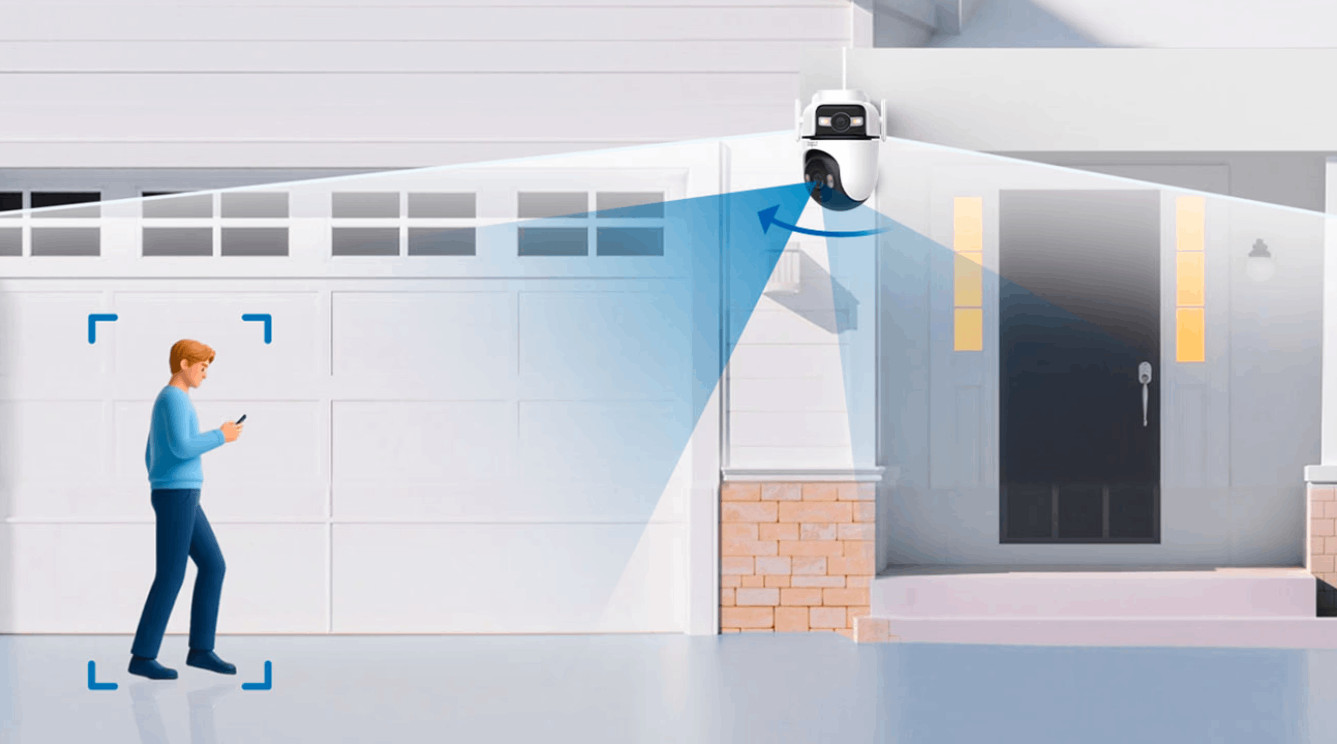
Thanks to the 2 built-in lenses, you can keep an overview of your garden and zoom in on events. The pan tilt zoom (PTZ) lens automatically follows movements, so you record every event.

How does the TP-Link Tapo app work?
Via the TP-Link Tapo app, you can control all your smart Tapo devices from 1 spot. You can watch footage of your doorbell and IP cameras or set schedules for your smart plug here. The app also sends you notifications. For example, if your IP camera or doorbell recognizes movement. This allows you to switch to the footage right away. You can also watch recorded footage in the app.
FAQ
Do I need a subscription for my Tapo IP camera?
You don't need a paid subscription to use the Tapo IP cameras. You can store recorded footage on a microSD card. This often isn't included. Rather want to store the footage in the cloud? You can take out a Tapo Care subscription and pay a fixed amount per month.
Do I always need internet?
Yes, Tapo IP cameras don't work without internet. So always make sure that you have a stable WiFi signal at the spot where you place the camera. In the article below, you can read how you enhance your WiFi signal.
How do I install a Tapo IP camera?
For the installation of a Tapo IP camera, you need the Tapo app. That way, you can add your device. The app then guides you through the installation step by step. You can then choose which notifications you want to receive and how often the camera records via the settings. For the installation of a Tapo IP camera, you need the Tapo app. That way, you can add your device. The app then guides you through the installation step by step. You can then choose which notifications you want to receive and how often the camera records via the settings.
Can I view the images at multiple phones or tablets at the same time?
Via the app, you can share your devices with others. To do this, tap 'me' and then 'Device Sharing'. You can see your own devices here and the devices that others share with you. Choose the camera that you want to share at 'My Devices'. Note that the people who you share the camera with also have to have a TP-Link app and an account.
With which smart assistant does my TP-Link Tapo IP camera work?
The Tapo IP cameras work with Google Assistant and Amazon Alexa. This way, they work together with your other smart devices.

