Monitors
All monitors
All promotions for monitors
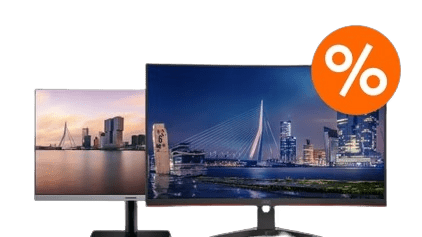
Monitors depending on the usage situation
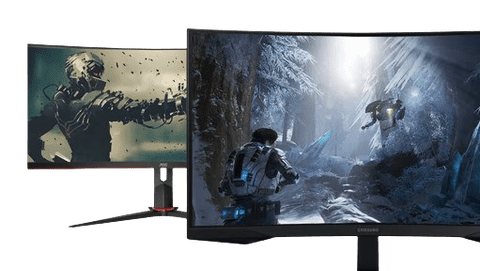
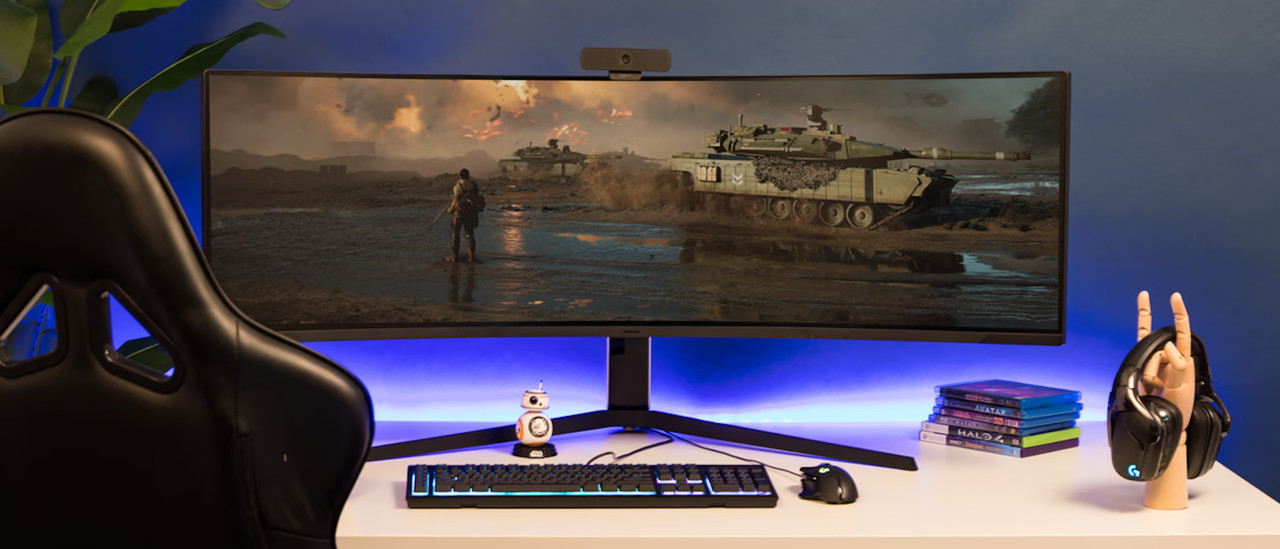
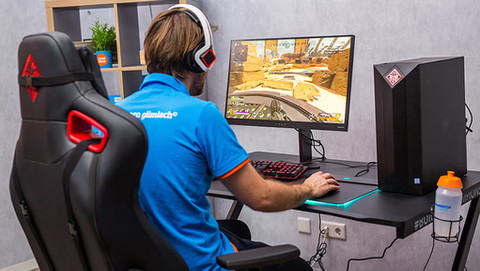
Gaming monitors
With a high refresh rate and low response time, you can fight your way to victory with smooth image reproduction and enjoy gameplay without delay.Business monitors
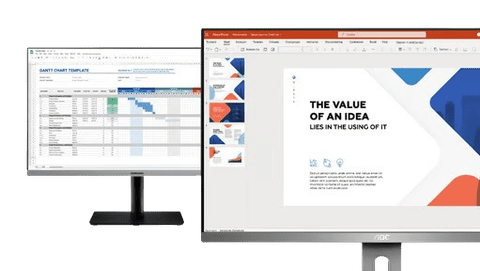
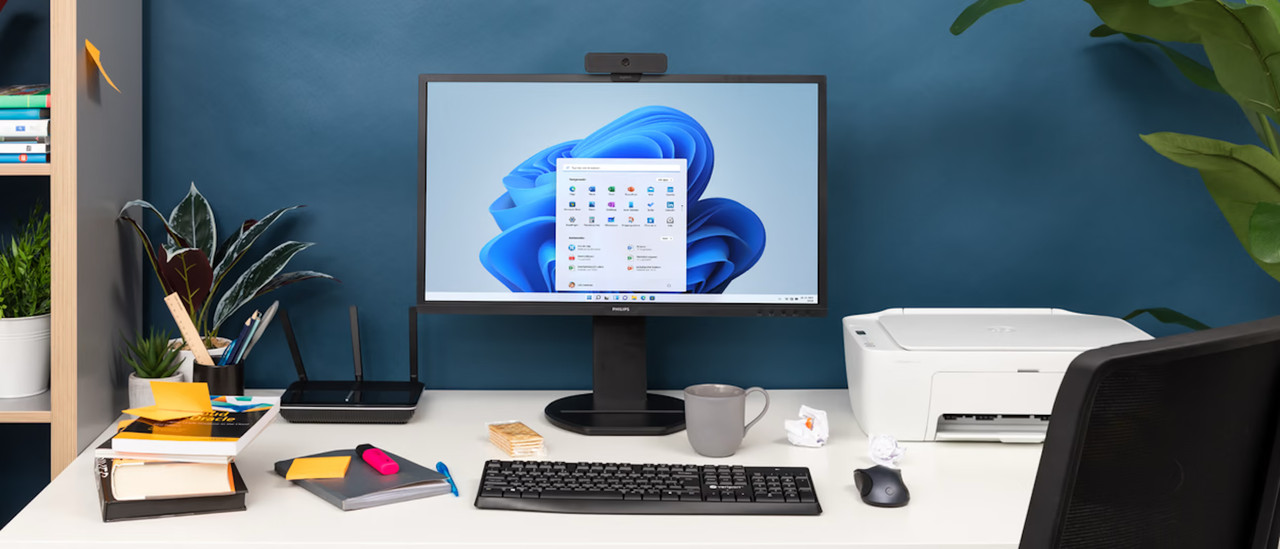
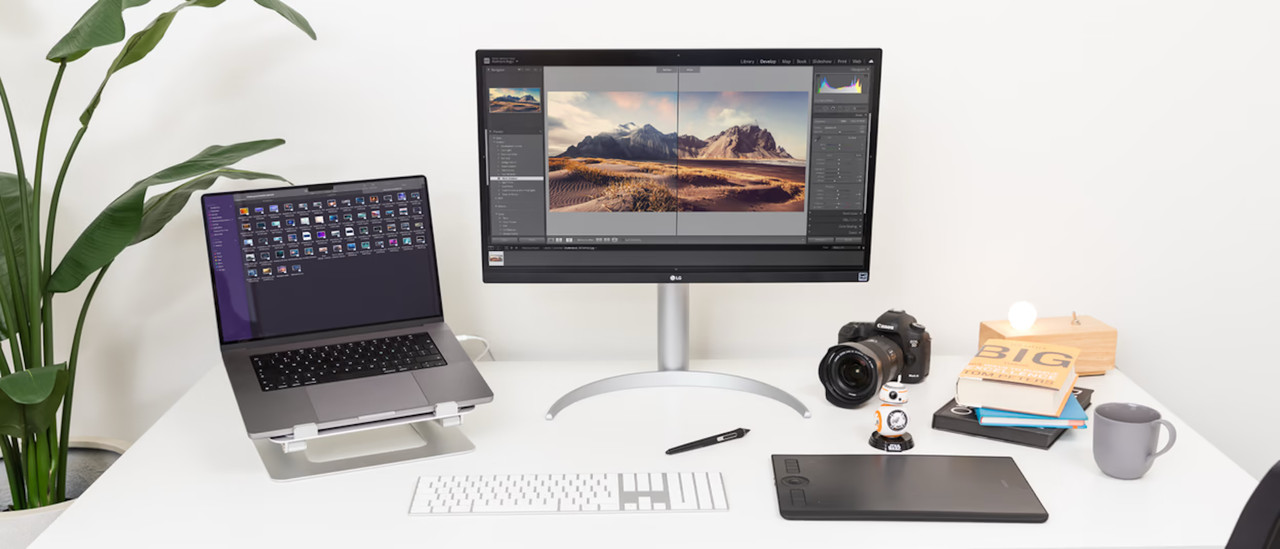
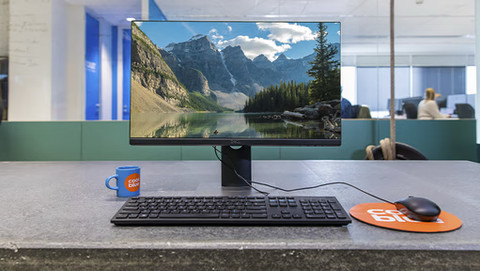
Work smoothly in Office programs and perform administrative tasks with a business monitor. These monitors are also suitable for your studies.Monitors for photo and video editing
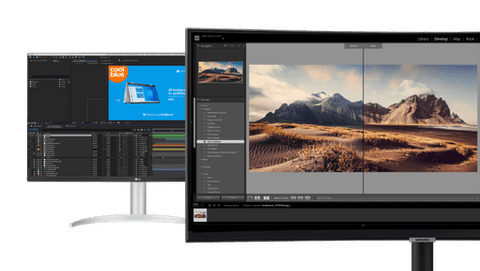
With an accurate color representation and high sharpness, you can edit your photos and videos at a professional level.Portable monitors
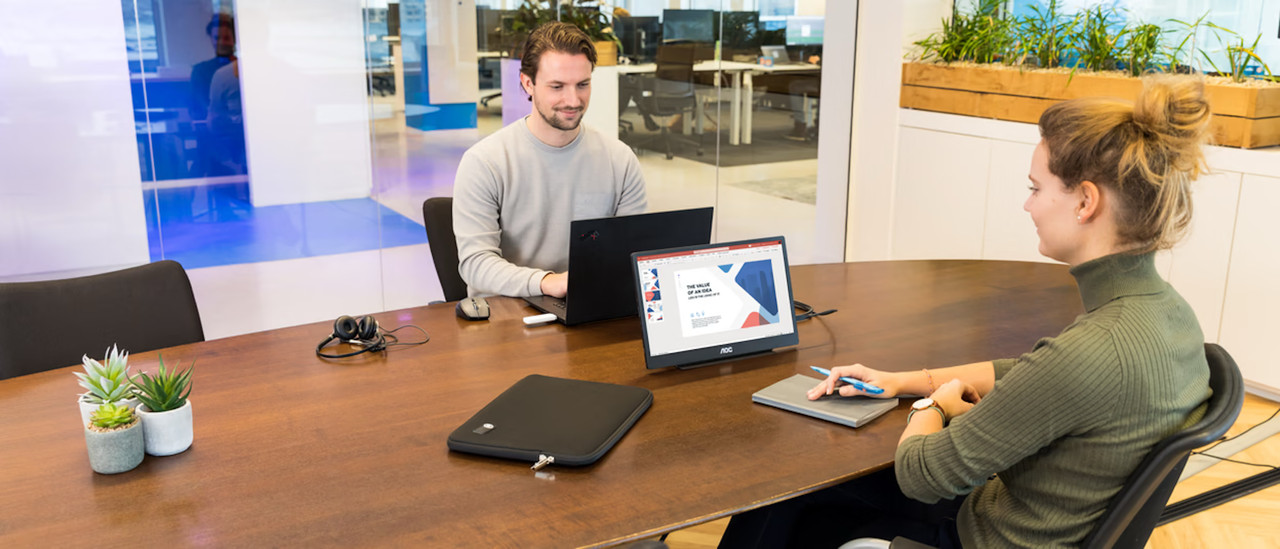
Take your portable monitor with you to for example the office, thanks to its convenient size. This allows you to continue working while on the go.

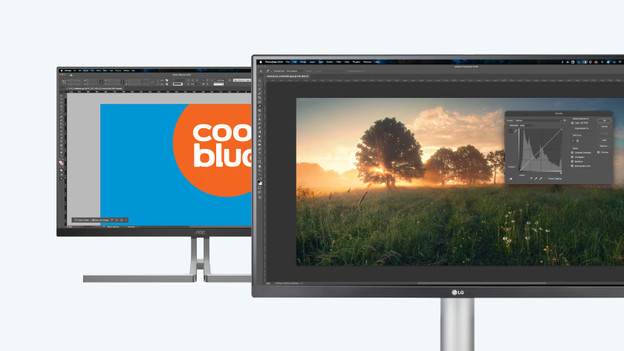
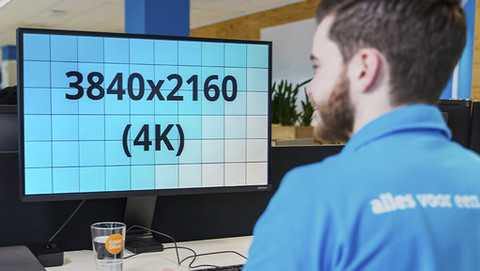
4K monitors
Enjoy sharp images and edit photos and videos in great detail. When you zoom in, it doesn't affect the quality of your photos or videos.
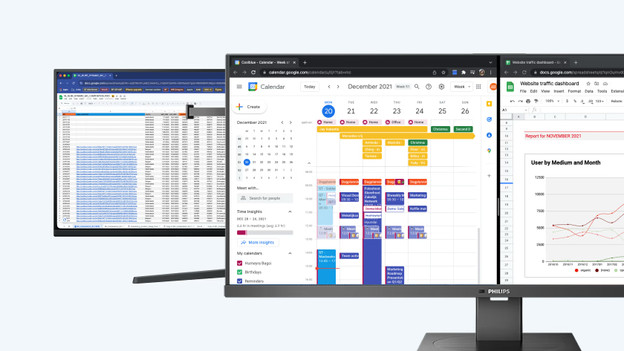
Ultrawide monitors
Thanks to the large screen size, you can keep a better overview of your work. You can open multiple windows or tabs side by side.
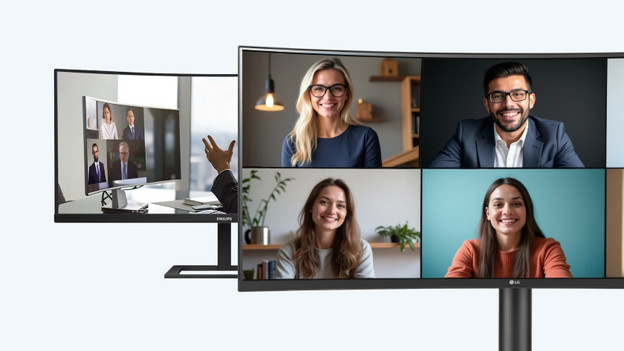
Curved monitors
Thanks to the curved monitor, you're fully immersed in your favorite movie or series. You don't have to turn your head as much, so you're less likely to get a sore neck.
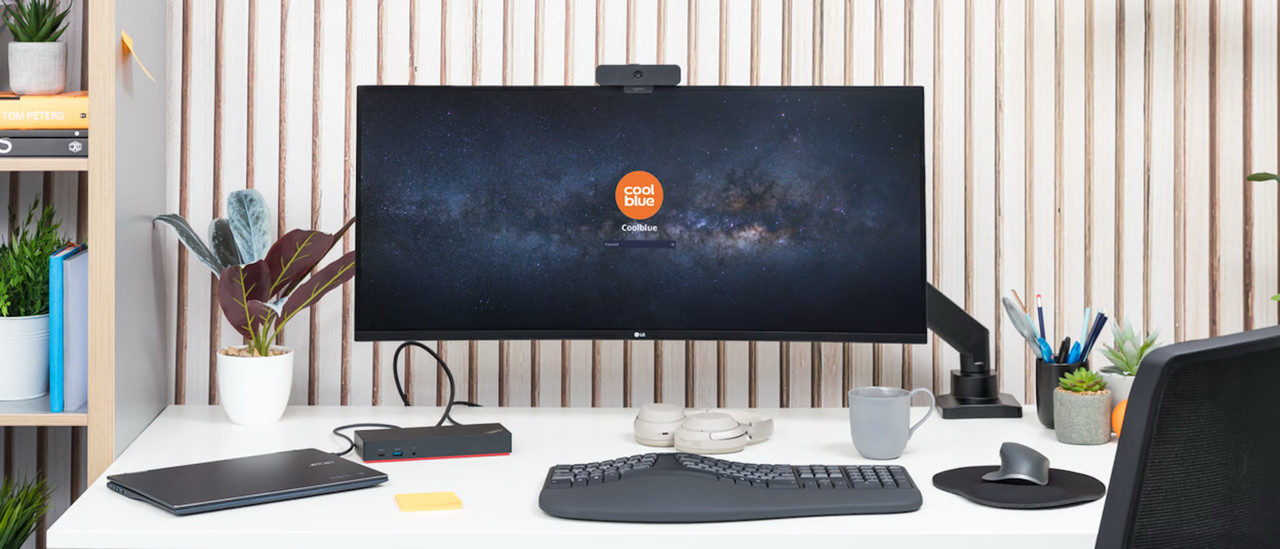
See here which setup best suits your user situation.






Frequently asked questions
Which connectors does my monitor need?
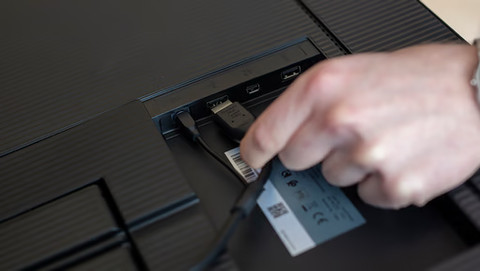
This depends on your usage situation. HDMI is suitable for all uses. For gaming and image editing, DisplayPort is more suitable thanks to the higher bandwidth. With a USB-C connector, you can organize your desk in one go and charge your external device as well.
Which monitor size is suitable for my usage situation?
Your usage situation is important to determine the right size. 24 and 27-inch monitors are suitable for every situation. For photo and video editing, a 34-inch ultrawide screen is more suitable. You should also keep the size of your desk in mind.
Which specifications should I keep in mind when I choose a computer screen?
This differs from person to person, but you should mainly consider these 4 specifications: screen size, resolution, display type, and refresh rate. We're happy to help you in the following article.
How do I choose the best monitor for my gaming monitor?
IPS provides the best image quality, but has a low refresh rate. TN offers the highest refresh rate, but everything looks matte. VA is a good middle ground, but it has a higher response time.
Which advantages does a setup with 2 monitors have?
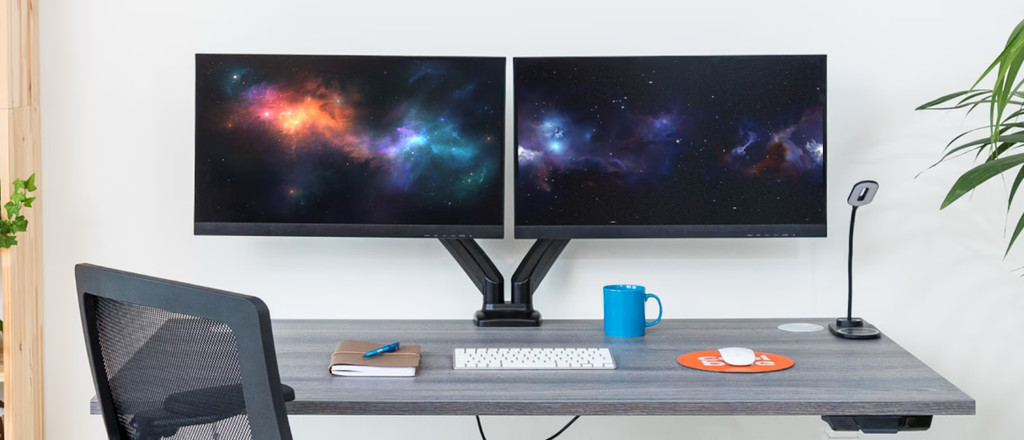
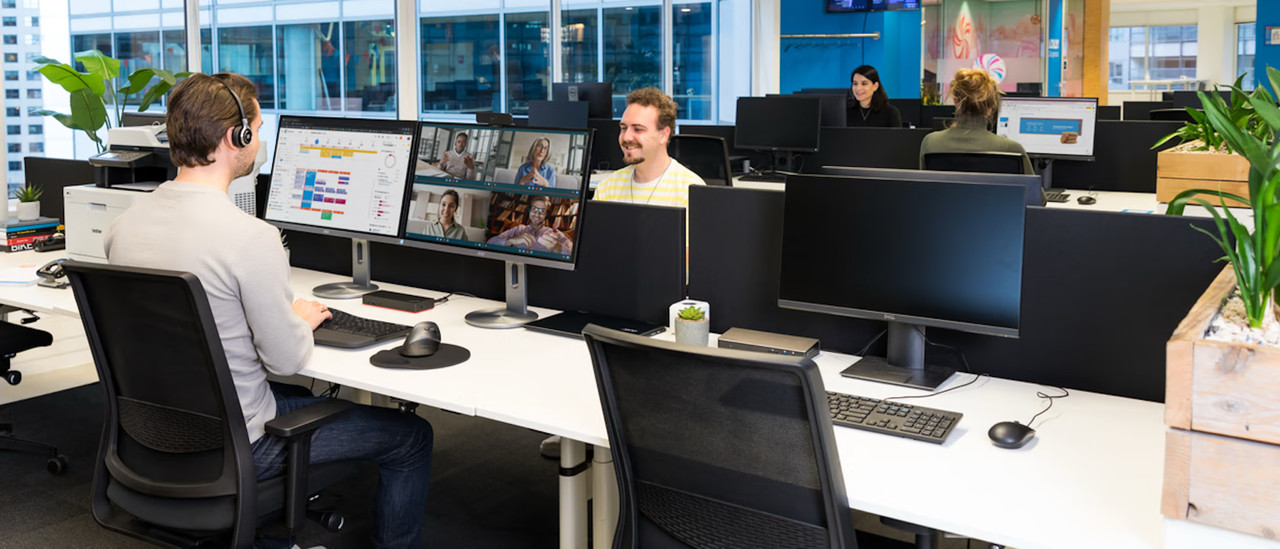
Using 2 monitors side by side has a couple of advantages. Thanks to a second screen, you have extra screen space for your browser, spreadsheets, or photo and video editing at home and at the office.

Our stores in Germany
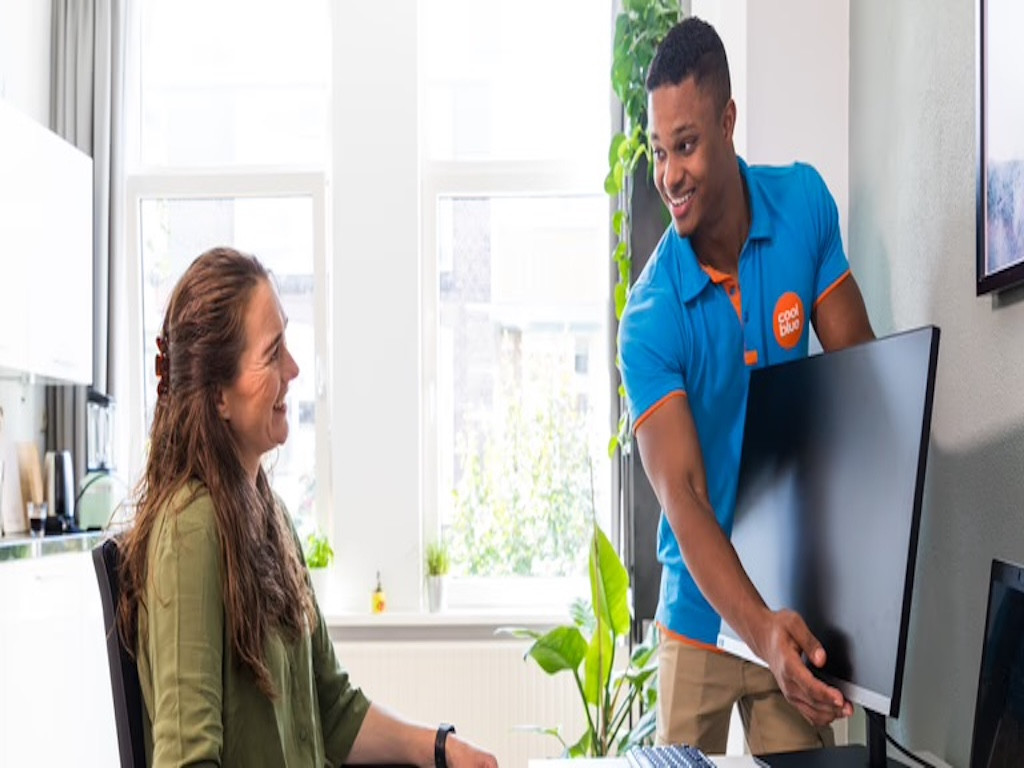
Our stores in Dusseldorf, Essen, Dortmund, Frankfurt am Main, Hannover, Münster, and Hamburg are open. In addition to 1000 different products, you can also find some of our best monitor in the showroom. That way, you can experience them in person and get advice from our experts.

Customer review
At Coolblue, we do anything for a smile and make sure you get the best monitor for you. Be convinced by the good ratings from other happy customers on Trustpilot.
