anything for a smile
5 stars
5
4 stars
3
3 stars
0
2 stars
0
1 star
0
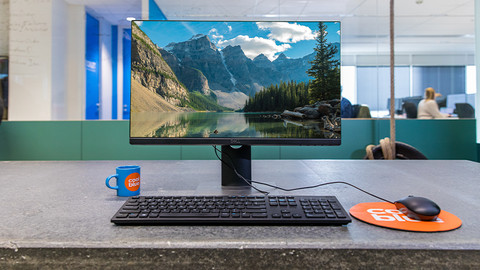
With the Lenovo ThinkVision T24-40 monitor, I work comfortably on my daily tasks at the office or at home. Thanks to the many connections, I can connect various peripherals to the monitor. The screen has a high refresh rate. This allows me to scroll smoothly through long PDFs or read a lot of code at a glance. Due to the low brightness, I see the screen less clearly when sunlight shines on it, but thanks to the IPS panel, the colors remain sharp from every angle.
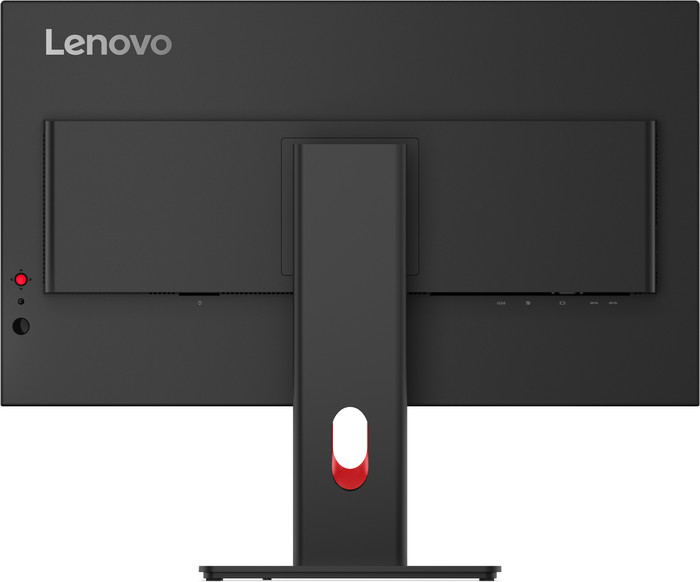
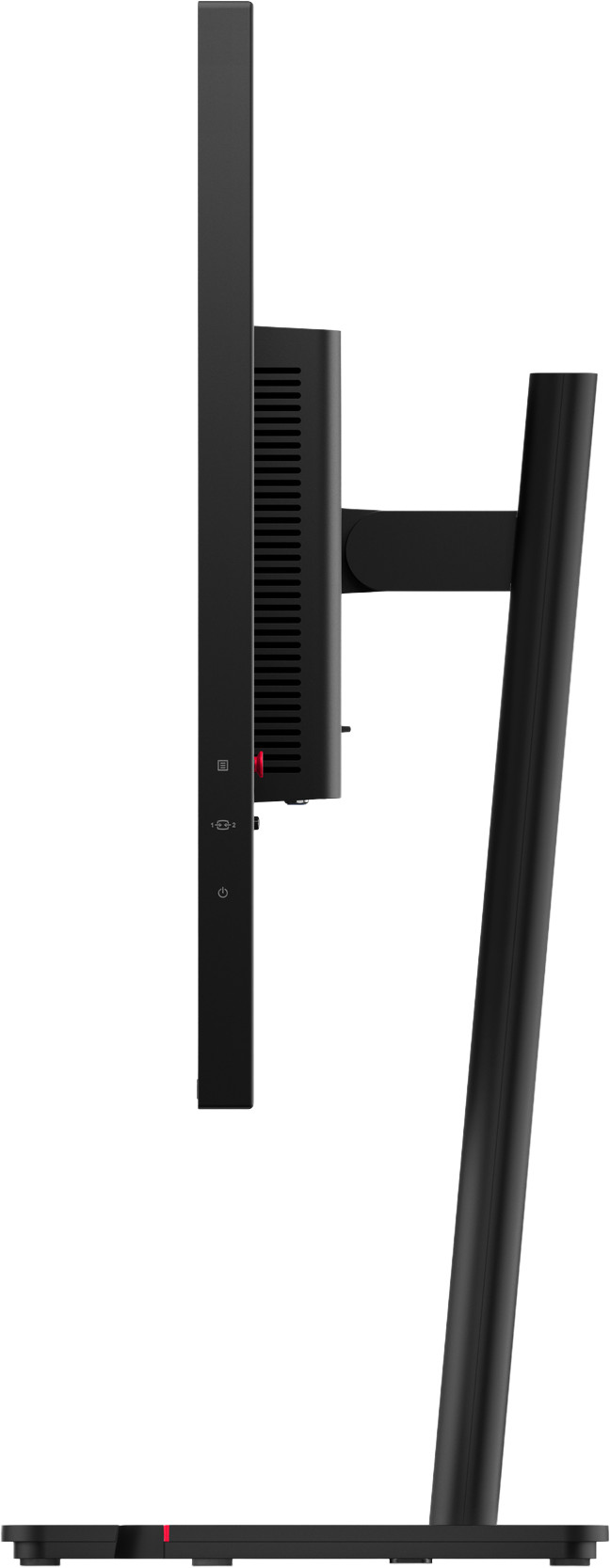
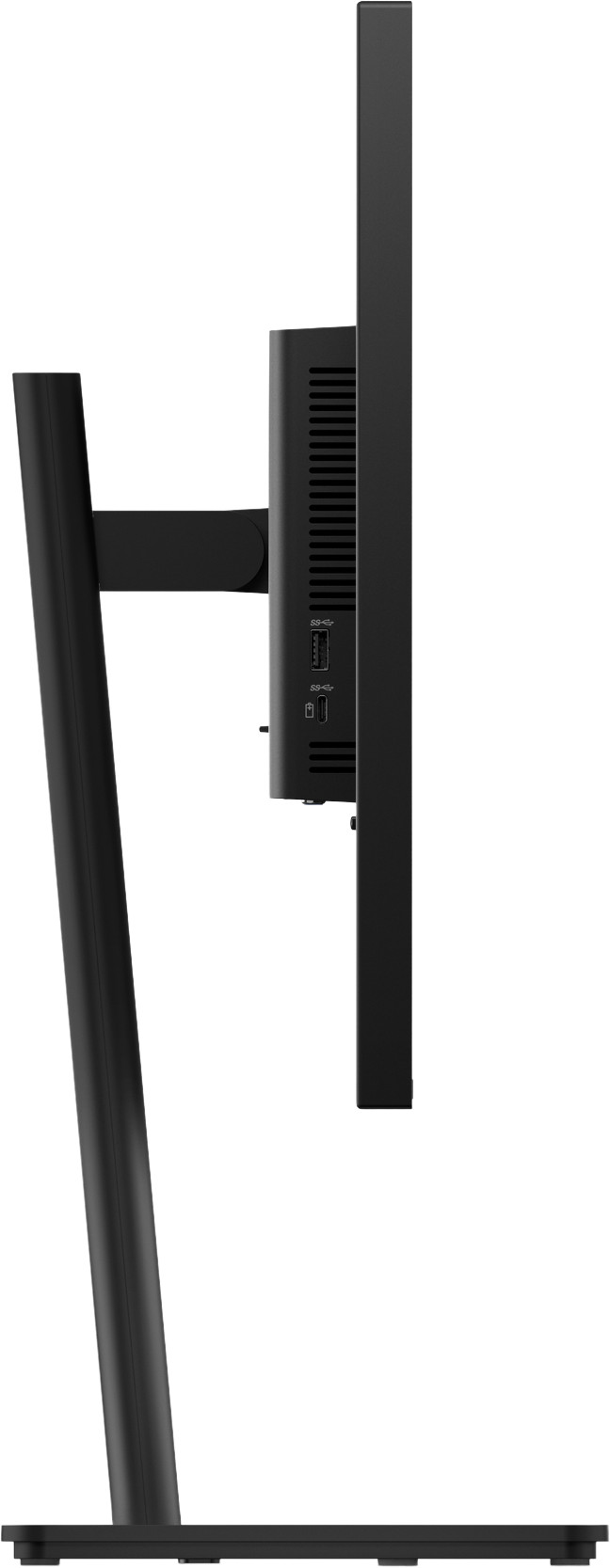
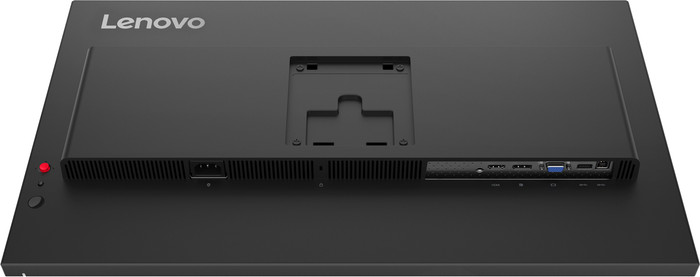
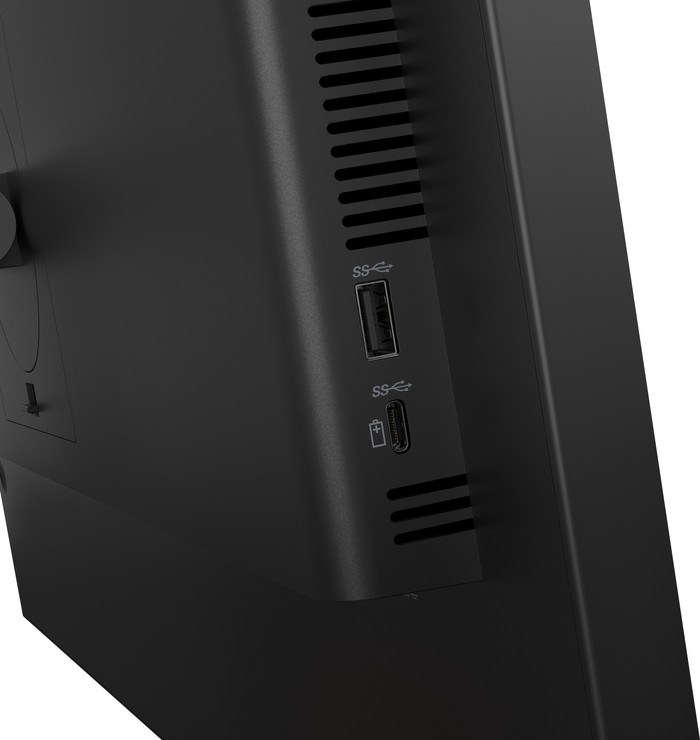
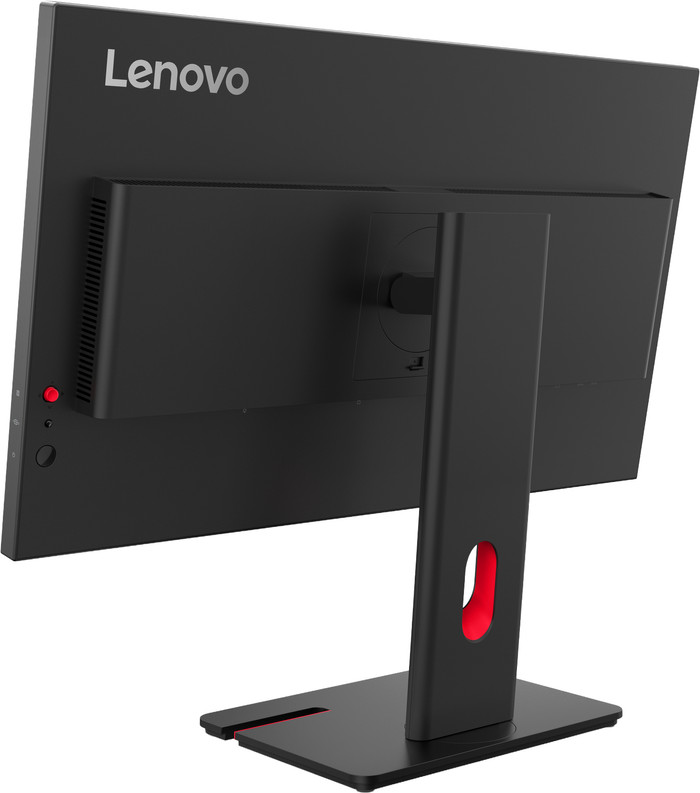
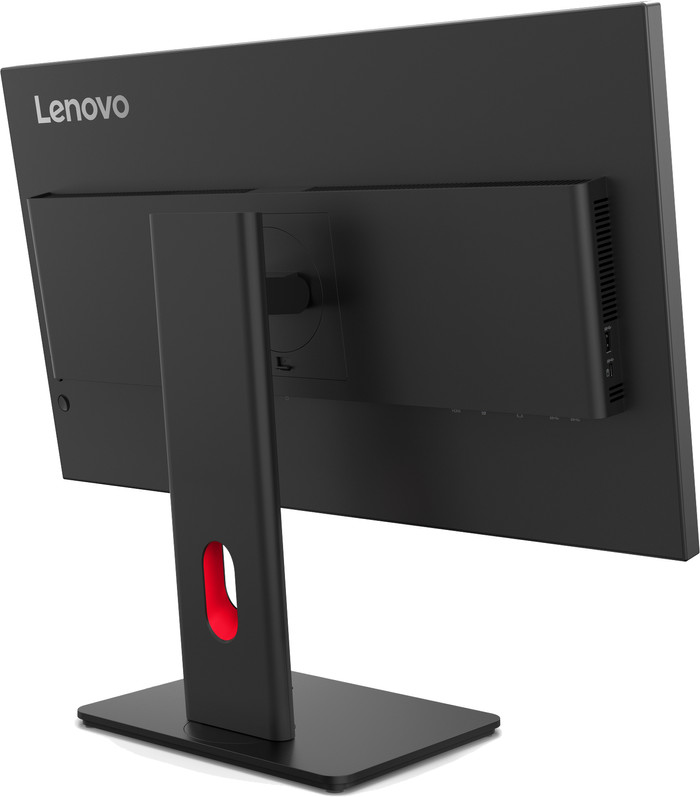
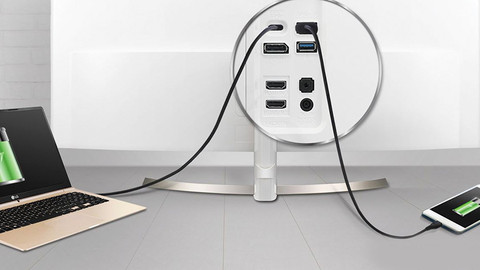
Many connections Thanks to the monitor's various connections, I can connect multiple devices to the screen, such as a business laptop or an extra monitor. This allows me to work on multiple programs side by side, which is useful for programming or performing data analysis. I connect the monitor to my computer using the USB B port, which allows me to use the USB ports on the screen. This way, I connect my keyboard and mouse directly to the screen. The ThinkVision T24-40 also features 3 USB A ports and a USB C connection with 15 watts of power. I use the USB C port to connect a USB C stick or charge my mobile phone. Additionally, the monitor features a dynamic refresh rate. This allows me to switch between low and high refresh rates. I choose a refresh rate of 120 hertz when reading long PDFs or code. This is also nice when watching movies, as fast-moving images do not stutter due to the high refresh rate. The monitor has no built-in speakers, but I can easily connect my headphones via the USB-C port.
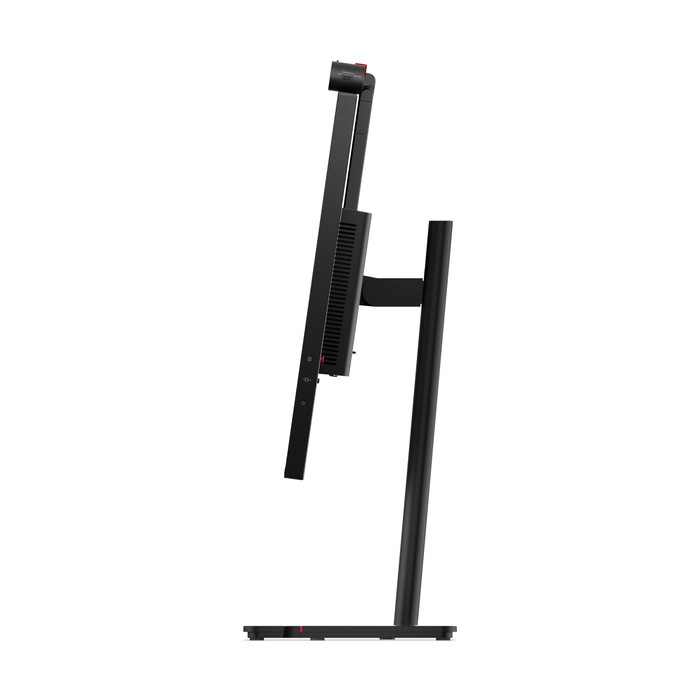
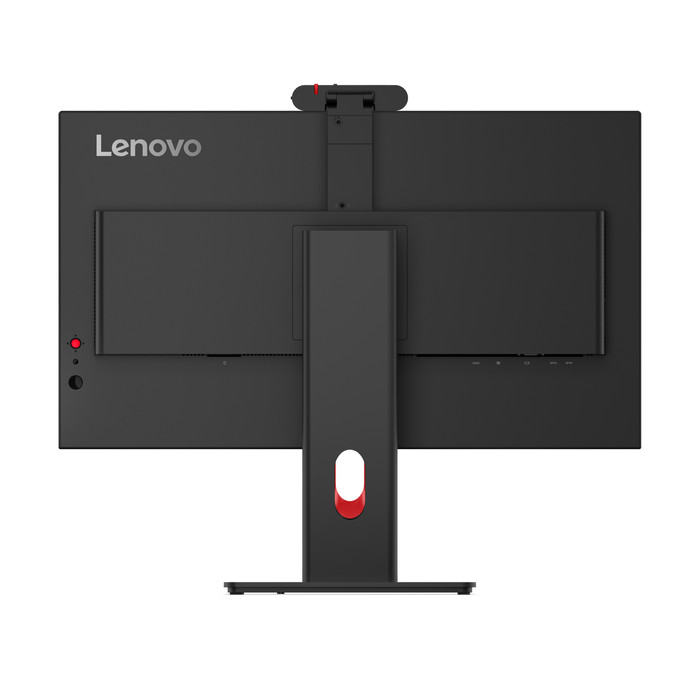
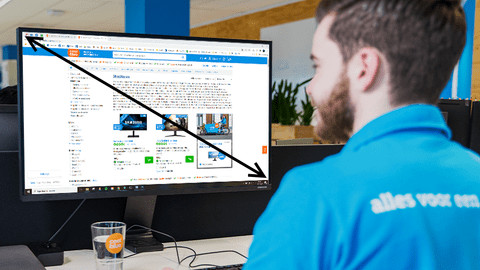
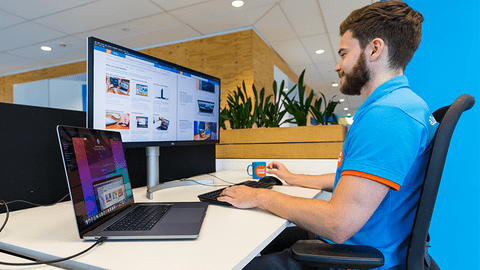
Ergonomically adjustable Thanks to its 24-inch size, the ThinkVision T24-40 fits on any desk. I can easily assemble the monitor without tools. I can also rotate, tilt, and adjust the height of the monitor for a comfortable sitting position. This reduces neck and back strain when I work long days. I can also rotate the monitor to a vertical position thanks to the pivot function. The screen has low brightness, but thanks to the IPS panel, I enjoy bright colors from every viewing angle. This is useful when I work in the office and show my screen to a colleague sitting next to me. I can install the monitor quickly because it has few loose parts. Additionally, I do not need a screwdriver. I click the screen onto the monitor arm without any difficulty. All necessary cables are included, so I get to work with the monitor right away.
Job. Monitor specialist.
24 August 2026
Automatically translated from Nederlands
I had been looking for a monitor for both Mac and Windows for quite some time. And then with 1 specific requirement: my Thunderbolt audio interface had to work on it too. That turned out to be quite a search, until I came across the Lenovo. On paper, it appeared to meet all my requirements:
Now I have a screen that connects to my MBP with 1 cable, supplies it with power, and gives the Mac access to all peripherals. Ideal! No external docking station required. The same applies to a business Surface laptop with USB-C.
From an aesthetic point of view, the Lenovo is subtle thanks to the thin edges. Cables can also be neatly kept out of sight via the foot. Despite the 32 inches, this screen does not feel ridiculously large. I mainly use it with Logic Pro X and some business applications. So I do not have high graphical requirements. But the screen gives me a nice and clear image. And I am very happy with the matte finish. This provides significantly less reflection compared to my previous screen.
The price may be a bit on the high side if you are looking at a 32 inch screen with such functions. It must be said that it is mainly the Thunderbolt options that drive up the price.
Pieter
6 December 2024
Automatically translated from Nederlands
Tiltability, height adjustability and rotation are fantastic. Connection points at the back are difficult to reach, we would recommend placing them on both sides or plugging them in horizontally at the back
Lucienne
3 October 2023
Automatically translated from Nederlands
Our digital expert will help you, but it can sometimes make mistakes, like humans do.
According to our monitor expert
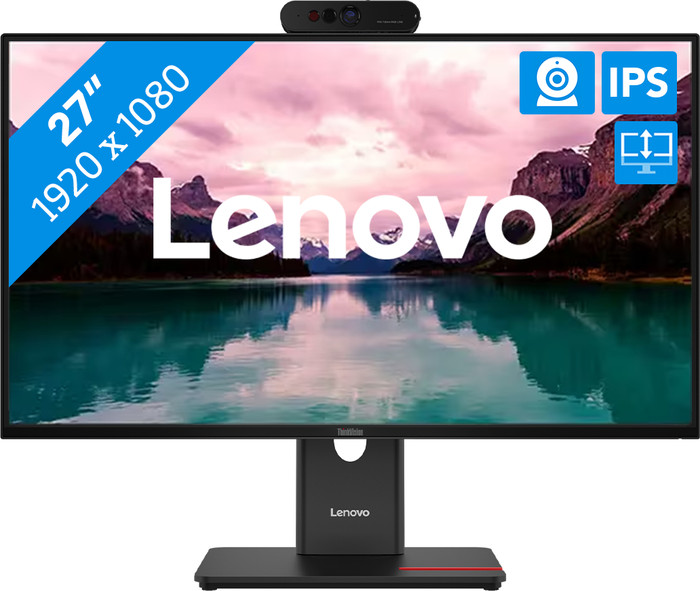
Wide viewing angles: the IPS panel still shows bright colors when you view it from an angle.
Show your work quickly: with the swivel screen, you can create a comfortable viewing angle and easily show your work to colleagues.
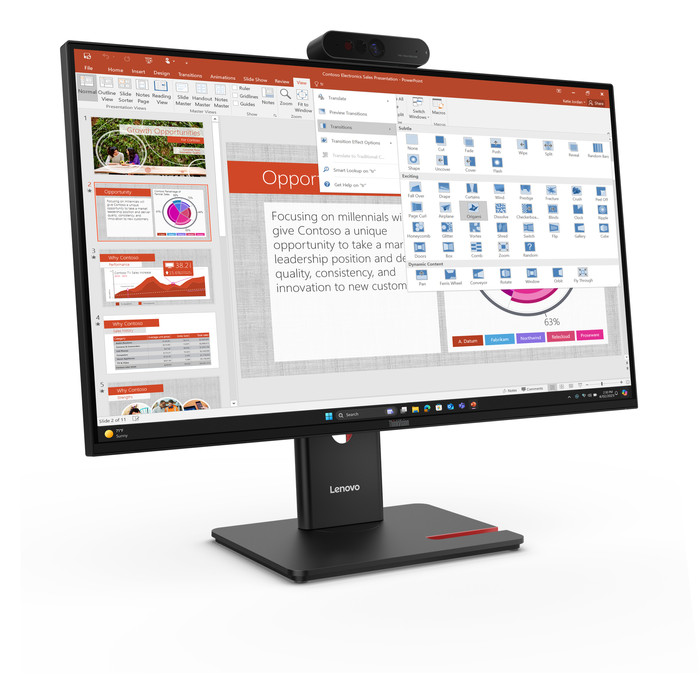
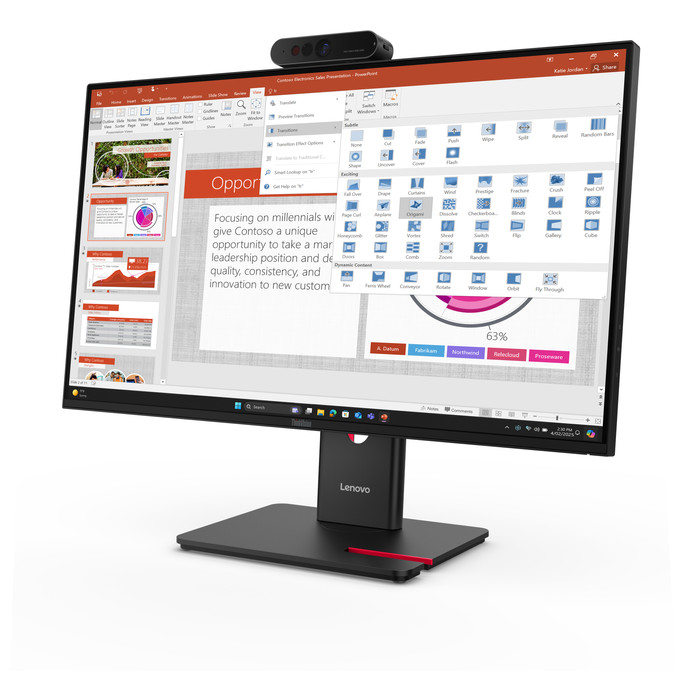
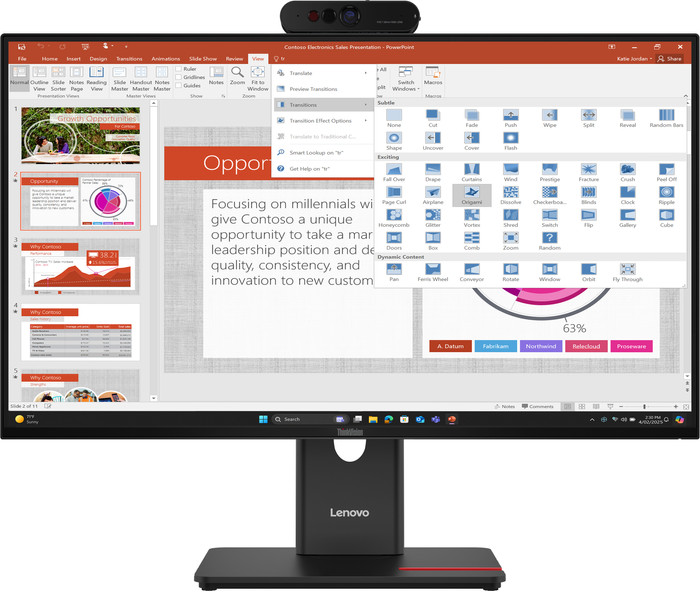
Video call right away: thanks to the built-in webcam, you can join meetings or video call with family.
Less sharp image: you won’t see every detail clearly because of the Full HD resolution.
No built-in speakers: this monitor doesn't have built-in speakers for your music or other audio.
Retail price
€ 279,-€ 169,90
Retail price
€ 279,-€ 169,90
Product number | 969781 | |
|---|---|---|
Manufacturer code | 64A5ZAT6EU | |
Brand | Lenovo | |
Warranty | 3 years | |
Processing of your defect | Via Coolblue |
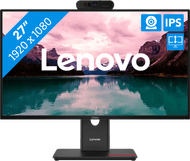
Screen size | 27 inches | |
|---|---|---|
Recommended display resolution | 1920x1080 | |
Sharpness | Full HD (1080p) | |
Aspect ratio | Standard (16:9) | |
Refresh rate | 120 Hz | |
Response time | 4 ms | |
Panel type | IPS panel | |
Brightness | 300 cd/m2 | |
Local dimming | ||
HDR support | ||
Contrast ratio | 1500 | |
Touchscreen | ||
Screen reflection | Anti-glare | |
Blue light filter | ||
Flicker-free technology | ||
Color space | sRGB | |
sRGB color coverage percentage | 99 % | |
Color depth | 17 million colors (8-bit) | |
Adaptive Sync | ||
Resolution width | 1920 pixels | |
Resolution height | 1080 pixels | |
Anti-reflection type | Anti glare | |
Horizontal viewing angle | 178 ° |
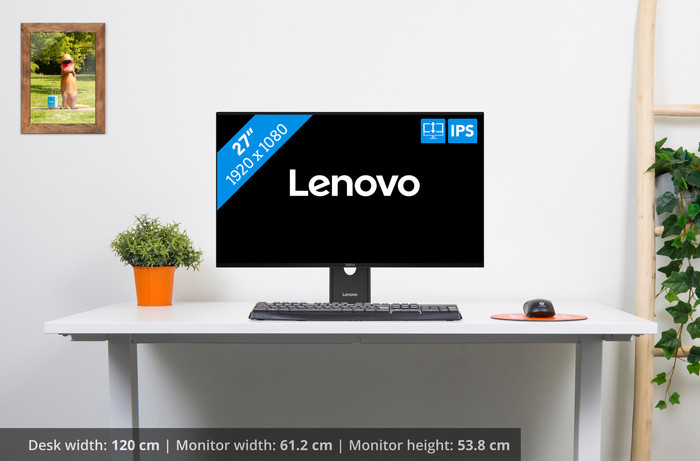
Height | 35,52 cm | |
|---|---|---|
Width | 61,19 cm | |
Depth | 4,6 cm | |
Weight | 6,5 kg | |
Color | Black | |
Including stand | ||
Material | Plastic | |
Cable management | ||
Appearance | Business, Neutral | |
Curved |
Number of HDMI connectors | 1 | |
|---|---|---|
Number of Female HDMI type A 1.4 ports | 1 | |
Number of USB-C ports | 1 | |
Number of USB 3.0 Female USB-C ports | 1 | |
Number of Female Standard DisplayPort 1.2 ports | 1 | |
Number of female standard USB-A ports | 3 | |
Female standard USB-A port version | 3.0 | |
Number of female standard USB-B (3.0 form) ports | 1 | |
Number of female standard VGA ports | 1 | |
Type of USB port | Standard USB-A, Standard USB-B (3.0 form), USB-C | |
Number of USB ports | 5 | |
Suitable for daisy chaining | ||
Type of USB cable included | USB-A to USB-B | |
USB-C dock |
Included by default | DisplayPort cable, USB cable | |
|---|---|---|
Not included by default | HDMI cable, USB-C cable |
Adjustable in height | ||
|---|---|---|
Tiltable | ||
Pivotable stand | ||
Pivot function | ||
VESA mount option | ||
VESA mount | 100x100mm |
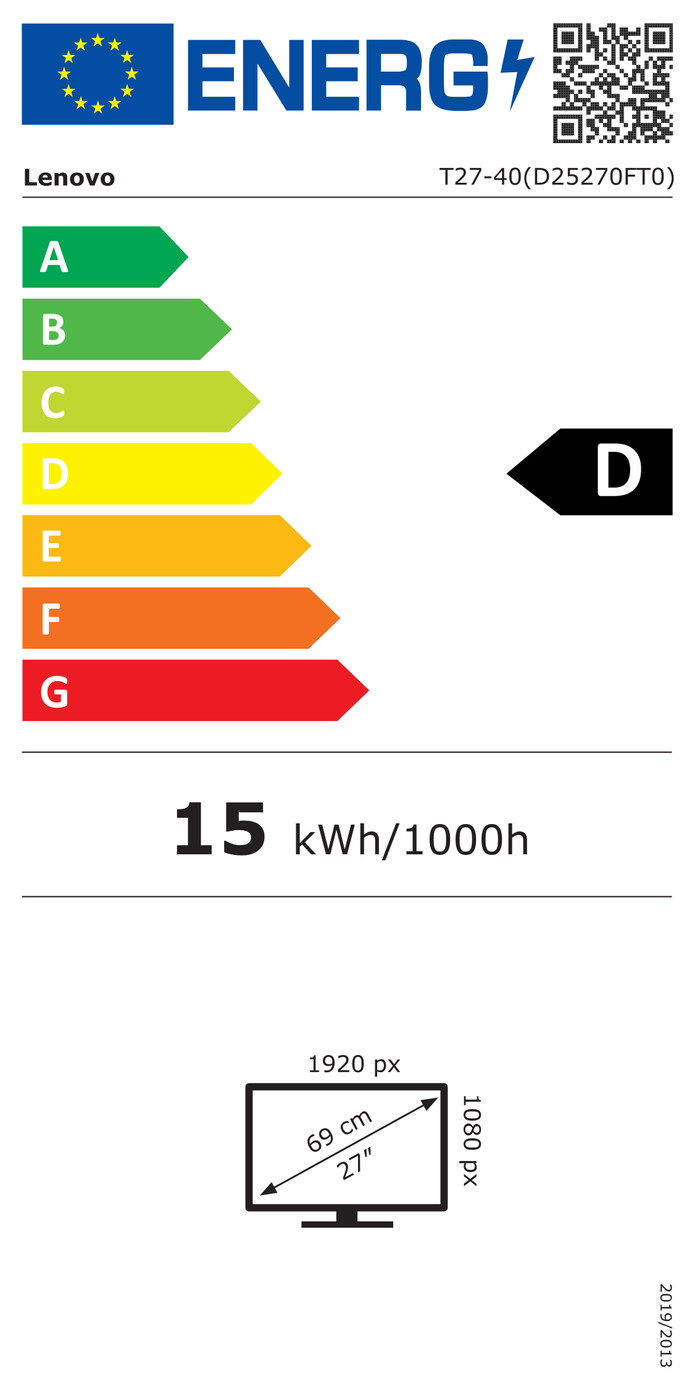
Energy label | D | |
|---|---|---|
Energy consumption standby | 0,5 W | |
Energy consumption active | 15 W | |
Energy consumption per 1000h | 15 kWh | |
Annual energy consumption | 21,9 kWh | |
Annual energy costs | 8,76 euros |
Built-in speakers | ||
|---|---|---|
Webcam | ||
Split screen | ||
Kensington lock |
Recommended for use | Internet, email, and text processing, Office work, Watching movies in Full HD |
|---|
Current product
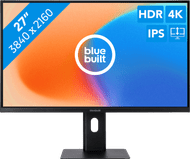
Full HD (1080p)
4K (UHD)
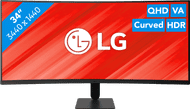
Quad HD (1440p)
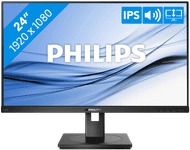
Full HD (1080p)
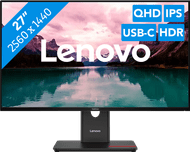
Quad HD (1440p)
Standard (16:9)
Standard (16:9)
Ultrawide (21:9)
Standard (16:9)
Standard (16:9)
120 Hz
60 Hz
120 Hz
75 Hz
120 Hz
Retail price
€ 279,-€ 169,90
Retail price
€ 279,-€ 199,-
Retail price
€ 229,-€ 219,-
Retail price
€ 199,-€ 155,90
Retail price
€ 329,-€ 229,90
Delivered tomorrow
Delivered tomorrow
With Coolblue Extended Warranty, you are protected against costs due to quality defects of your monitor for the next 5 years. During the entire term, we will reimburse up to the original purchase price. You can easily add the Extended Warranty in your shopping cart.
€ 13,99
one-timeAdd your monitor to your shopping cart. In the next step, you can add the Extended Warranty. You can exchange or return your purchase for free within 30 days.