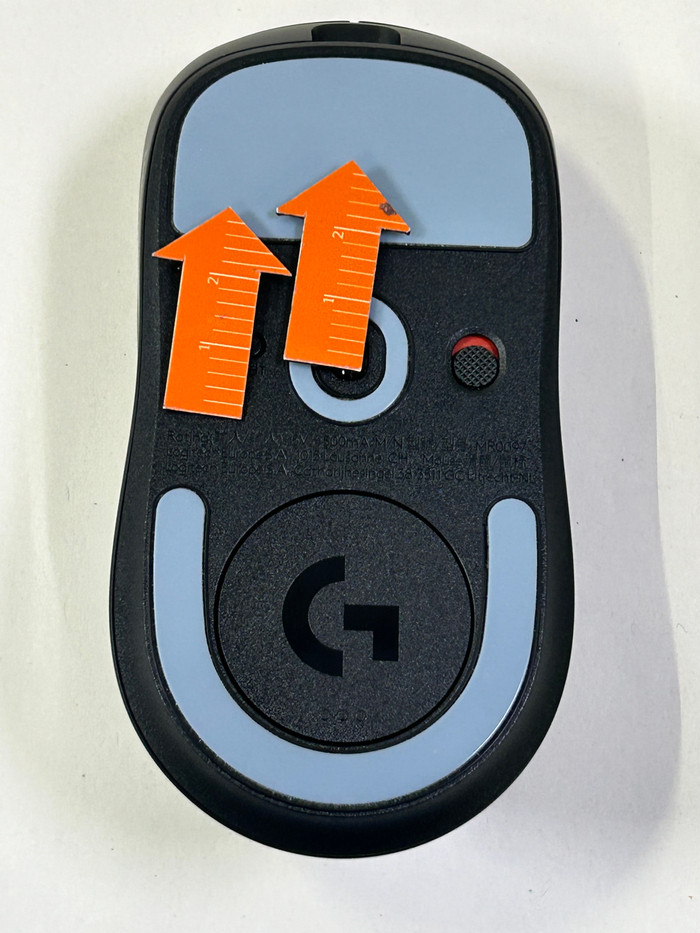
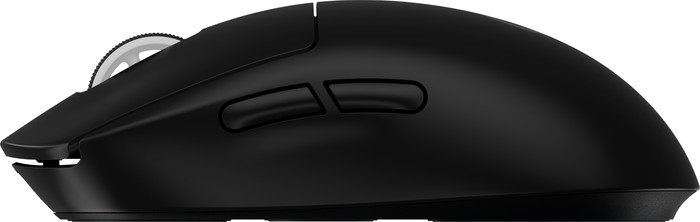
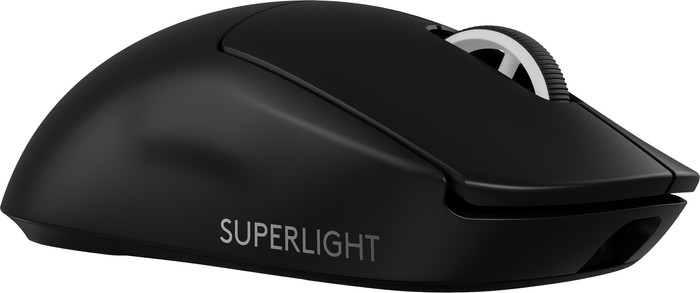
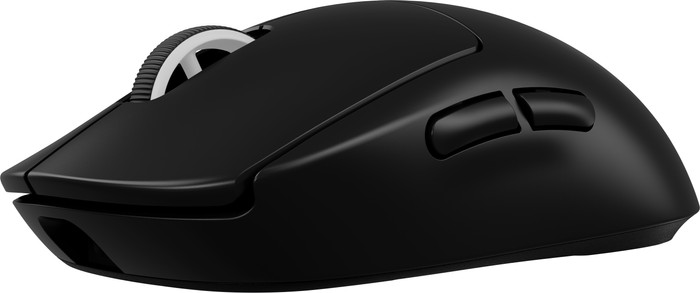
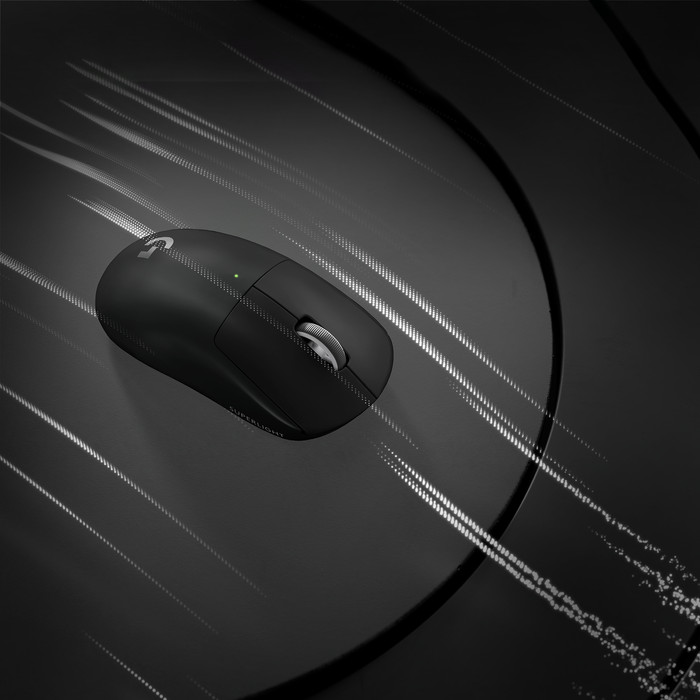
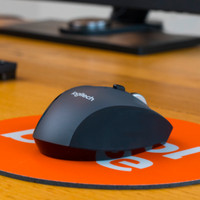
The Logitech G PRO X Superlight 2 is the new generation of Logitech's Superlight line. The box contains the gaming mouse, USB dongle, charging cable and grip tape.
Design
The G PRO X Superlight 2 has a minimalist design. I use this gaming mouse wirelessly via the supplied USB dongle. The USB dongle has a USB-C extension, so you can also connect the gaming mouse wired with the supplied USB-A to C cable. There are 2 extra thumb buttons on the mouse that you link to in-game actions. I do miss a DPI button on the mouse, so that I can easily adjust my DPI when I switch games.
Gaming with the Logitech G Pro X Superlight 2
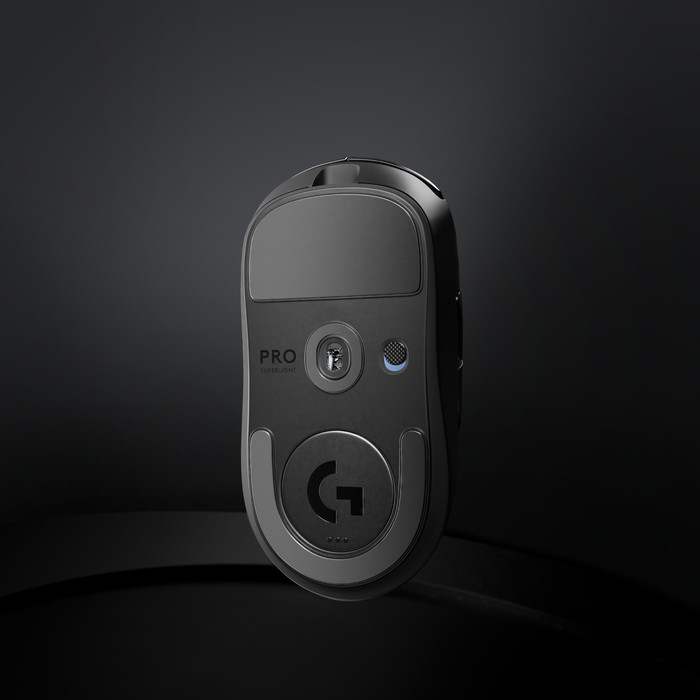
The name says it all, it is a super light mouse. At 60 grams and with PTFE mouse feet, this gaming mouse slides across my desk without any problems, even without a mouse pad. If you are used to a heavier mouse, this is a world of difference and you will have to get used to it at first. But after a few games of Overwatch, the gaming mouse certainly feels better in the hand. The mouse click is also a bit louder than normal, so I can hear clearly when the mouse click registers. I link the 2 thumb buttons to in-game actions, so that I can respond even faster while gaming. The G Pro
Logitech G Hub
I adjust the settings of the Logitech G PRO Superlight 2 via the Logitech G Hub. Because a DPI button is missing on the mouse, I have to adjust this setting via the Logitech G hub. I also create profiles in this software for games that I play. This way I can easily switch profiles when I play a different genre of game. In addition to DPI, you can also adjust the polling rating and calibration of the sensor via Logitech software.
Are you looking for a minimalist gaming mouse with many customizable settings? Then the Logitech G PRO X Superlight 2 is for you.