Written by Tim
Edited on
23 August 2022
·
13:02
Synology Surveillance Station as a surveillance solution
Synology Surveillance Station is advanced security software that you install on your Synology NAS for free. It allows you to monitor all your IP cameras and save the footage in a smart way. In this article, I'll show you how to install the software and the options available to you after.
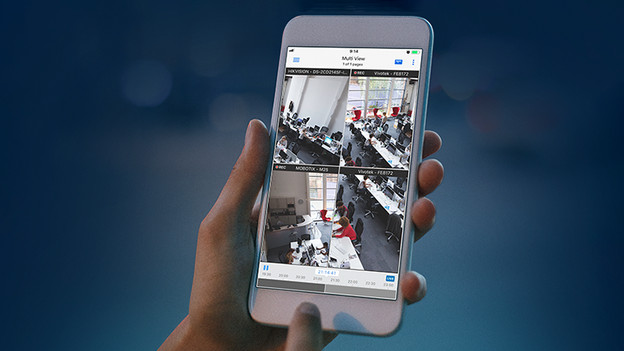
Options
- Synology Surveillance Station saves the footage that your IP camera records and makes the videos easily searchable with a calendar and video progress bar, so you can easily find the footage you're looking for.
- Advanced options like opening doors remotely.
- The software sends a notification to your phone when it detects movement.
- The cameras are easy to set up and you operate them with the push of a button.
- You store your footage safely on your own NAS and only make them available via the internet when you want them to be. In addition, there are no monthly costs for expensive security services.
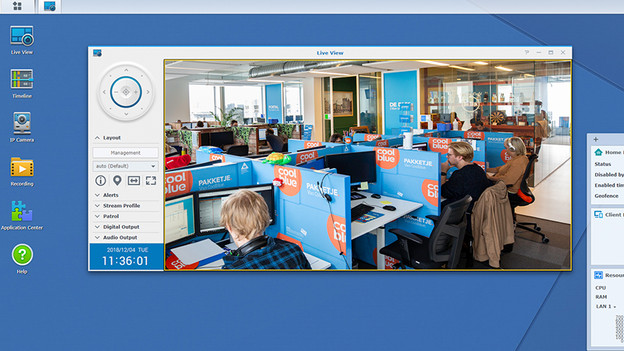
What is Synology Surveillance Station?
Synology Surveillance Station is software from Synology that lets you monitor all your security cameras at the same time. The software already supports 6600 different IP cameras, so there's a good chance you can use your camera as well. You install the software on your Synology NAS for free via the Package Center, after which you can keep an eye on your cameras with client software via your browser, phone, or native on Windows and MacOS, for example. The software monitor all your cameras, records videos, and sends you push notifications when it detects movement. If your cameras have tilting or panning functions, you can operate these directly from the Synology Surveillance Station. One big advantage is that your surveillance software runs locally, so you always keep your data securely at home. In addition, there's no monthly subscription costs for the use of the software.
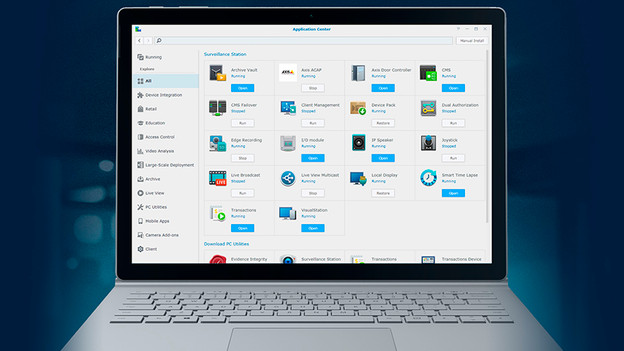
Installation
The installation of Synology Surveillance Station is very simple and consists of 2 parts. First, you install the software via Package Center in the interface of your NAS. Then, you install the client software on your PC or Mac to use Synology Surveillance Station. This second step is optional, since you can also use the software via a browser interface.
You first install your camera according to the manual of your specific camera. Preferably, you give your camera a static IP address, so Surveillance Station can find your camera more easily. Click on 'Add' and then on the magnifying glass in the software. Surveillance Station now detects your cameras and allows you to change different settings.
