Welcome to your environment! You can order everything from your assortment with your personal budget here.

You can always return to the normal Coolblue website by clicking here.

Your outstanding budget (incl. VAT) is always visible here, so you know exactly how much you can spend.

Coolblue home

Die Website ist auf Englisch, möchtest du sie auf Deutsch ansehen?

Help with your product
Google Pixel Tablet 11 inches 128GB WiFi Gray + Back Cover Gray

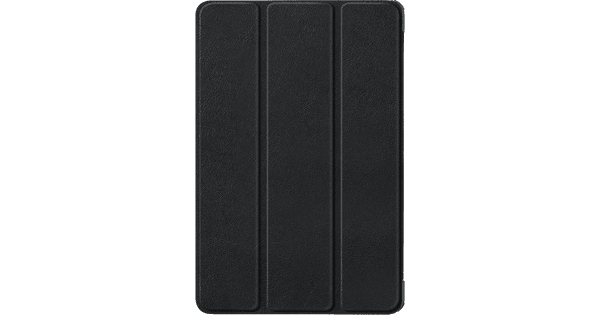
You can protect the back and the sides of the the Google Pixel Tablet 11 inches 128GB WiFi Gray + Back Cover Gray. Thanks to the stand on the cover, you can easily put your tablet on the table. That way, you can keep your hands free when you watch movies. With the Pixel Tablet, you can easily control all your smart home devices. Turn up the thermostat, turn your light on and off, and look at the footage from your smart doorbell for example. Thanks to the powerful processor, you can smoothly open various apps and play demanding games. Thanks to the 11-inch screen, the tablet is easy to take with you. That's useful when you use your tablet on the train, for example. On the 128GB storage, you have to clean up your files every year. Choose the 256GB storage space if you regularly download large apps and files. The tablet doesn't include a charging dock with speaker. Order it separately to enjoy music from the speaker and a tablet that's always charged. You can also easily put the Pixel Tablet with cover on the dock.

Read all tips here

How do you connect your Android tablet to a screen?

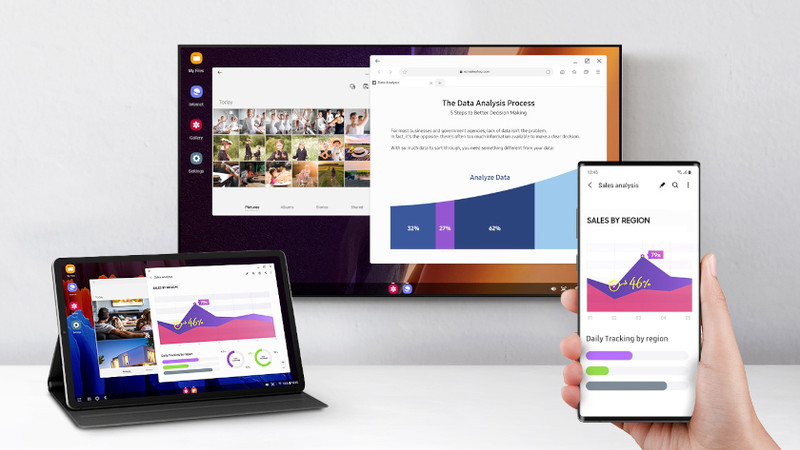
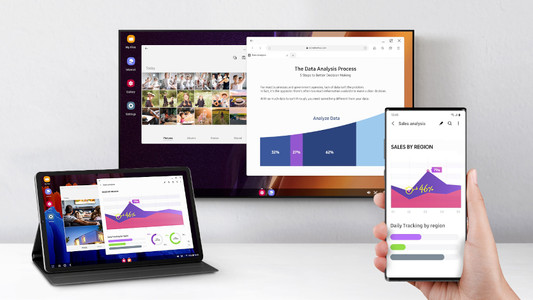
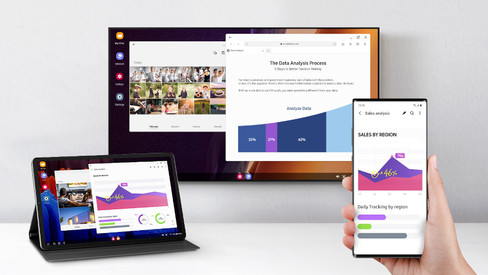
You can connect your Android tablet to various devices. That way, you can watch something on a large screen or use your tablet as a desktop. You can show your holiday photos on a large screen or work on a document with a keyboard and mouse, for example. In this article, we'll give you some tips on how to do that.


How do you install Google Kids Mode on your tablet?

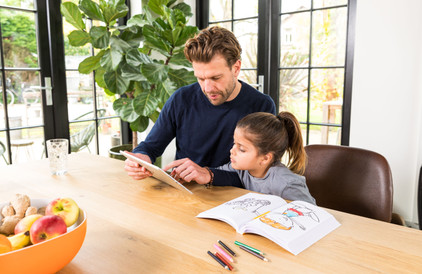
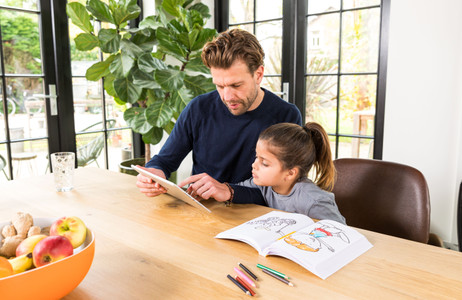
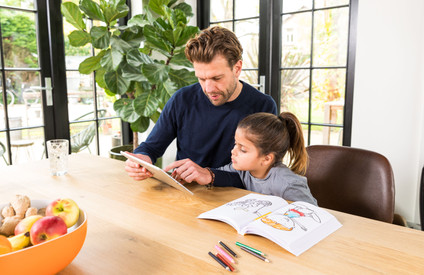
With the Google Kids Space child mode, your child can safely explore the digital world with fun and educational apps. You can set up this mode yourself. In this article, we'll explain how you can do that.

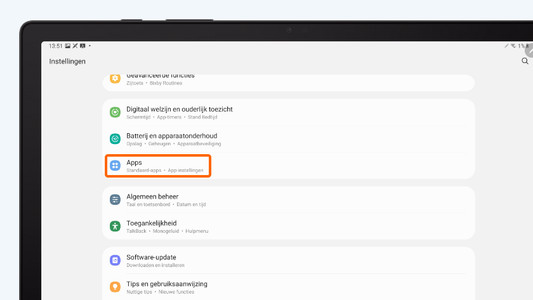
How do you solve problems with a slow Android tablet?

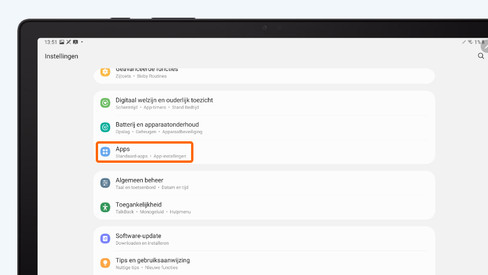
Is your tablet slow or do apps crash all of a sudden? It's probably caused by an outdated app or Android version. Sometimes, it also helps to restart your tablet. In this article, you can read how to solve common problems with slow tablets.

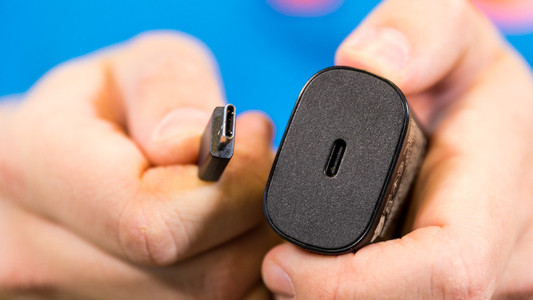
How do you solve charging problems with your tablet?

It can be very annoying if your Android tablet won't charge or charges slowly. The problem could be a dirty charging port, or maybe it's the charger you're using. Sometimes, restarting your tablet solves the problem. In this article, we'll give you 4 tips so you can charge your tablet without any problems again.

How do you set up email on your Android tablet?

You can set up your email on your Android tablet via the Google Gmail app. In the app, simply log in with your Hotmail, Gmail, or Yahoo email address. In this article, we'll explain step by step how to set up your email on your Android tablet.

How do you prepare your tablet for trade-in in the store?

Thanks to Tablet Upgrade, you get a discount on your new tablet when you trade in your old one. If you prepare for the trade-in properly, it'll be a lot easier and faster. Make sure you transfer your data beforehand. In this article, we'll explain all of the steps.

How do you connect your Android tablet to a screen?

You can connect your Android tablet to various devices. That way, you can watch something on a large screen or use your tablet as a desktop. You can show your holiday photos on a large screen or work on a document with a keyboard and mouse, for example. In this article, we'll give you some tips on how to do that.

How do you install Google Kids Mode on your tablet?

With the Google Kids Space child mode, your child can safely explore the digital world with fun and educational apps. You can set up this mode yourself. In this article, we'll explain how you can do that.

How do you solve problems with a slow Android tablet?

Is your tablet slow or do apps crash all of a sudden? It's probably caused by an outdated app or Android version. Sometimes, it also helps to restart your tablet. In this article, you can read how to solve common problems with slow tablets.

How do you solve charging problems with your tablet?

It can be very annoying if your Android tablet won't charge or charges slowly. The problem could be a dirty charging port, or maybe it's the charger you're using. Sometimes, restarting your tablet solves the problem. In this article, we'll give you 4 tips so you can charge your tablet without any problems again.

How do you set up email on your Android tablet?

You can set up your email on your Android tablet via the Google Gmail app. In the app, simply log in with your Hotmail, Gmail, or Yahoo email address. In this article, we'll explain step by step how to set up your email on your Android tablet.

How do you prepare your tablet for trade-in in the store?

Thanks to Tablet Upgrade, you get a discount on your new tablet when you trade in your old one. If you prepare for the trade-in properly, it'll be a lot easier and faster. Make sure you transfer your data beforehand. In this article, we'll explain all of the steps.

Subjects

Didn't find your answer?

Find an answer to your question quickly and easily via our customer service.

Coolblue specialist
Personal chat Digitalk.
You're now chatting with Coolblue customer service
This chat is closed
foo
Oeps File size is larger than 5MB. Upload a smaller file.