Welcome to your environment! You can order everything from your assortment with your personal budget here.

You can always return to the normal Coolblue website by clicking here.

Your outstanding budget (incl. VAT) is always visible here, so you know exactly how much you can spend.

Coolblue home

Die Website ist auf Englisch, möchtest du sie auf Deutsch ansehen?

Help with your product

Lenovo Legion Tab 8.8 inches 256GB WiFi Black with Screen Protector and Book Case + Charger
0 reviews

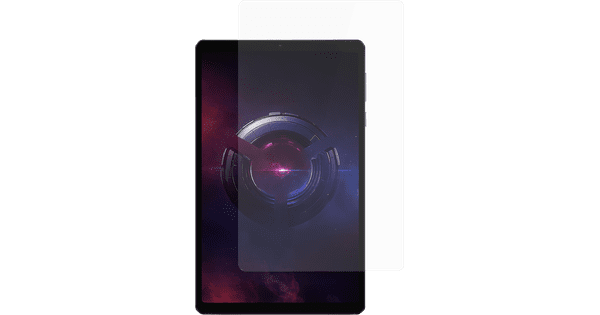
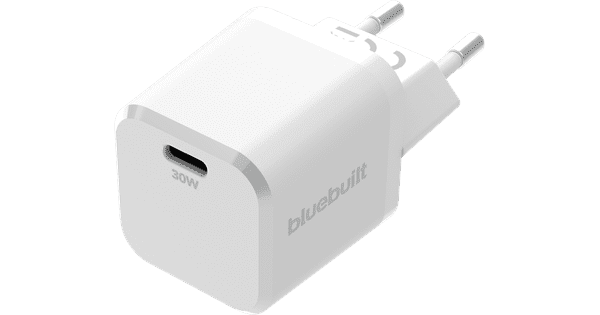
Charge your tablet quickly right away with the Lenovo Legion Tab 8.8 inch 256GB WiFi Black with Screen Protector and Book Case + Charger. You can fully charge your tablet within 2 hours. Thanks to the powerful processor, you can easily play demanding 3D games. The tablet has different built-in gaming modes and a gaming view mode, so your games come to life even more. The tablet includes a book case and a screen protector as standard. The book case helps prevent damage and scratches to your tablet. The screen protector helps prevent cracks in your tablet's screen. Thanks to its compact size, you can take the tablet with you anywhere. Thanks to the 256GB storage, you won't have to delete your apps for years.

Read all tips here

Which product do you want to see articles about?

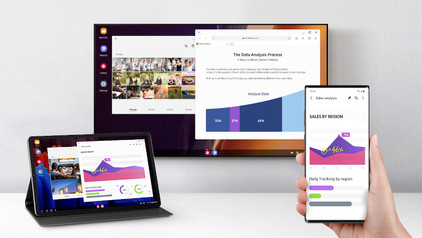
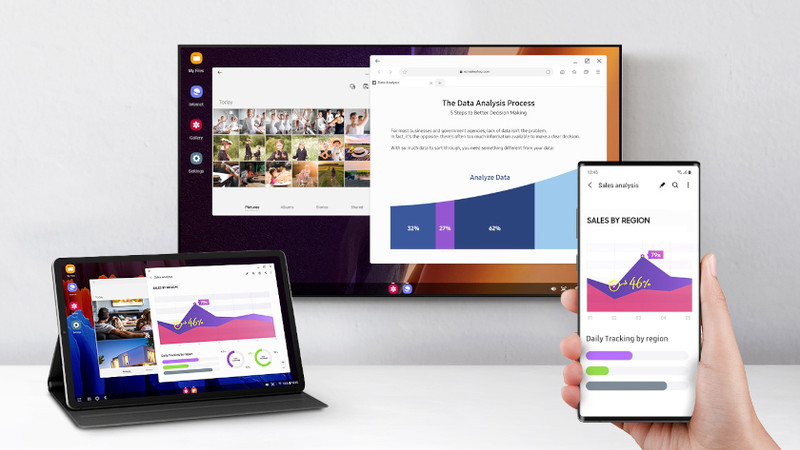
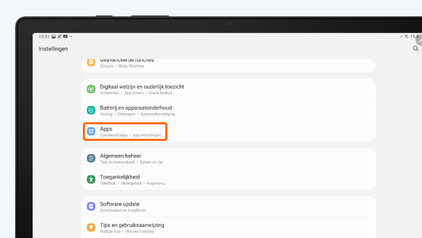
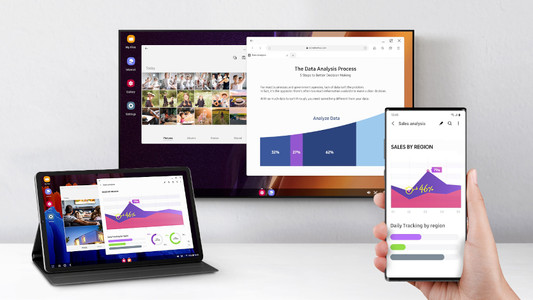
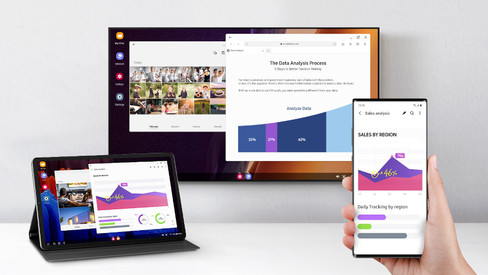
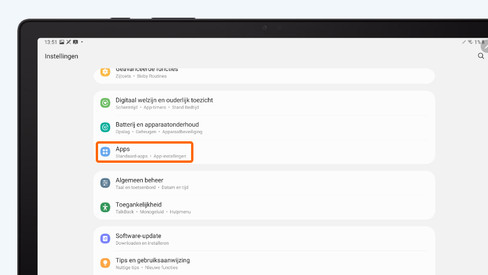
How do you connect your Android tablet to a screen?

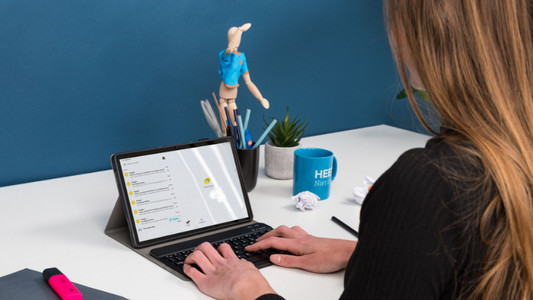
You can connect your Android tablet to various devices. That way, you can watch something on a large screen or use your tablet as a desktop. You can show your holiday photos on a large screen or work on a document with a keyboard and mouse, for example. In this article, we'll give you some tips on how to do that.


How do you install Google Kids Mode on your tablet?

With the Google Kids Space child mode, your child can safely explore the digital world with fun and educational apps. You can set up this mode yourself. In this article, we'll explain how you can do that.

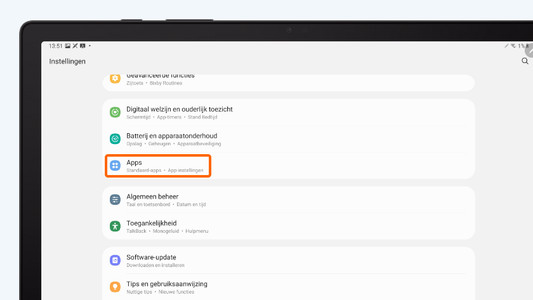
How do you solve problems with a slow Android tablet?

Is your tablet slow or do apps crash all of a sudden? It's probably caused by an outdated app or Android version. Sometimes, it also helps to restart your tablet. In this article, you can read how to solve common problems with slow tablets.

How do you set up email on your Android tablet?

You can set up your email on your Android tablet via the Google Gmail app. In the app, simply log in with your Hotmail, Gmail, or Yahoo email address. In this article, we'll explain step by step how to set up your email on your Android tablet.

How do you solve charging problems with your tablet?

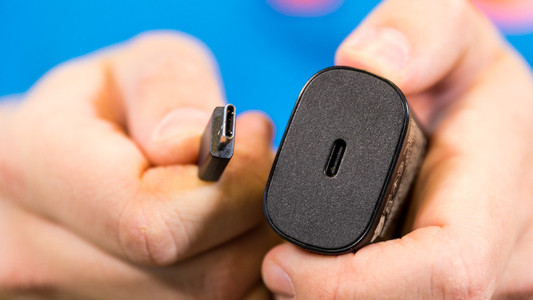
It can be very annoying if your Android tablet won't charge or charges slowly. The problem could be a dirty charging port, or maybe it's the charger you're using. Sometimes, restarting your tablet solves the problem. In this article, we'll give you 4 tips so you can charge your tablet without any problems again.

7 tips for charging your smartphone

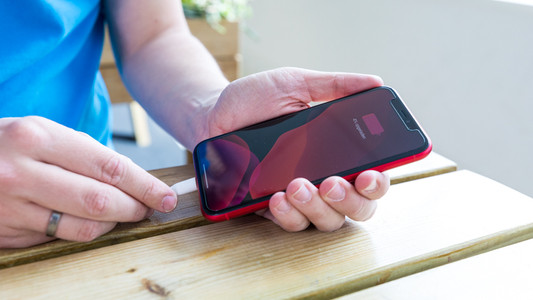
You probably charge your smartphone every day. When you charge it the right way, your battery wears less and your device lasts longer. We'll explain why it's better not to charge your smartphone up to 100% and why fast charging is convenient here. That way, you'll know exactly how to properly charge your smartphone, tablet, or other device.

How do you prepare your tablet for trade-in in the store?

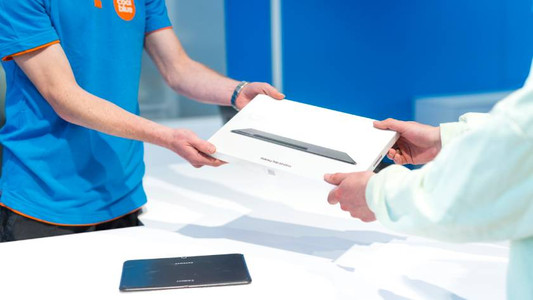
Thanks to Tablet Upgrade, you get a discount on your new tablet when you trade in your old one. If you prepare for the trade-in properly, it'll be a lot easier and faster. Make sure you transfer your data beforehand. In this article, we'll explain all of the steps.

7 tips for charging your smartphone

You probably charge your smartphone every day. When you charge it the right way, your battery wears less and your device lasts longer. We'll explain why it's better not to charge your smartphone up to 100% and why fast charging is convenient here. That way, you'll know exactly how to properly charge your smartphone, tablet, or other device.

7 tips for charging your smartphone

You probably charge your smartphone every day. When you charge it the right way, your battery wears less and your device lasts longer. We'll explain why it's better not to charge your smartphone up to 100% and why fast charging is convenient here. That way, you'll know exactly how to properly charge your smartphone, tablet, or other device.

How do you connect your Android tablet to a screen?

You can connect your Android tablet to various devices. That way, you can watch something on a large screen or use your tablet as a desktop. You can show your holiday photos on a large screen or work on a document with a keyboard and mouse, for example. In this article, we'll give you some tips on how to do that.

How do you install Google Kids Mode on your tablet?

With the Google Kids Space child mode, your child can safely explore the digital world with fun and educational apps. You can set up this mode yourself. In this article, we'll explain how you can do that.

How do you solve problems with a slow Android tablet?

Is your tablet slow or do apps crash all of a sudden? It's probably caused by an outdated app or Android version. Sometimes, it also helps to restart your tablet. In this article, you can read how to solve common problems with slow tablets.

How do you set up email on your Android tablet?

You can set up your email on your Android tablet via the Google Gmail app. In the app, simply log in with your Hotmail, Gmail, or Yahoo email address. In this article, we'll explain step by step how to set up your email on your Android tablet.

How do you solve charging problems with your tablet?

It can be very annoying if your Android tablet won't charge or charges slowly. The problem could be a dirty charging port, or maybe it's the charger you're using. Sometimes, restarting your tablet solves the problem. In this article, we'll give you 4 tips so you can charge your tablet without any problems again.

How do you prepare your tablet for trade-in in the store?

Thanks to Tablet Upgrade, you get a discount on your new tablet when you trade in your old one. If you prepare for the trade-in properly, it'll be a lot easier and faster. Make sure you transfer your data beforehand. In this article, we'll explain all of the steps.

Subjects

Didn't find your answer?

Find an answer to your question quickly and easily via our customer service.

Coolblue specialist
Personal chat Digitalk.
You're now chatting with Coolblue customer service
This chat is closed
foo
Oeps File size is larger than 5MB. Upload a smaller file.