Welcome to your environment! You can order everything from your assortment with your personal budget here.

You can always return to the normal Coolblue website by clicking here.

Your outstanding budget (incl. VAT) is always visible here, so you know exactly how much you can spend.

Coolblue home

Die Website ist auf Englisch, möchtest du sie auf Deutsch ansehen?

Help with your product
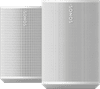
Sonos Era 100 SL Duo Pack White

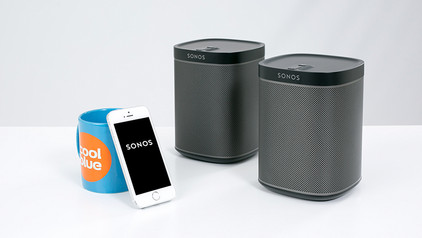
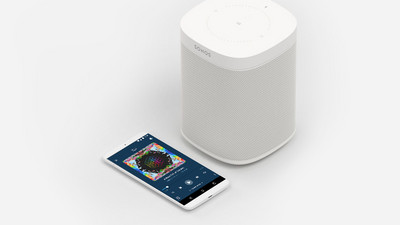
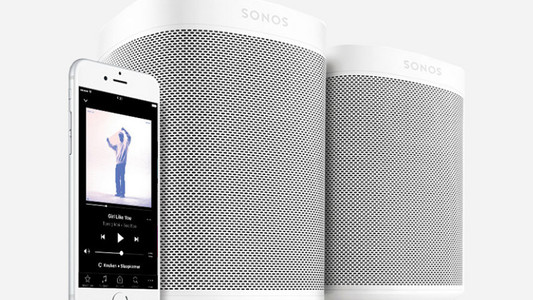
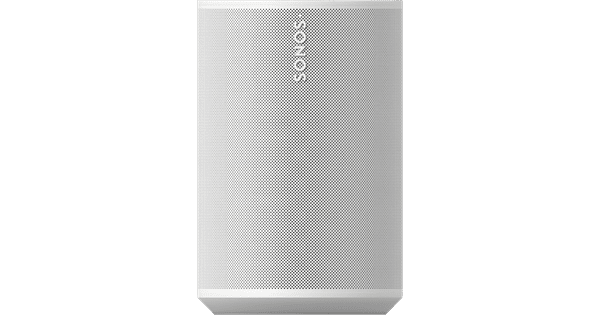
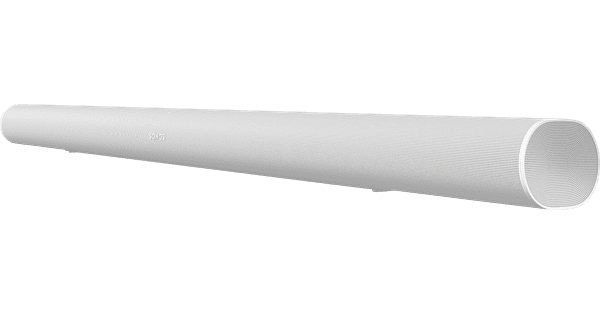
With the Sonos Era 100 SL Duopack Wit, you can enjoy lively stereo sound. You can connect these 2 white speakers to your Sonos soundbar for a surround setup. When you watch a movie or series, you¿ll hear the sound all around you. You¿ll feel like you¿re in the middle of the action. Thanks to the WiFi support, you can connect the Era 100 SL speakers to each other wirelessly. For example, place them in different spots around your home. This way, you can listen to the same music anywhere in your house. With AirPlay, you can quickly connect the speaker to your iPhone. This way, you can enjoy high sound quality, and the music doesn¿t stop when you get a call.

Read all tips here

What to do if your Sonos speaker stutters

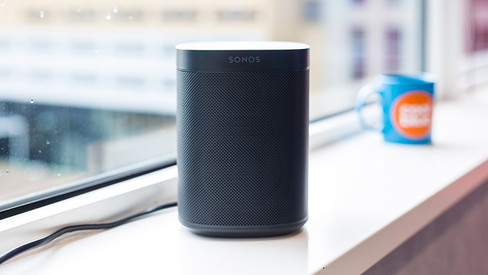
You have 1 or more Sonos speakers at home. That's great. There's just one problem. Your speaker stutters. If your speaker stutters, it often has to do with your WiFi network. In this article, I'll explain some solutions to solve the interruption of your speaker sound.

How do I stream music to my SONOS speakers?

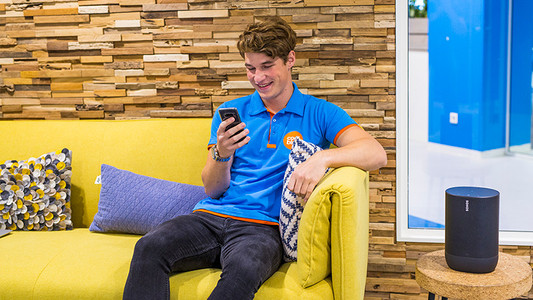
With Sonos, you can say goodbye to audio cables and separate apps. All you need, is a computer and a smartphone or tablet with the Sonos Controller app. This free app gives you control over all your music sources. Form your own collection to thousands of radio stations. On this page, we'll explain exactly how that works.

How do I stream music to my SONOS speakers?

With Sonos, you can say goodbye to audio cables and separate apps. All you need, is a computer and a smartphone or tablet with the Sonos Controller app. This free app gives you control over all your music sources. Form your own collection to thousands of radio stations. On this page, we'll explain exactly how that works.

With these 6 tips, you'll enjoy your SONOS system even more

You have a Sonos system so you can enjoy wireless music. With these practical tips, we'll help you have even more fun with your Sonos system.

5 tips to improve the WiFi connection on your speaker

The name speaks for itself, a WiFi speaker needs WiFi to function. If you experience interferences, the speaker isn't necessarily broken. Maybe your internet range isn't enough to provide your speaker with internet. You'll find 5 tips to improve your WiFi below, so you can enjoy your favorite songs undisturbed again.

5 tips to improve the WiFi connection on your speaker

The name speaks for itself, a WiFi speaker needs WiFi to function. If you experience interferences, the speaker isn't necessarily broken. Maybe your internet range isn't enough to provide your speaker with internet. You'll find 5 tips to improve your WiFi below, so you can enjoy your favorite songs undisturbed again.

5 tips for the placement of your WiFi speaker

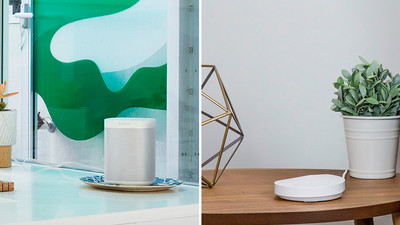
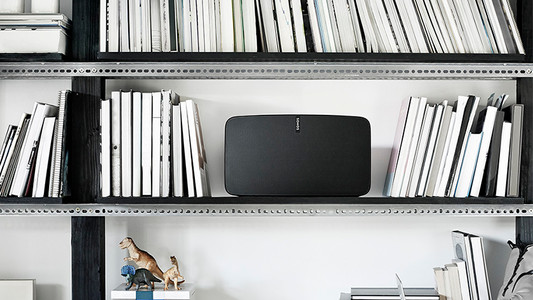
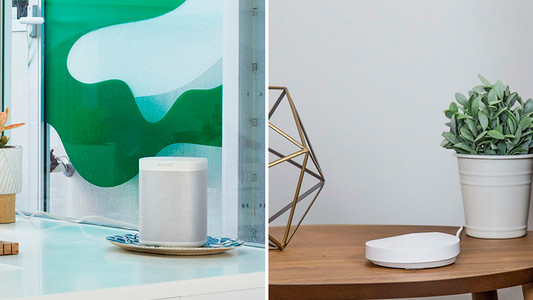
How do you determine the best placement for your WiFi speaker, and what do you keep in mind? The sound from the speaker consists of vibrations that move through the air. Where you place the speaker and which materials are in the room influence the sound you hear. That's why the ideal setup isn't the same for everyone. In this article, we'll help you to find the best placement for your WiFi speaker.

What to do if your Sonos speaker stutters

You have 1 or more Sonos speakers at home. That's great. There's just one problem. Your speaker stutters. If your speaker stutters, it often has to do with your WiFi network. In this article, I'll explain some solutions to solve the interruption of your speaker sound.

How do I stream music to my SONOS speakers?

With Sonos, you can say goodbye to audio cables and separate apps. All you need, is a computer and a smartphone or tablet with the Sonos Controller app. This free app gives you control over all your music sources. Form your own collection to thousands of radio stations. On this page, we'll explain exactly how that works.

How do I stream music to my SONOS speakers?

With Sonos, you can say goodbye to audio cables and separate apps. All you need, is a computer and a smartphone or tablet with the Sonos Controller app. This free app gives you control over all your music sources. Form your own collection to thousands of radio stations. On this page, we'll explain exactly how that works.

With these 6 tips, you'll enjoy your SONOS system even more

You have a Sonos system so you can enjoy wireless music. With these practical tips, we'll help you have even more fun with your Sonos system.

5 tips to improve the WiFi connection on your speaker

The name speaks for itself, a WiFi speaker needs WiFi to function. If you experience interferences, the speaker isn't necessarily broken. Maybe your internet range isn't enough to provide your speaker with internet. You'll find 5 tips to improve your WiFi below, so you can enjoy your favorite songs undisturbed again.

5 tips to improve the WiFi connection on your speaker

The name speaks for itself, a WiFi speaker needs WiFi to function. If you experience interferences, the speaker isn't necessarily broken. Maybe your internet range isn't enough to provide your speaker with internet. You'll find 5 tips to improve your WiFi below, so you can enjoy your favorite songs undisturbed again.

5 tips for the placement of your WiFi speaker

How do you determine the best placement for your WiFi speaker, and what do you keep in mind? The sound from the speaker consists of vibrations that move through the air. Where you place the speaker and which materials are in the room influence the sound you hear. That's why the ideal setup isn't the same for everyone. In this article, we'll help you to find the best placement for your WiFi speaker.

Subjects
Didn't find your answer?

Find an answer to your question quickly and easily via our customer service.

Coolblue specialist
Personal chat Digitalk.
You're now chatting with Coolblue customer service
This chat is closed
foo
Oeps File size is larger than 5MB. Upload a smaller file.