Written by Job
Edited on
12 February 2026
·
13:44
How do you choose an AOC gaming monitor?
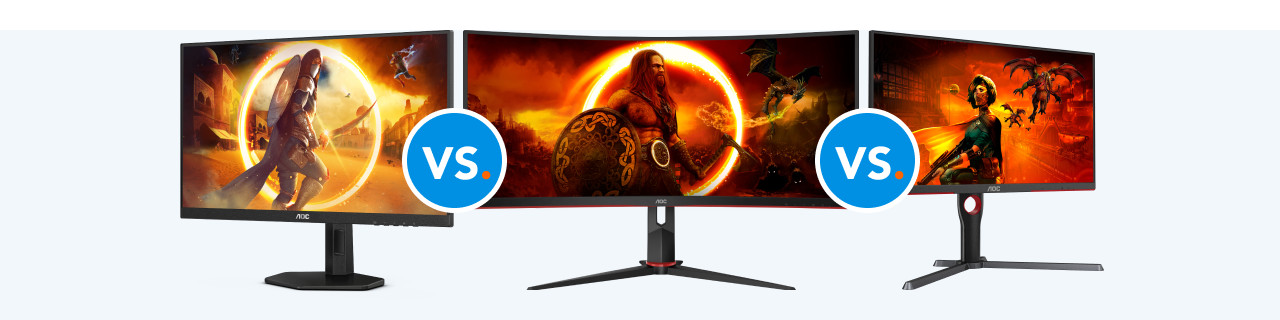
Are you looking for a new AOC gaming monitor, but don't know which one suits you best? In this article, we'll explain what to keep in mind. Consider the image sharpness and screen size, for example. That way, you can find the monitor that suits your needs best.
Choose an AOC gaming monitor
Answer these questions and find the best AOC gaming monitor for you.
- What size should the screen be?
- Which refresh rate are you looking for?
- How fast should the response time be?
- How sharp do you want the image to be?
- Which panel type suits you?
- Do you want to adjust the monitor in height?
- Do you need a USB-C dock?
What size should the screen be?
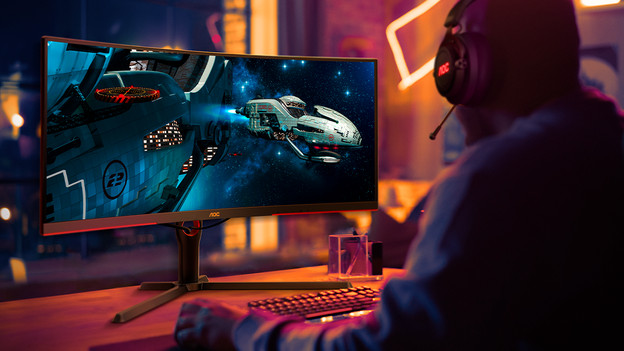
The screen size determines how much of your game you can see. A 27-inch monitor ensures an immersive experience in which you can see details well. For a smaller setup, choose a 24-inch monitor. You can't see as much of the playing field on these, though. Choose a 34-inch monitor for a wider field of view and more multitasking opportunities.

Which refresh rate do you need?
The refresh rate determines how smooth your game looks. As a serious gamer, choose a 240 or 280Hz monitor. This high refresh rate ensures you won't experience screen tearing. A 144Hz monitor is a fine choice for competitive games, but offers less smooth images than higher rates do.

How fast should the response time be?
The response time decides how quickly pixels change color. A 0.03ms response time is very fast and ensures sharp images without blurriness. This is useful for serious gamers. A 1ms response time is also fast, but can sometimes allow for blurry images during fast movements. For casual gaming, a 3 to 5ms response time is enough.
How sharp do you want the image to be?
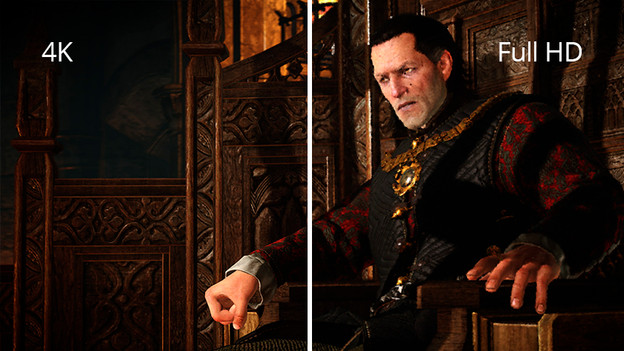
The resolution determines how sharp the image of your monitor is. For a good and detailed gaming experience, choose 4K resolution. This is mostly useful for larger screens, like 27-inch ones. Full HD is fine for monitors up to 24 inches, but you'll miss out on the smallest details. Quad HD offers a good balance between sharpness and performance for screens of 24 inches and larger.
Which panel type suits you?
The panel type influences the image quality of your monitor. OLED panels offer good color contrasts and refresh rates. That way, you can game with razor-sharp graphics and smooth images. IPS panels have a wide color gamut and sharp images from every viewing angle. That's useful for shooters and racing games. VA panels also offer good contrasts, but have a smaller viewing angle.
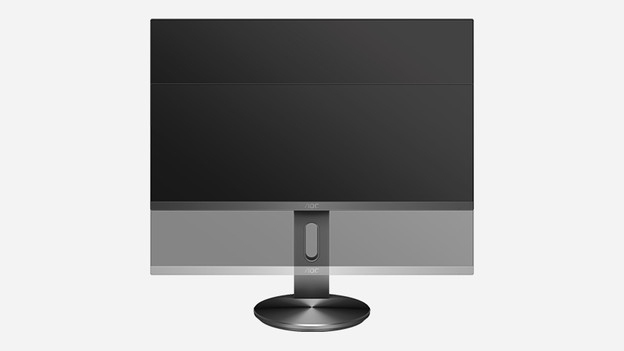
Do you want to adjust the monitor in height?
A monitor that's adjustable in height ensures a better sitting posture and prevents neck and back pain. Choose an adjustable monitor when you game in longer sessions. Without this option, you risk pain in your body due to a wrong posture.

Do you want to use a USB-C dock?
With a USB-C dock, you can easily connect peripherals to your monitor. This ensures a tidy desk and less cables lying around. Choose a monitor with a USB-C dock if you often connect devices like a laptop or second monitor. Without a USB-C dock, you need more cables and have less flexibility in your setup.
Article by Job
Monitor Expert.