Written by Daniel
Edited on
26 June 2025
·
13:49
Everything on media players
With a media player, you can play media on your TV, projector, or monitor. We'll explain what you can do with a media player and how you choose one in our articles. You can find all our articles on media players in this article.
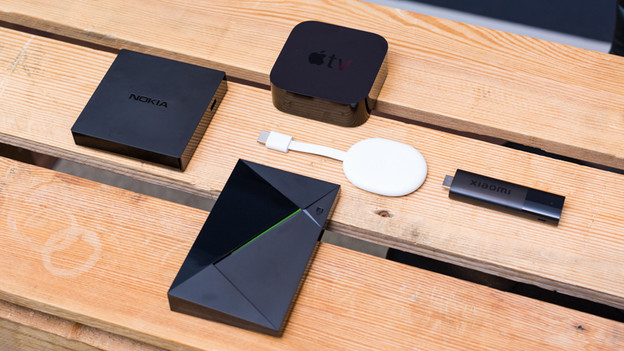
Advice on media players
There are many media players with which you can stream series to your TV. But there are differences between the devices. For example, media players use different smart platforms. This platform determines which apps are suitable and what the menu looks like. There's also a difference in image quality. We'll explain how to choose the media player that suits you best in this article.
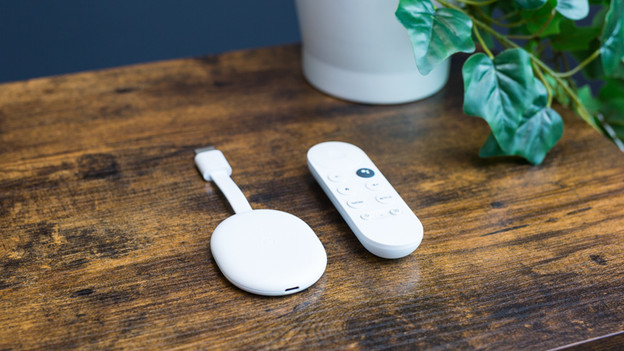
Google Chromecast
You can connect the Google Chromecast to your television via HDMI. This way, you can cast series to your TV or you use the Google TV smart platform of the Chromecast 4K.

Apple TV
The Apple tvOS system works together seamlessly with your Apple products. In addition, the Apple TV also functions as a hub for your HomeKit devices.
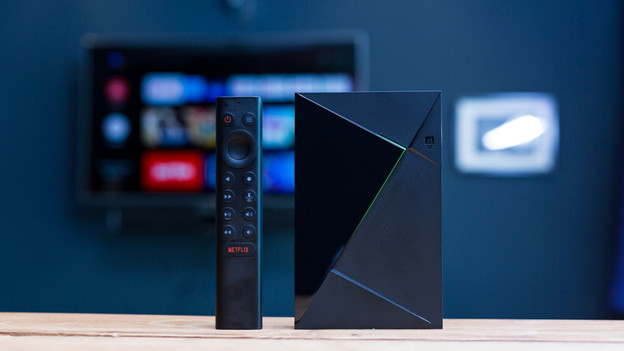
NVIDIA Shield
The NVIDIA Shield media players are a media player and game console in one. This way, you can stream games from Steam or from the GeForce NOW game collection.
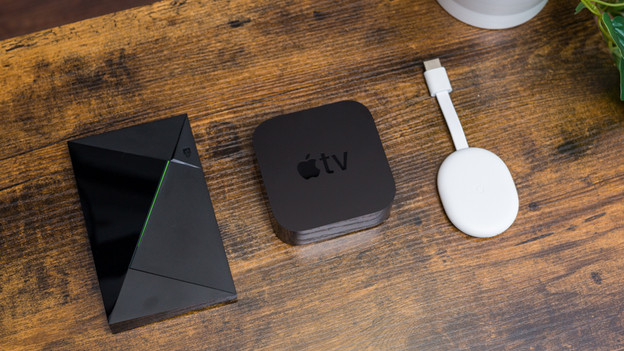
Comparisons
Can't decide between a few products? We'll compare the Apple TV media players with each other and the Chromecast to the Apple TV. We'll list all the advantages and disadvantages, so it's easier to make your choice.
