Written by Kasper
Edited on
9 October 2026
·
11:13
Expert review of the Corsair Iron Claw RGB
The Corsair Iron Claw RGB is a gaming mouse for the first-person shooter and MOBA fans. With an adjustable DPI and enough buttons, the mouse should have something for everyone. And the RGB lighting is essential for gaming accessories nowadays. Read this expert review to find out if the Iron Claw passes the test.
Corsair Iron Claw RGB
- Sturdy and comfortable in your hand.
- Enough adjustability options via iClue.
- Not too many and not too few buttons.
- Mouse only works optimally if you've installed iClue.
- Less suitable for gamers with small hands.

€ 52,90
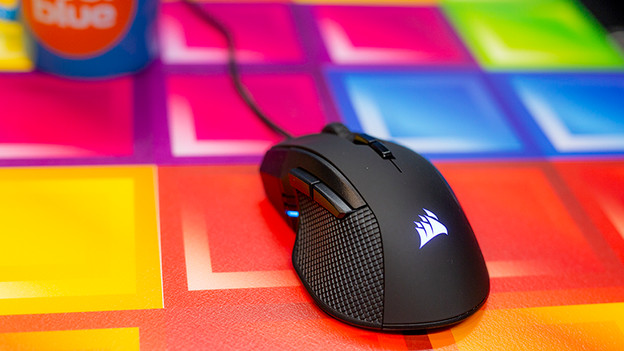
First impression
After I take the mouse out of the box, the first thing I notice is the size. At first glance, the mouse looks a bit large. This is mostly because of the back, which is wider than the back of the average mouse. It also ensures that the mouse feels comfortable in my hand. The Iron Claw is easy to hold and move over a mouse pad, which you notice right away.
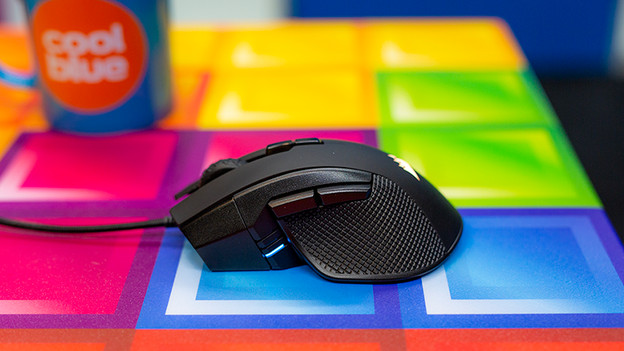
With an iron grip
Despite its large size, the Iron Claw doesn't slip out of your hands for a second. The sides have 2 enormous grip pads, so the mouse doesn't even slip out of your hands during the wildest movements. I think that's very nice. In addition to the scroll wheel and regular buttons, it has 2 thumb buttons and 2 buttons for the DPI. The lights on the side light up as soon as you adjust the DPI. That way, you know exactly when you've adjust your DPI. Even if it's by accident.
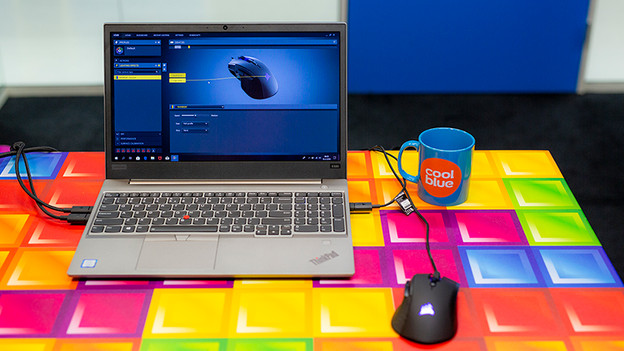
iCue required
The thumb buttons are useful when I browse the internet, for example. When I test them, I notice that they don't work. The reason is simply. For optimal use, iCue software is required. Once I've installed the software, the thumb buttons work the way they should and I can choose a lighting patter for the mouse. It's a shame that the software is required for optimal use, but it's not a big problem. That's because the setting options in iCue are endless.
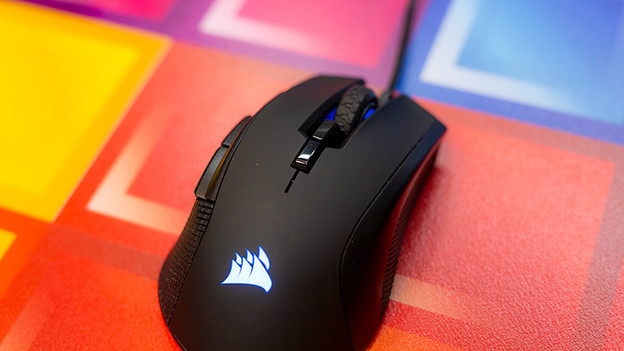
Endless adjustability
In iCue, you have the option to set up each button the way you want to. Want to switch the functions of the right and left buttons or give them a different function? Do so via iClue. You also have variou DPI settings you can adjust even more accurately in iCue. This way, you always have the best DPI settings for the right game. You can completely adjust the mouse with other DPI, various functions. and the adjustable RGB lighting.
Less suitable for small hands
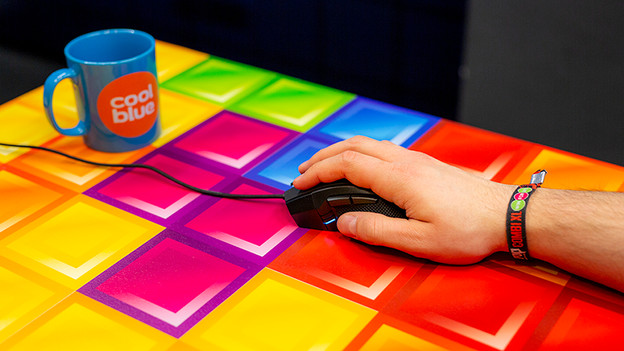
Its large size makes the mouse comfortable to hold in your hand, but this isn't necessarily the case for people with small hands. To use the mouse comfortably, your fingers have to reach the front of the mouse. That's difficult to do with small hands. So if you have small hands, the size of the mouse is an important thing to consider.
Conclusion
In my opinion, the Corsair Iron Claw RGB is a nice, straightforward gaming mouse. It's comfortable to hold in your hand, doesn't slip out of it, and you have countless adjustable options via iCue. It\s a bit annoying that iCue software is required to use the mouse optimally. The mouse is also less suitable for smaller hands. Despite this, the Iron Claw is a mouse that's suitable for every gamer.
€ 52,90