Help after purchasing your Apple TV
You've bought a new Apple TV. Now it's time to connect the media player to your TV and set it up. But where to start? On this page, our experts explain how you set up your Apple TV and which functions you can use.

Install the Apple TV
When you're setting up your Apple TV, you have to go through quite a few settings. You also need to know which cables you're connecting to your Apple TV. In these articles, our experts walk you through the setup.
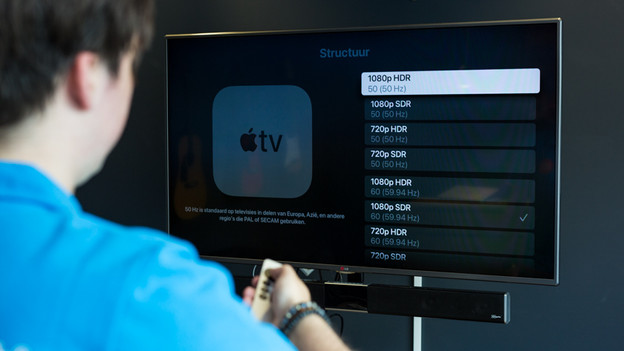
Set up Apple TV
It's important that your Apple TV is properly set up for the features of your TV. That way, you can be sure you get the best possible image and sound quality when you watch movies and series. In these articles, you can read which settings you should change to attune the Apple TV to your usage situation.
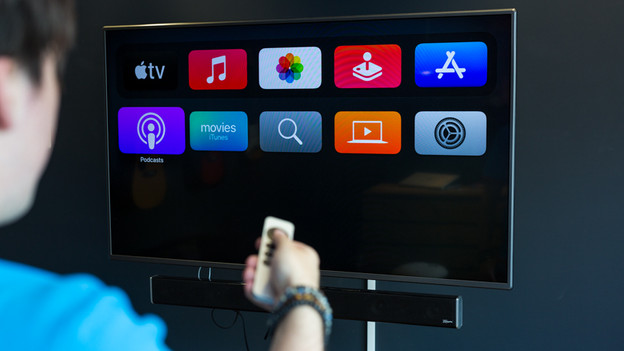
Tips for use
The Apple TV has a wide range of options to make it easier to use. Are you curious what you can do with the Apple TV? Here, we'll tell you more about the different functions.
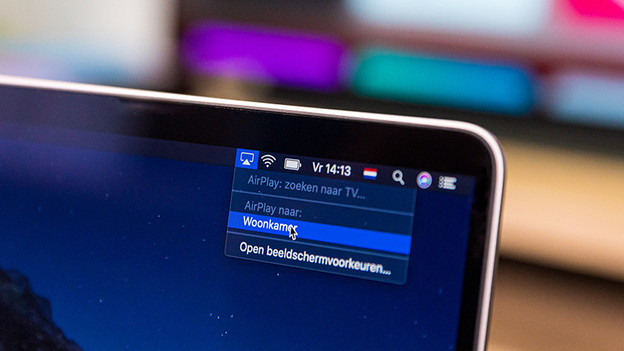
Connect to the Apple ecosystem
Apple TV works well with other Apple devices, thanks to the ecosystem of Apple. We'll tell you more about it here.
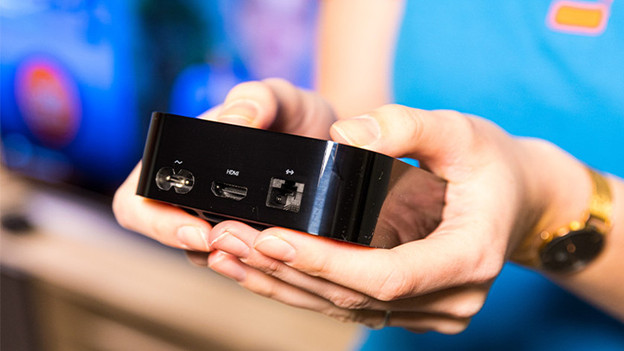
Solve problems
Does the Apple TV not display any image or does it refuse to turn on entirely? Don't panic. In this article, we'll give you tip that might solve the problem.
