Help after purchase of your business monitor
You've upgraded your office or home office with a brand-new monitor. You probably want to turn on your new purchase right away and make your deadline, but you'll have to connect and set it up first. We'll explain how to do this and how to solve any problems you might encounter.

Connect your business monitor
You connect a monitor by running an image and power cable to your monitor. Which image cable you need depends on your devices. The page below makes connecting your monitor a piece of cake.

Set up your monitor
Every monitor has a preset brightness, color representation, and resolution. We'll explain how you can adjust these to your liking.

Tips for furnishing your workplace
After you've connected and set up your monitor, it's time to furnish your workplace. It's not just important to work efficiently, but also ergonomically and comfortably.
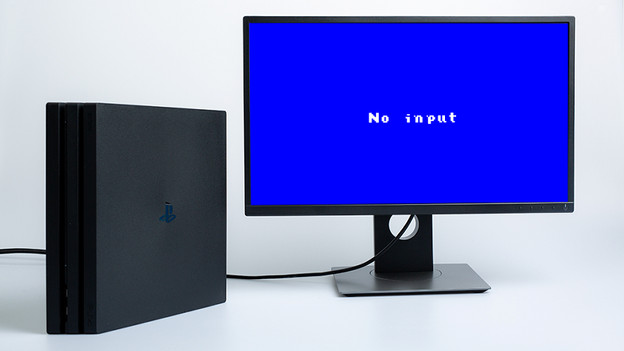
Solve problems
Do you run into problems when you're connecting or setting up your monitor? We'll give you some possible solutions.
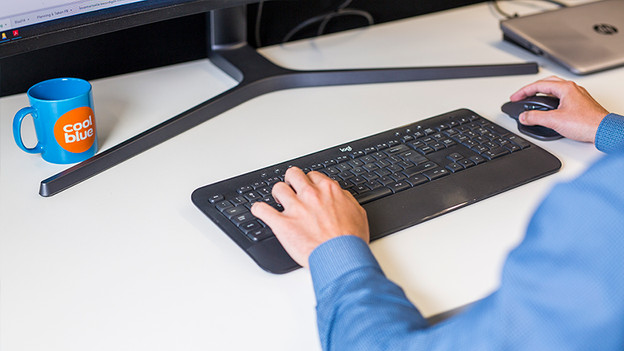
How do you connect your accessories?
Do you have accessories like a monitor arm or webcam? We'll explain how to connect them.
