
Written by Giovanni
Edited on
23 August 2022
·
12:40
How do you solve setup issues with your Wacom drawing tablet?
Do you have a setup problem with your Wacom drawing tablet? We'll explain how to solve that here. Download the drivers and go through the installation process. Read the steps on this page to easily solve the setup problems.
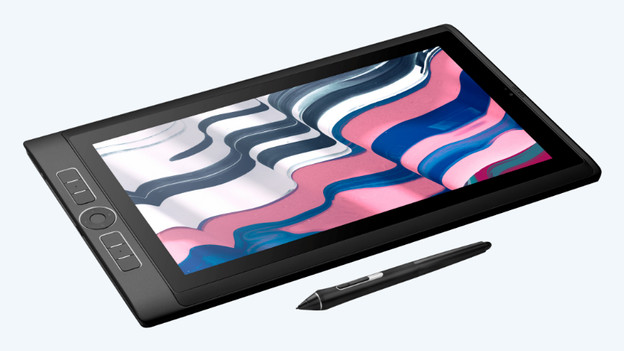
Solve installation problems
Follow these 3 steps to solve setup problems with your Wacom drawing tablet:
Step 1. Download the drivers
Step 2. Create an account
Step 3. Go through the setup process
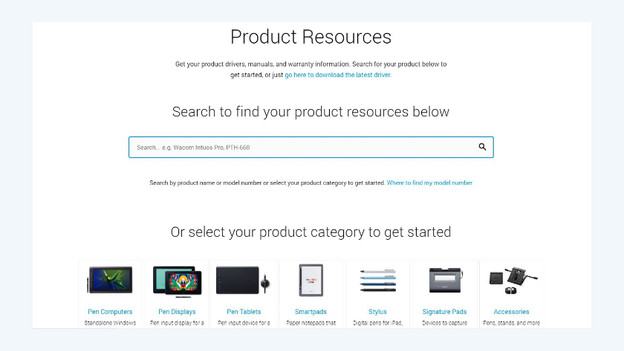
Step 1: download the drivers
Go to the Wacom driver page using the link at the bottom and enter the name of your Wacom drawing tablet via the search bar. Choose your model. Click 'Download Mac Driver' if you have a Mac or click 'Download Windows Driver' if you have a Windows device. Connect the Wacom drawing tablet to the computer.
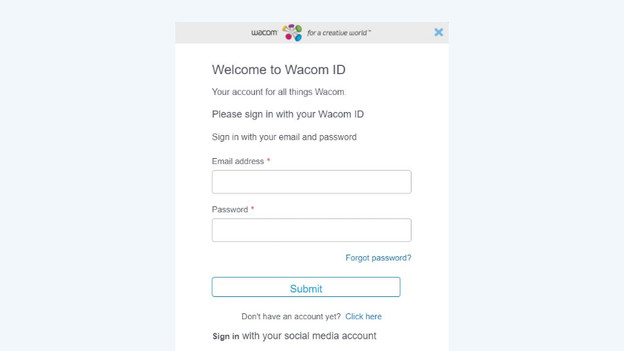
Step 2: create an account
Create a Wacom account or log in with an existing Wacom account. Open the Wacom Desktop Center and select "Getting Started.
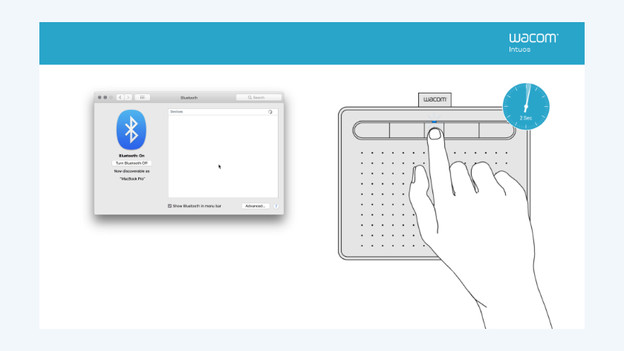
Step 3: go through the setup
You'll now go through the MobileStudio Pro Setup Wizard. All of the functions of the Wacom drawing tablet will be presented. Set the creative tools to your preference. The Wacom drawing tablet is now working.
Article by Giovanni
Drawing Tablet Expert.

