
Written by Lucas
Edited on
23 August 2022
·
12:52
How do you solve a crackling noise with your Jabra earbuds?
Does the sound of your Jabra earbuds crackle? That's not right. Maybe you haven't downloaded the latest firmware update in the Jabra Sound+ app. In this article, we'll explain how to solve the problem.

Solve crackling sound with your Jabra earbuds
You can solve a crackling sound with your Jabra earbuds in 3 steps.
Step 1: download an update
Step 2: a stable connection
Step 3: adjust noise canceling
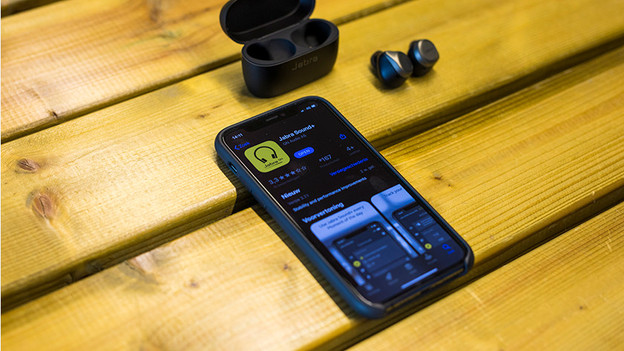
Step 1: update the earbuds
In the Jabra Sound+ app, you can download updates for your earbuds. Bugs are often solved with a new update and the performance of the earbuds improves. That's why it's important to install the latest available update. In the app, tap 'Discover' at the bottom and you'll see if there's an update available right away.

Step 2: make sure you have a good connection
When the sound is crackling, it may be caused by a poor connection. Try the tips below for a more stable connection.
-
Turn off all Bluetooth devices in your area.
-
Don't stand too close to appliances like fridges and microwaves as they might affect the wireless Bluetooth signal.
-
Keep your smartphone in your hands or front pocket, not in your bag or back pocket.

Step 3: turn noise canceling on and off
Do you have Jabra earbuds with noise canceling? The noise canceling may cause the crackling sound. When you open the Jabra Sound+ app, you can adjust the noise canceling in the first screen that appears. Switch between the different modes and check if the crackling sound disappears.

