
Written by Lucas
Edited on
26 May 2023
·
15:02
How do you solve battery problems with your Jabra earbuds?
Don't your earbuds produce audio anymore after a night of charging? That means you have an empty battery. Try to clean the earbuds or connect the charging case to the power grid. We'll tell you what else you can do in this article.
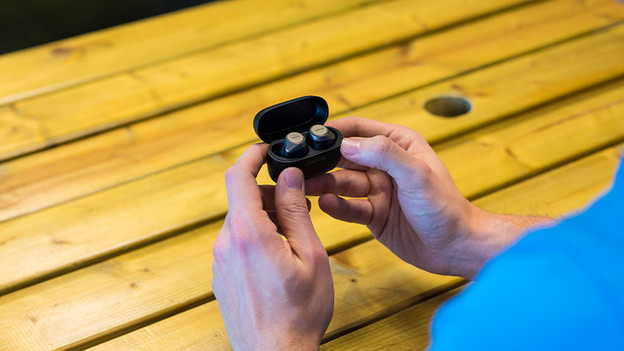
Solve battery issues with your Jabra earbuds
With these 2 tips, you can solve battery problems of your Jabra earbuds.
Tip 1: charge earbuds differently
Tip 2: clean earbuds and charging case

Tip 1: charge the earbuds differently
First, try the tips below if your earbuds no longer charge.
- Charge the charging case via the power grid, not via your PC, laptop, or other device with a USB connector.
- Try a different charging cable.
- Tip 1: charge the earbuds differently Charge the charging case with the earbuds out.
Note: does the right earbud empty faster than the left one? That's correct. The right earbud is the main one, so it consumes more energy.

Tip 2: clean the charging case and earbuds
You'll find gold connectors in both the Jabra earbuds and charging case. These ensure the earbuds are charged. Clean these connectors with a soft, dry, and lint-free cloth.

