
Written by Daniel
Edited on
2 April 2024
·
07:28
How do you reset Devolo powerline adapters?
It's possible that your Devolo powerline adapters no longer do what they're supposed to. For example, you might lose your Internet connection or the transfer speed becomes very slow. In most cases, you can resolve this by resetting the powerline adapters. A reset returns the adapters to factory settings. You can read how to do this here.
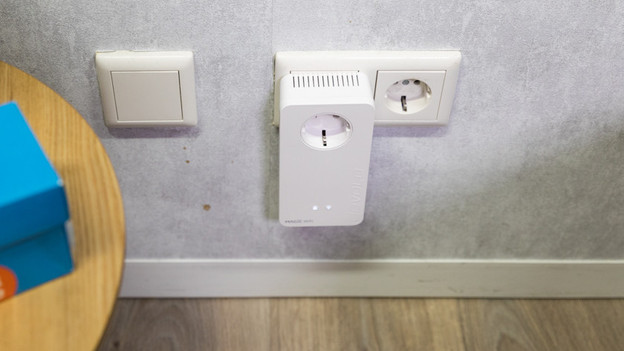
What do you need?
- The adapter(s) you're going to reset
- A paperclip
Step-by-step approach
The reset procedure of the Devolo powerline adapters is very simple. Just follow the steps below:
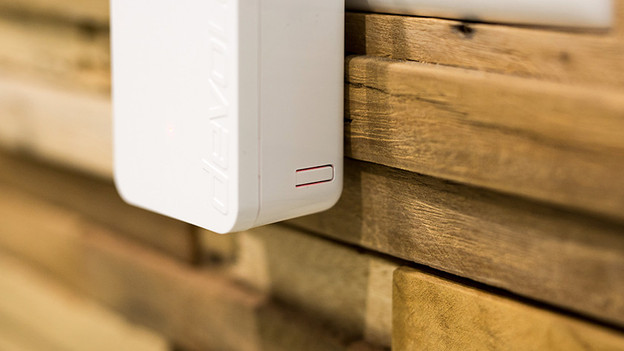
- You can find the reset button on the bottom of the powerline adapters. It's hidden in a small hole that can be recognized by the label "Reset". Find this button.
- Press the reset button for at least 10 seconds with the paperclip. Note: if you press it for less than 10 seconds, the device will restart, but not reset.
- The LEDs on the device will flash. Wait until they stop flashing.
- Your powerline adapter is has now been reset.
- Reset the powerline adapters.

