Sonos help after purchase
Are you in the middle of the connection process of your Sonos speaker, but you're stuck? Don't worry. On this page, we'll help you connect and set up your speakers. We'll also provide useful tips so you can enjoy your Sonos system to the fullest.
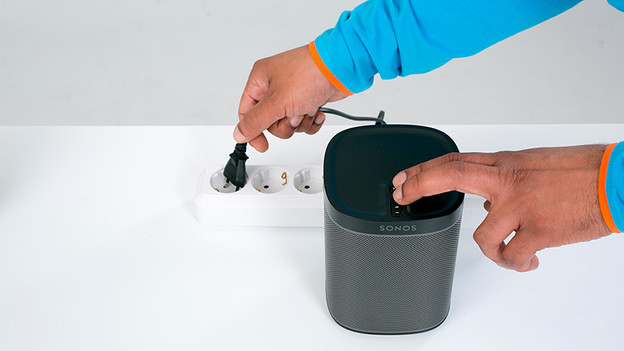
Connect
Before you can enjoy your Sonos speaker, you first have to connect it and set it up. With these articles, we'll help you with that. We'll also explain how to pair multiple speakers.
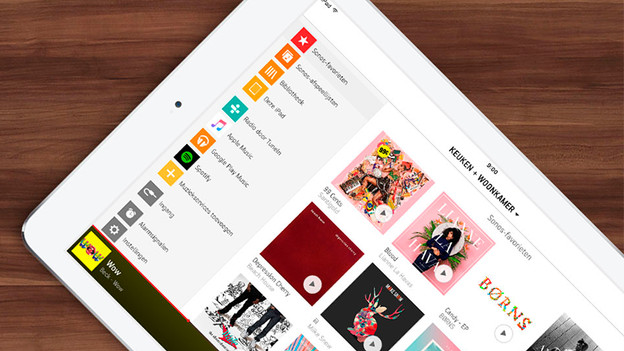
Tips
Learn about the extra options the Sonos system has. We explain how to set an alarm or switch off the white light.
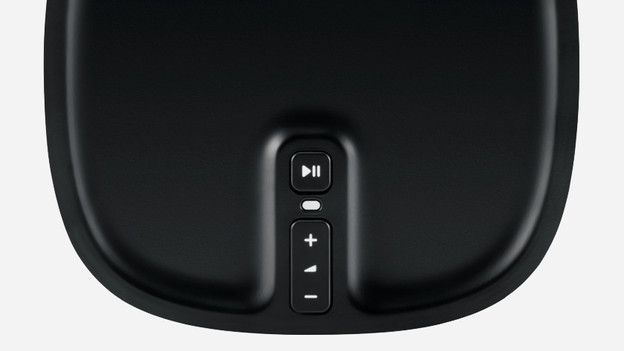
Frequently occurring problems
Doesn't your Sonos speaker work like you want? That's probably due to the settings. In that case, it's useful to reset the speaker. this way, you erase all settings you adjusted before.
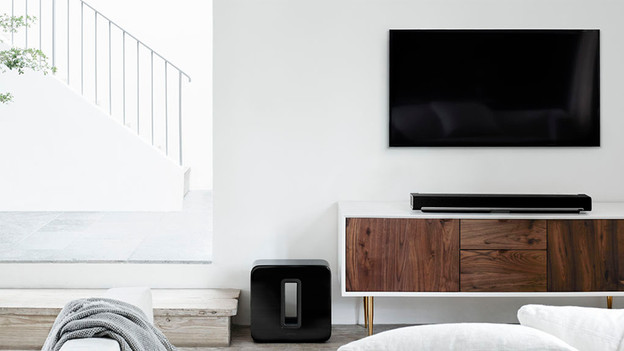
Connection options
Not every Sonos speaker has a connector for analog or digital cables. Keep this in min when you want to connect a speaker to your TV. In addition to the Playbar or Playbase, only the Connect, Connect:Amp, and Sonos Play:5 have a television connector.
