
Written by Thomas
Edited on
9 October 2026
·
12:53
5 tips for when your iPad doesn't charge
If your iPad charges slowly, that can have different causes. There might be dust in the charging port, or a cable is connected to the wrong connector, for example. With the 5 tips below, we'll help you solve your charging problems.
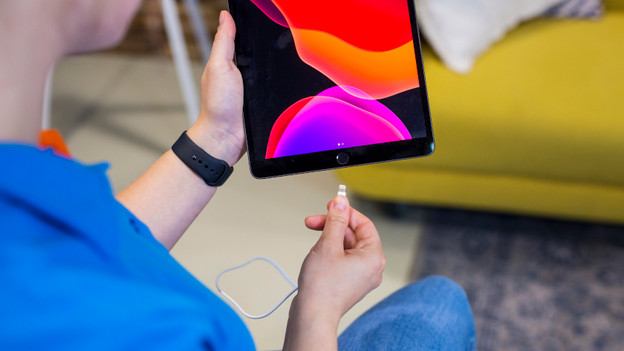
Solve charging problems
With the following tips, you can solve common charging problems.
1: reconnect the cable and charger 2: clean the charging port 3: use a charger with the right power 4: only connect Apple certified accessories 5: use a cable with the right connector

Tip 1: reconnect the cable and charger
1: connect your iPad with the included cable. 2: connect the cable to the included charger or a different power source. 3: you'll see a lightning symbol while it's charging in the top right of the status bar. If the iPad is turned off, you'll see a large battery symbol on the screen.
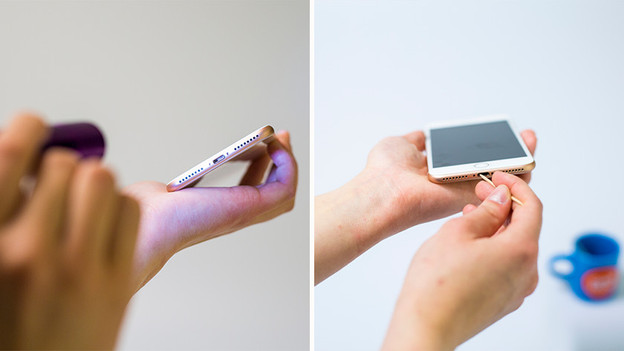
Tip 2: clean the charging port
Gently clean the charging port by blowing into it or by using a little brush. Do you need help? Make an appointment at a Coolblue store near you. When you're done cleaning, you can reconnect the charger and check if the iPad charges again.

Tip 3: use a charger with the right power
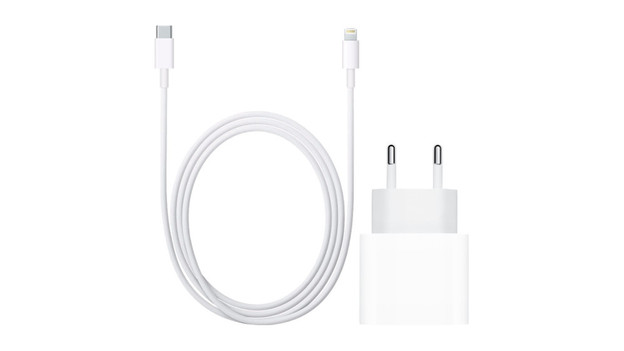
Does your iPad show the notification "Not charging"? The power supply to your iPad isn't enough to charge it. First, check whether the charging port is clean. Does your iPad still show "Not charging"? You're using a charger that isn't providing enough power. Buy a charger with at least 20W of power to charge it
Tip 4: only connect Apple accessories
Accessories that aren't Apple certified don't work optimally, and they can damage the device. You'll get a notification if you connect non-certified accessories. That's why you should always use the included cable and charger. Don't you have them anymore? On our site, you can find Apple original and Apple certified accessories.
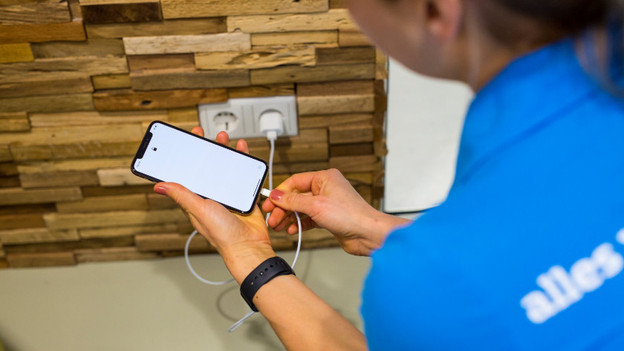
Tip 5: use a cable with the right connector
Carefully check what charging port type your iPad has. All new Apple iPad models have a USB-C port, which you can recognize by the round shape of the port. Older Apple iPad models often have a Lightning connector, which you can recognize by the flat shape. You need an older Lightning cable for this.
Article by Thomas
iPad Expert.

