Apple iPad support
We're happy to help you on your way with your new Apple iPad. How do you install your iPad? And what are the best accessories for you? You can read it here. In addition, we'll give you some useful tips to get the most out of your iPad.
Installation and updates
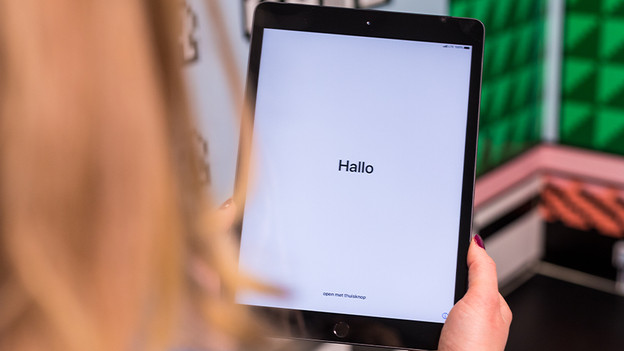
Do you want to know how to install your iPad? Or how do you transfer data from your old to your new iPad? You can read it here.
Apps and functions
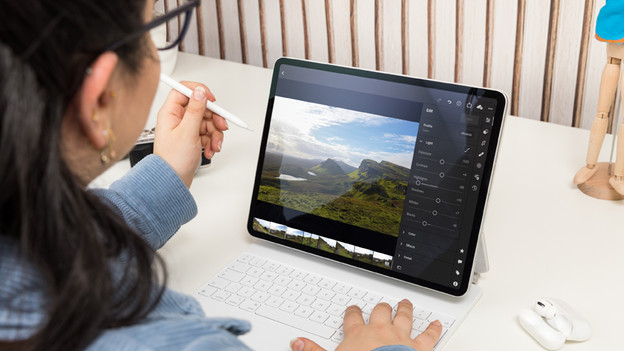
After the installation, it's time to really get started with your iPad. In our advice, you can read how to use different apps and functions on the Apple iPad.
Basic tips
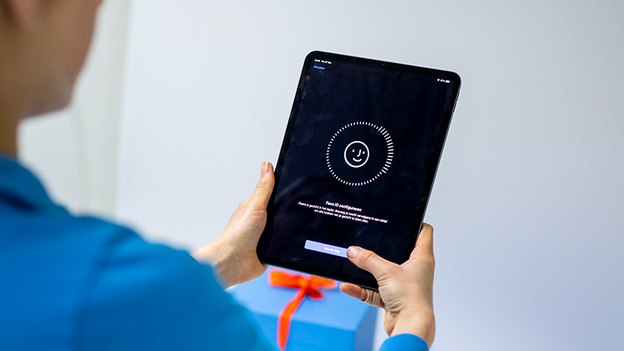
We're happy to help you on your way, so you can get started with your iPad as soon as possible. That's why we have a number of basic tips for your iPad use.
Life hacks
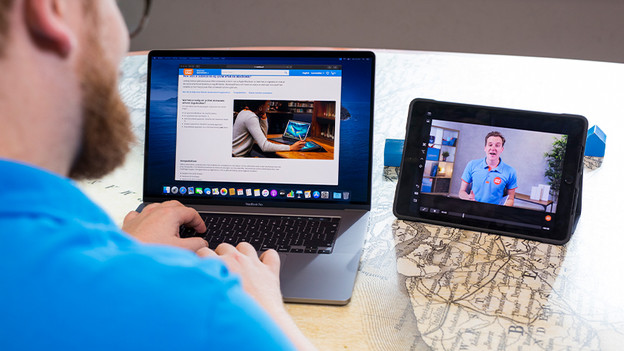
You want to get the most out of your iPad. That's why we've listed a number of life hacks for you that you can't miss.
Accessories
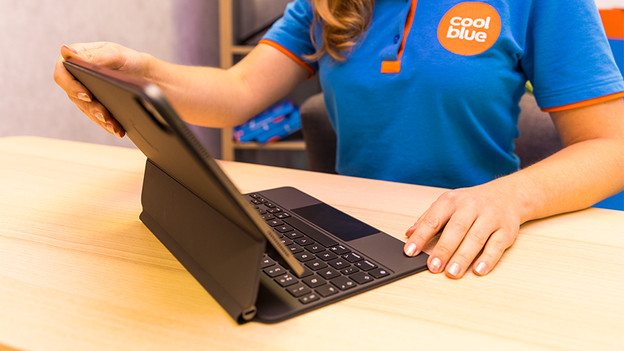
You can complete your iPad with the right accessories. Work efficiently with the Apple Pencil and Smart Keyboard. In addition, you can use a case to protect your iPad against scratches and dirt.
Connect external appliances
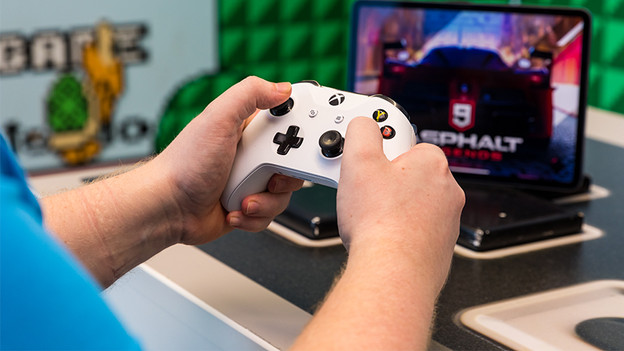
Sometimes, you can do even more with your iPad when you combine it with external devices. Here, you'll read how to connect your iPad to a mouse, external monitor, or game controller, for example.

Upgrade
You can trade in your older iPad at Coolblue and receive a discount on your new model.
Business and school
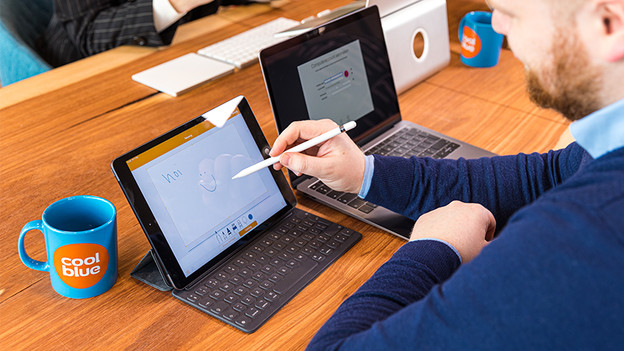
The Apple iPad is a useful tablet both for business and school. With the right software and accessories, you can easily use it as a laptop without having to carry the weight of a laptop.

Solve problems
Do you experience problems with your iPad? This can have several causes. Read how to solve the most common problems here.
Tips for problems
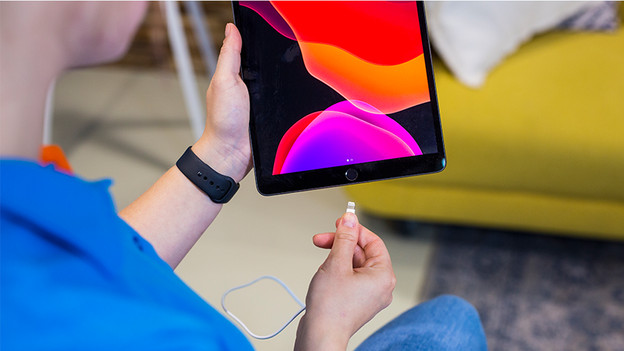
Here, you'll find even more tips on problems with your iPad. For example, we'll give tips on how to extend the battery life of your iPad and we'll tell you what you can do if your iPad isn't charging.
