Cricut
Cricut machines
Cricut heat presses
Cricut materials
Cricut tools
What's a Cricut cutting machine and Cricut Design Space?
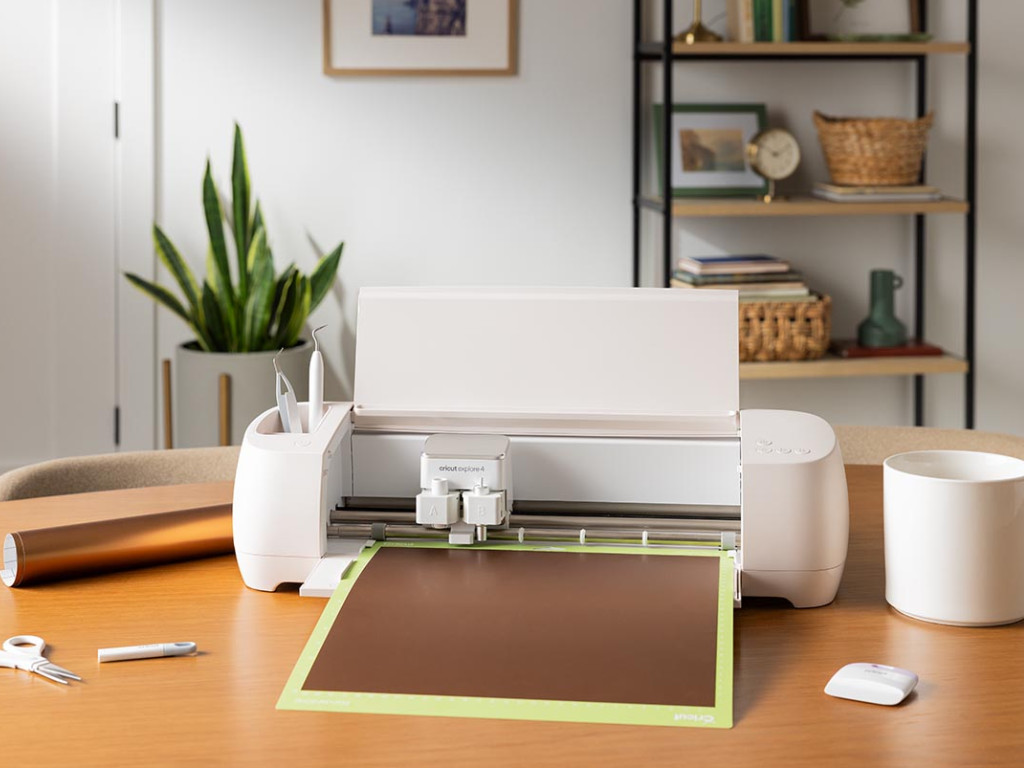
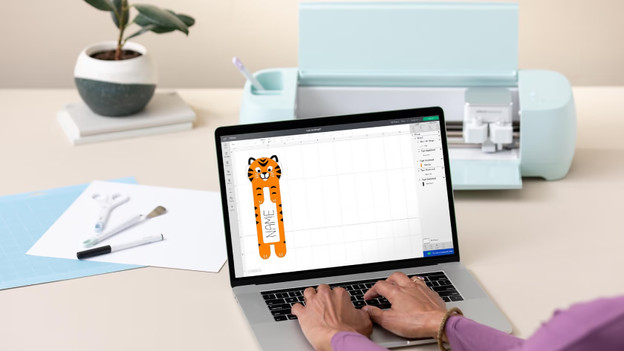
Cricut makes smart cutting machines, heat presses, pocket printers, and materials. The cutting machines can cut up to 300 different materials such as paper, vinyl, fabric, and leather. This way, you can create unique and personalized projects. Think of cards, stickers, craft projects, gift boxes, and more. Or print on your own mugs, shirts, and bags with the heat presses. The possibilities are endless. You can control the cutting machines and pocket printers via the Circut Design Space app, which you can use to easily make designs. In here, you can choose from thousands of images and ready-to-go designs, or easily choose your own design.
View the latest Cricut pocket printer
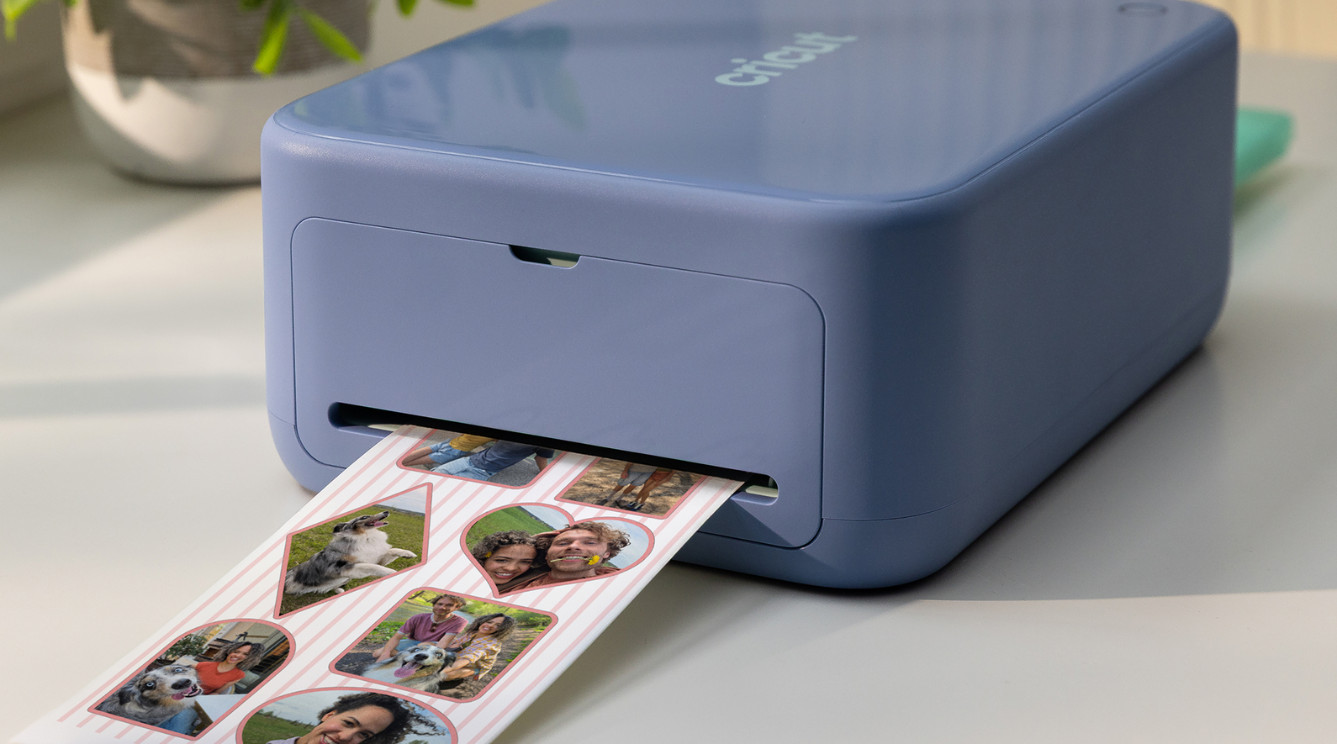
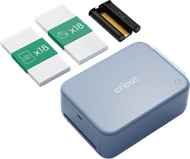
Cricut StickerPix Print + Cut
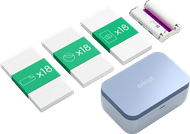
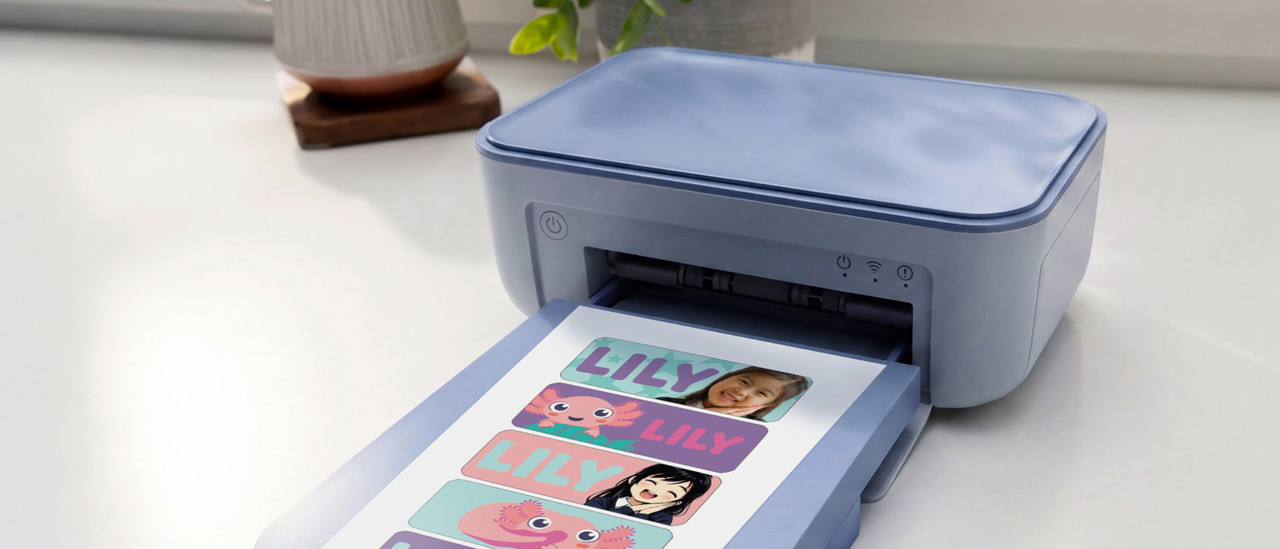
Quickly and easily print stickers and photos with the Cricut StickerPix Print + Cut Essential Bundle. You can make prints in any shape, because this pocket printer is a cutting machine as well. Print, laminate, and cut at the press of a button. Use the included sticker sheets and personalize jars, laptops, and more.
Bestselling Cricut products
Create your first project right away with these starter bundels.
You receive the most materials and tools.
You receive extra materials, tools, and a cutting mat.
You can print stickers and photos in high quality.
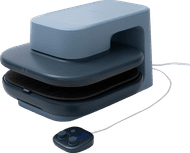
You can quickly press your own design on shirts, bags, and more.
View the latest Cricut Maker 5
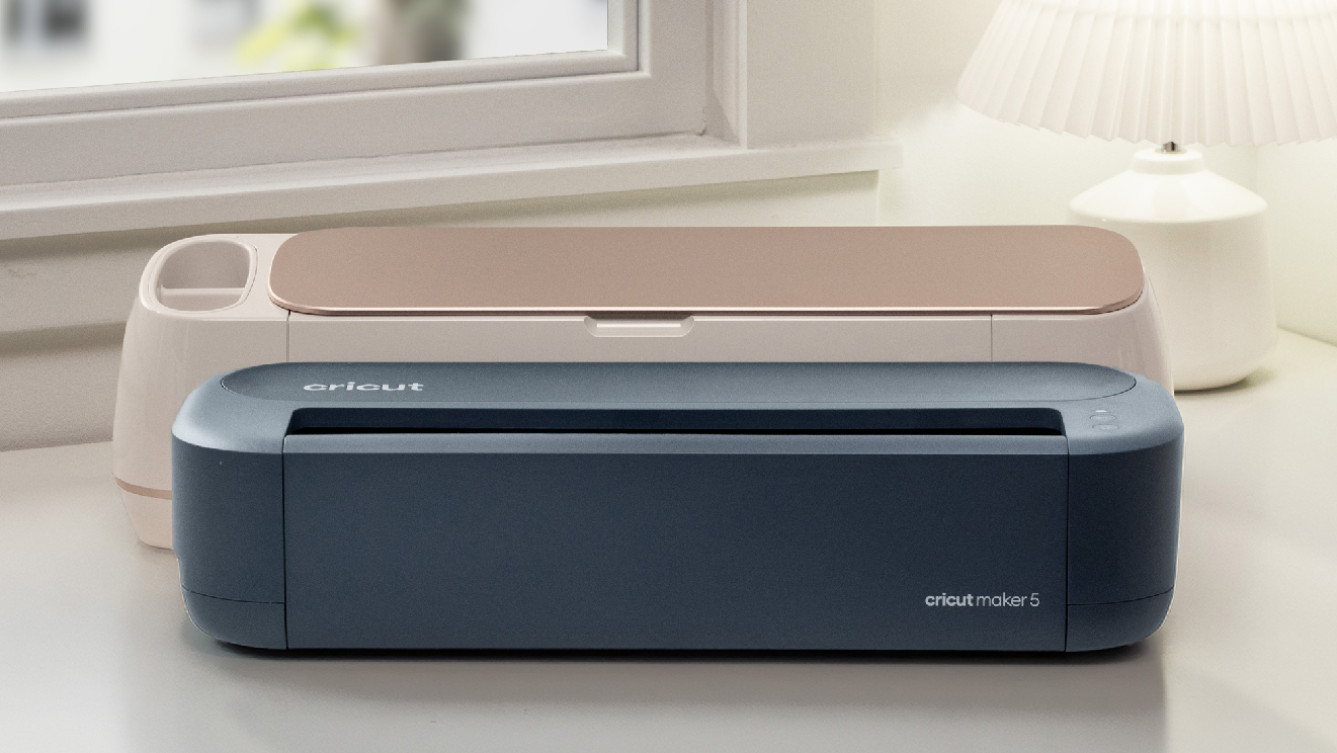
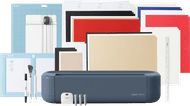
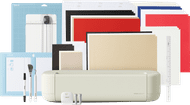
Circut Maker 5 Essential bundle
On 3 September 2026, Cricut launches the latest Cricut Maker 5. With this cutting machine, you can cut through material of up to 3mm thick and engrave your own jewelry. The Maker 5 has a new, thinner design and a nice blue color.
Get inspired
FAQ
What can you make with Cricut?
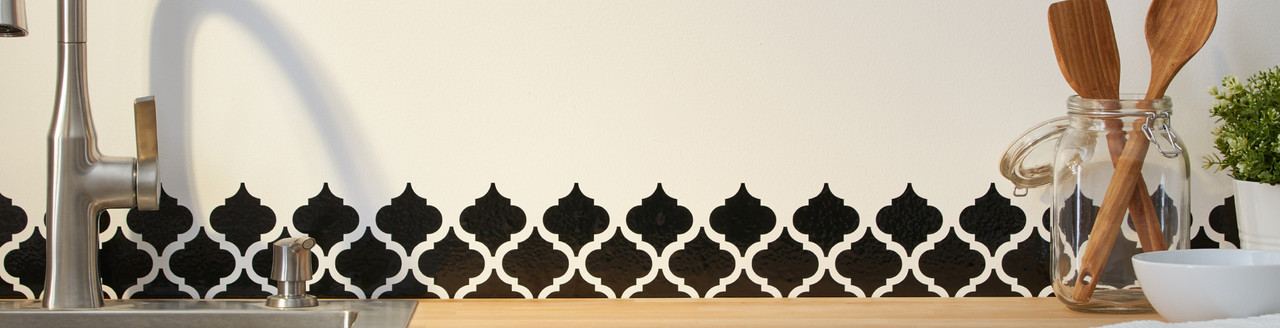
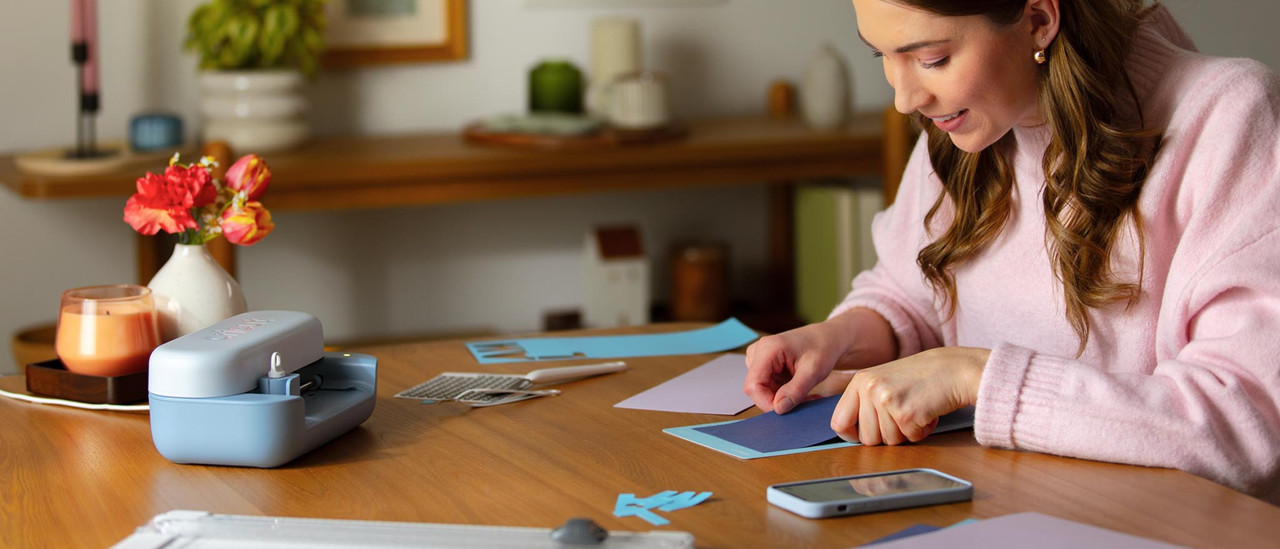
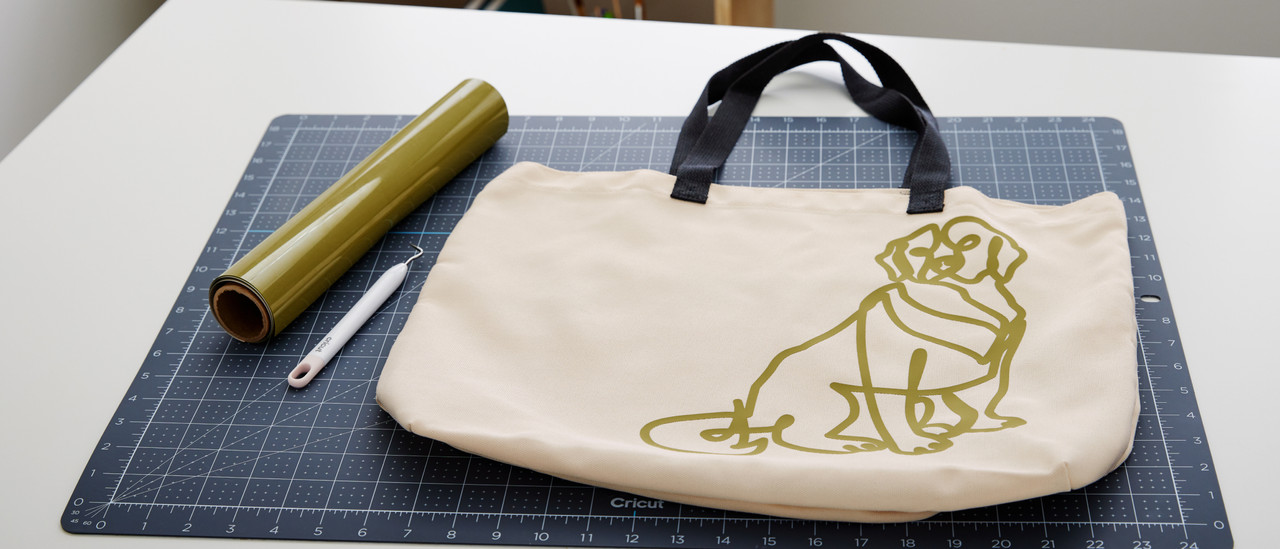
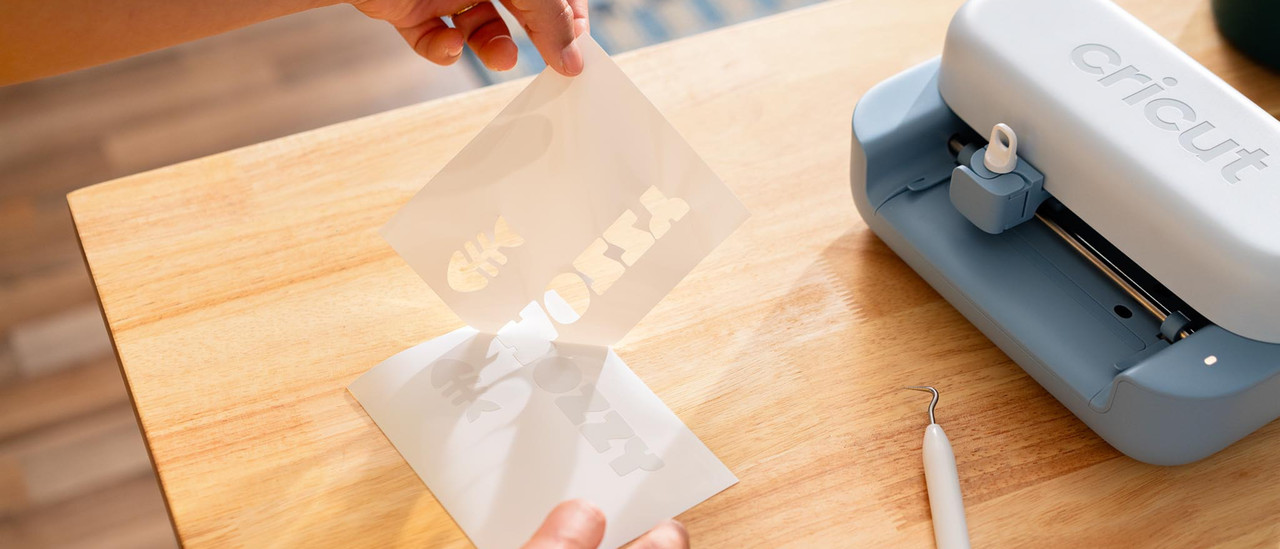
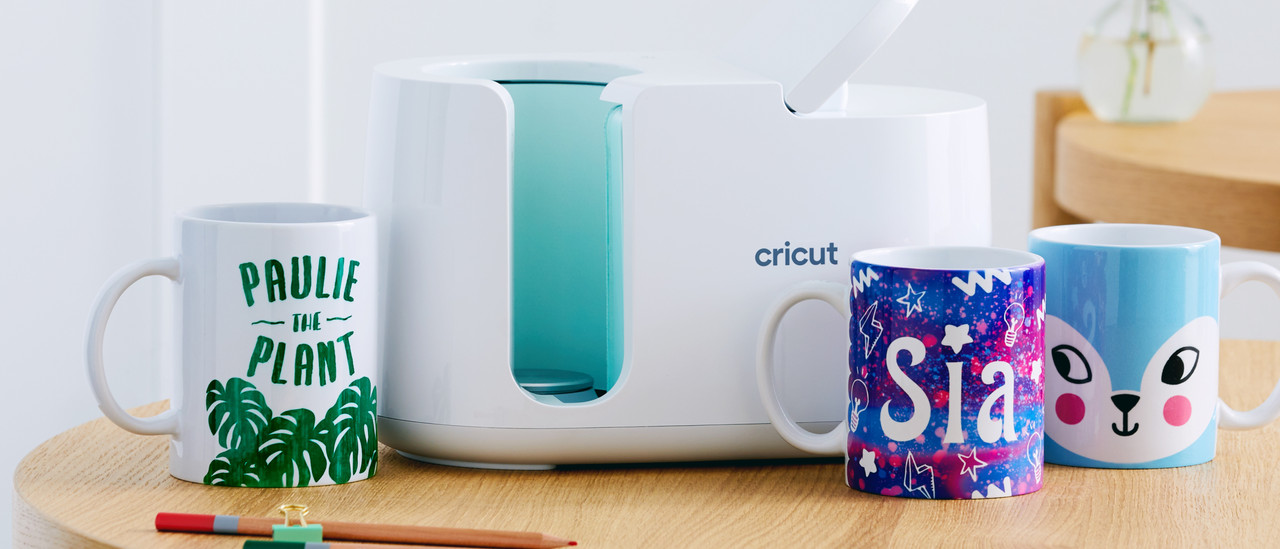
What you can make depends on your model. The Cricut Joy has the least options and the Cricut Maker the most. Create personalized birthday cards and party decor, for example. Or design and cut out unique vinyl stickers to personalize your stuff. You can make prints for T-shirts, bags, or mugs. In addition, you can turn ordinary pillowcases into art with your design. Cut out quilt patterns from fabric and leather or engrave a bracelet with the Cricut Maker. The possibilities are endless.
What's a heat press?
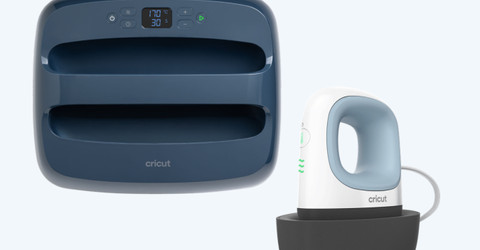
With a Cricut heat press, you can transfer images or designs to clothes, bags, and fabrics with heat and pressure. You can place a transfer paper on the fabric and press the heat press on it. The heat and pressure make the design permanent on the material. With a heat press, you can make personalized T-shirts, pillows, and more. There's also a Cricut Mug Press and Hat Press, which you can use to print on mugs or caps.
What are Cricut Smart Materials?
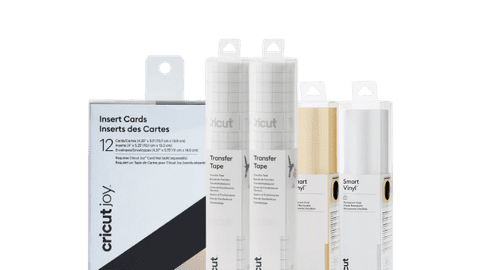
Cricut Smart Materials are special materials that you can use with a Cricut cutting machine. The useful thing about these materials is that you don't need a cutting mat. Simply place the material in the machine and it cuts them without any problems. This way, it's easier to make stickers and other craft projects.
What do you need for your first Cricut project?
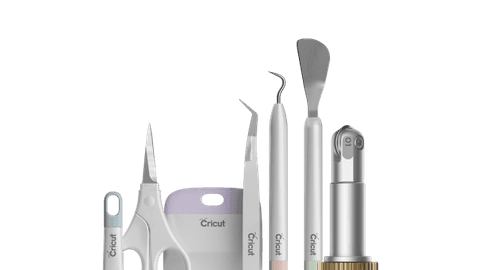
For your first Cricut project, you need a Cricut machine, materials, a cutting mat, tools, Design Space, and a design idea. With a Cricut machine, you cut your material. Design Space is a program that you can install on your computer or smartphone. With this, you can make your design and control your cutting machine. You need materials and a cutting mat to attach your material to. Think of what you want to make, such as a card, a sticker, or a label. Or get inspired by the Design Space. With the different Cricut hand tools, you can finish your project after cutting. For example, remove imperfections with the peel hook and firmly press the transfer tape with the scraper. Choose a Cricut bundle and get started right away.