With a docking station for Apple MacBook, you can expand the number of ports and connect all your peripherals. When choosing a MacBook dock, pay attention to the port that you want to use on the laptop. Are you going for a USB-A or USB-C connector? Or do you want a dock with both USB-C ports? You can also choose a docking station that has enough connectors for all the devices you want to connect, such as an extra monitor or an ethernet connector. You can get even more out of your MacBook.
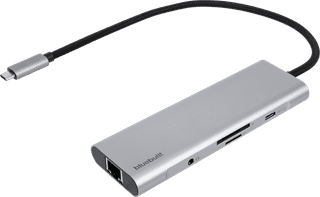

Retail price
€ 79,99€ 57,-
including VAT, free delivery
Delivered on Monday

Retail price
€ 110,-€ 87,-
including VAT, free delivery
Delivered on Monday
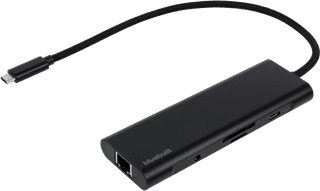
Retail price
€ 79,99€ 59,99
including VAT, free delivery
Delivered on Monday
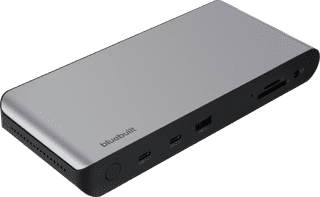
Retail price
€ 160,-€ 132,-
including VAT, free delivery
Delivered on Monday
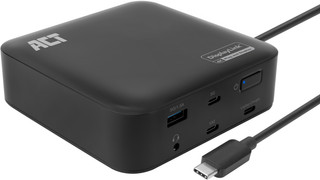

€ 141,90
including VAT, free delivery
Delivered on Monday
