Chromebook models for business use
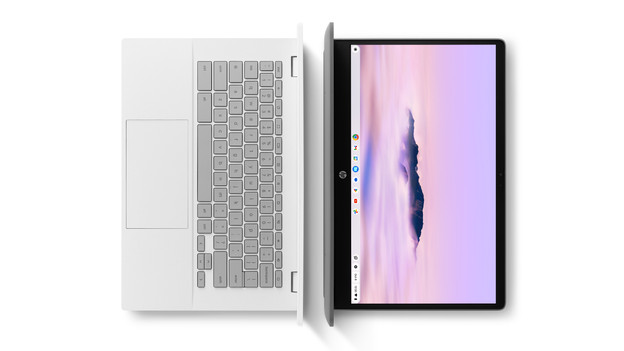
Chromebook models are laptops that work with the ChromeOS operating system. A Chromebook is useful for educational institutions and examination, because they have a long battery life and they're protected well from viruses. On these Chromebook models, you can easily pre-install software as an educational institution or via Coolblue. This way, students can get started right away. Students mainly work in the cloud with Chromebook models, so they lose their reports or files less quickly.
Our business Chromebook models assortment

Find the best Chromebook for your educational institution
Chromebook models for primary schools
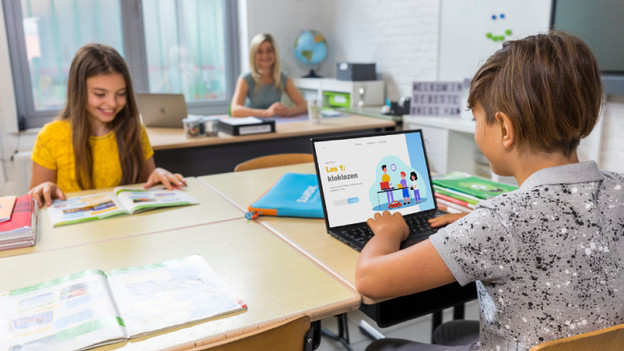
Chromebook models for primary schools are powerful enough for basic tasks, like writing reports, watching videos on YouTube, browsing the internet, and working in online apps. Thanks to the small size, primary schoolers can easily take these Chromebook models with them to class.
Chromebook models for high schools
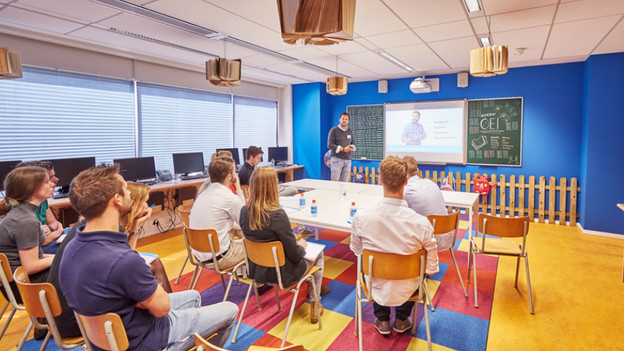
A Chromebook for high school is suitable for various tasks. For example, writing reports, making tests, and work in medium demanding programs. Students can work without problems with Google apps like Docs or Classroom, for example. These Chromebook models are small to medium-sized, so they're useful for in class and on the go.

Google Workspace for Education
Google Workspace for Education is a collection of online tools and apps made for educational institutions. Students and teachers can easily work together. They can easily manage homework, deadlines, and assignment via Google Classroom. Manage all devices, hide data, and adjust the user settings via Google Admin Console.
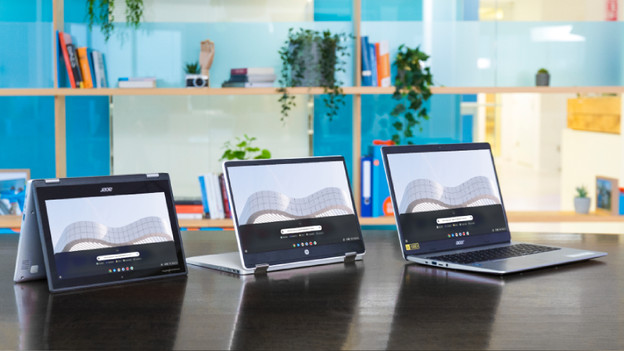
Configure your Chromebook yourself
Choose the Chromebook that best suits your wishes. Select the processor, RAM, storage, and other important specifications yourself. We'll fully prepare the Chromebook for you, so it's ready for use right away when we deliver it. For example, we'll adjust the settings of ChromeOS, also called the BIOS, and pre-install software.
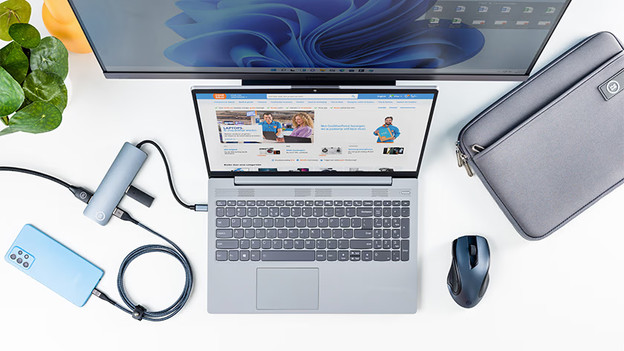
Extra accessories and insurances
With a Chromebook, we have the accompanying accessories you need like a keyboard, mouse, or laptop sleeve. That way, you can complete your purchase. We also offer insurances for your Chromebook models. This covers all the costs outside of the standard 2-year warranty. With a Backup Plan, you can extend this to 3 or 5 years in total.

Logistics
You decide where we deliver your order, for example at the students' house or at school. We'll also deliver the Chromebook models with little packaging, so they're ready for use right away. With the Device Retirement Service, we take old Chromebook models back with us.

Payment and renting
You can pay on credit or rent. Which payment method do you choose? At Coolblue Business, you'll get a personal account manager. Together, you can find out what suits you best.
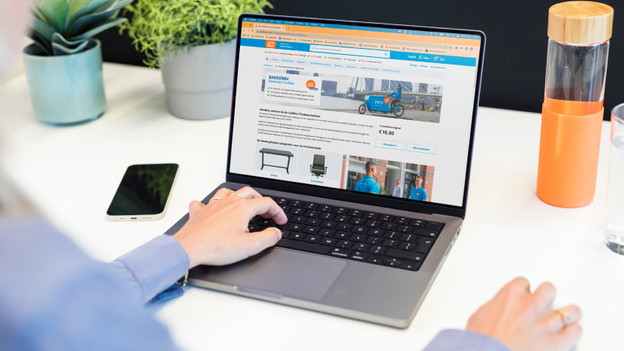
Choose Your Own Device
Do you want to allow your teachers or parents of students to choose their own products? You can easily do that with a Company Store. You'll determine the assortment and the budget. You can also order yourself via your purchasing system with an OCI link, or an API.
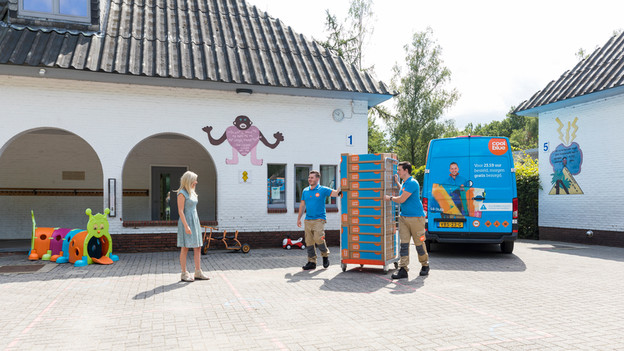
The benefits of Coolblue as a business partner
As a business customer, you get the same service you're used to from us as a consumer. We offer many different business services that we all handle centrally. You can discuss all things related to orders, deliveries, warranties, and repairs with us directly. That way, you always know what's going on.
- Personal account managers
- Custom advice and solutions
- Request a quote by phone or via email
- Order on credit
- Delivery where and when suits you


Frequently asked questions
What's the difference between a Chromebook and a laptop?
A Chromebook works with the operating system ChromeOS. Windows laptops work with Windows, MacBook works with macOS. ChromeOS is the operating system of Google, so you can work with apps like Google Docs and Google Drive a lot. That's because you only install apps from the Google Play Store.
Can I also work offline with my Chromebook?
Yes, that's possible. Chromebook models also have local storage where you can store your files. Turn on offline mode and keep working without the internet. Reconnected to the internet? Your Chromebook stores all adjustments in the cloud.
Do you also install the software in advance?
Yes, that's possible. You do need to inform us by telephone. Contact Coolblue Business and discuss the possibilities.
Can I buy Chromebook models outside of your assortment?
Yes, that's possible. Contact Coolblue Business and tell them which Chromebook you want to buy.
Can you deliver the products at the students' house?
Yes, that's possible. With home delivery or flexible delivery, Coolblue delivers fast to multiple addresses. Contact Coolblue Business and indicate that you want to have the Chromebook models delivered to the students' houses.
Can I place an order on credit?
Yes, that's possible. Order the products today and pay after delivery.