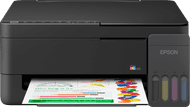
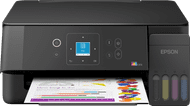
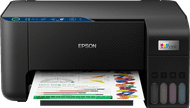
Epson EcoTank ET-2871





anything for a smile


Better model
Installation ease
Options
Print quality
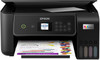
With the Epson EcoTank ET-2871 I save a lot on my consumable costs thanks to the ink tanks and I print documents sharply. I do not automatically print double-sided with this printer.
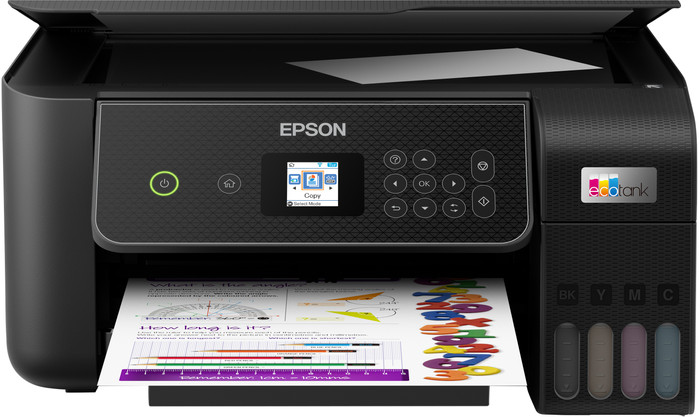
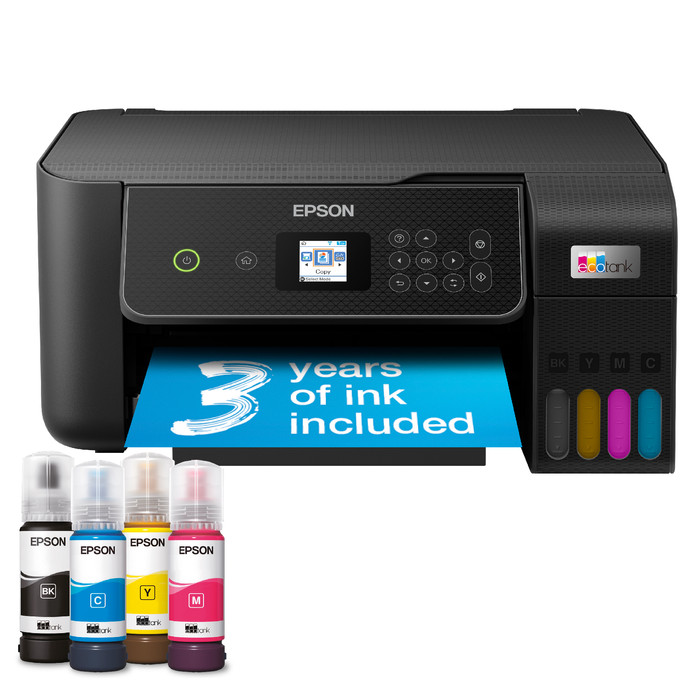
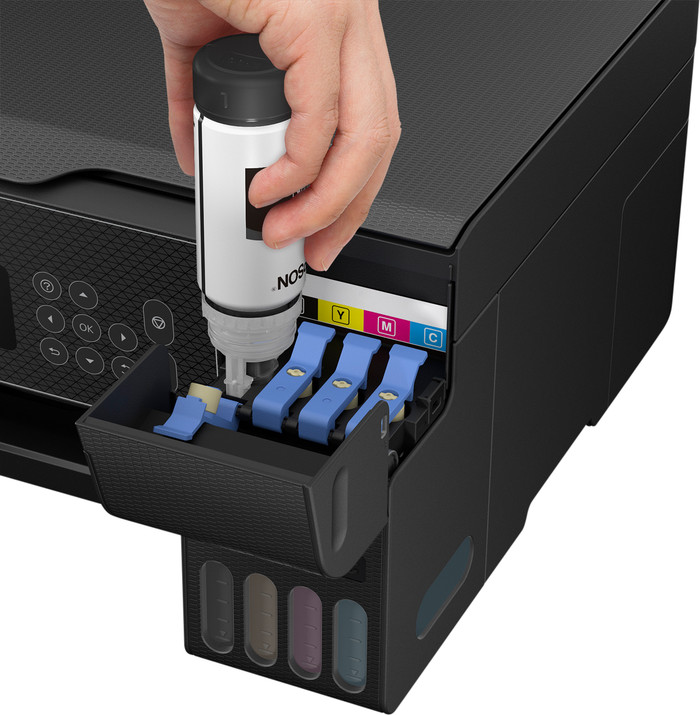
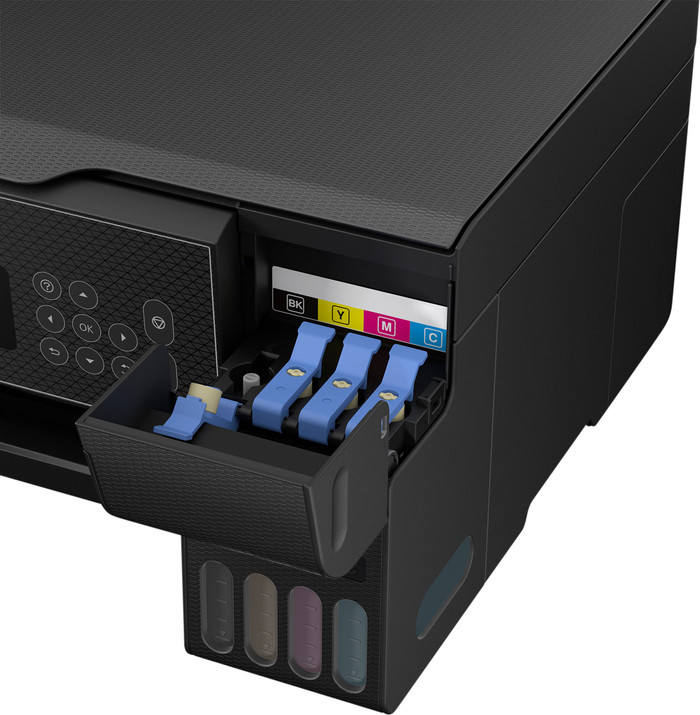
Low running costs This printer does not use cartridges, but has an ink tank that I fill with ink from bottles. Filling the ink tanks is very easy. I place an ink bottle on the attachment and the ink automatically flows into the tank. I was afraid of stains on my desk, but ink automatically stops flowing from the bottle when the tank is full. The biggest advantage of these ink tanks is that they are much cheaper than cartridges. With one set of ink bottles you can print approximately 4,500 pages in black and white and 7,500 in color. I print about 300 pages and after this I see no difference in the ink level. This makes the printer economical to use if you print a lot.
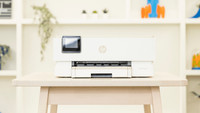
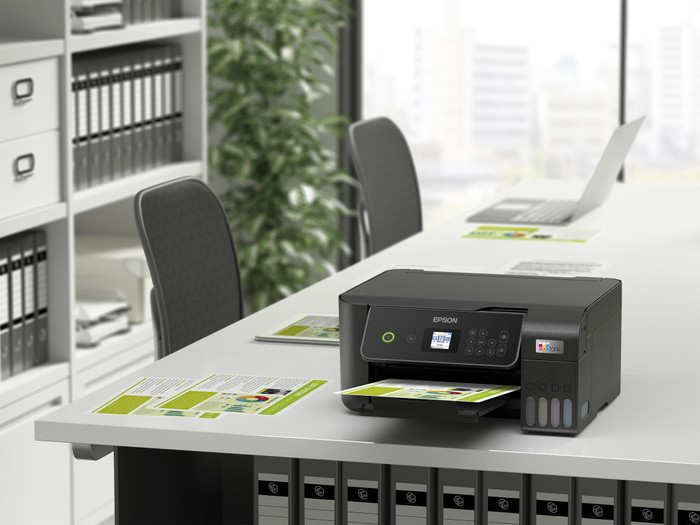
Small size and easy connection What I like about the printer is that it is compact and light. The light weight of the printer makes it easy to unpack. Due to its compact size, the printer fits easily on my desk next to my laptop and monitor. Connecting the printer to my WiFi network also goes smoothly. I connect my smartphone directly to the printer's own WiFi network. I scan a QR code on the printer's screen and am then immediately connected. My laptop does not have a USB input to which I connect the printer, but this is not a problem. I print via Apple AirPrint and the Epson Smart Panel app. I can copy or scan at the touch of a button via the LCD screen. The printer does not automatically print on both sides, so I only print single-sided documents.
High print quality The printer is on the slow side. Printing a 10-page color document takes about 2 minutes. A full-page image is ready after a minute. I often print small documents myself, so I don't mind waiting a while. If you often print reports with many pages, I would choose a faster printer. The quality of text and color documents is good. The printer has a high print resolution of 5,760 by 1,440 dpi. This also allows me to print images sharply. With the standard print settings, I think the colors look a bit dull on the paper. After I choose the high print quality, I do get vibrant colors.
Kayleigh. Printer specialist.
11 April 2024
Automatically translated from Nederlands
Do yourself a favor, buy a different printer than this one. It is very unclear how to install the printer. For example, it indicates that there is no USB connection for certain functions, while there is indeed one. Establishing a WiFi connection is terribly difficult. And the paper jams very quickly.
Corine
11 November 2024
Automatically translated from Nederlands
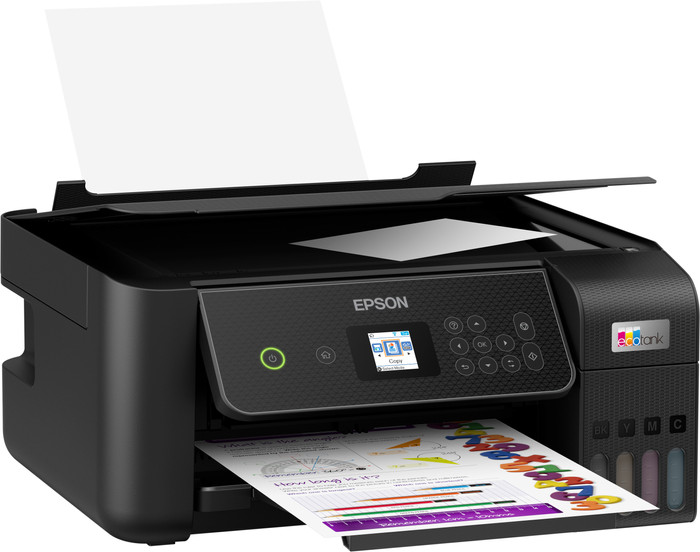
The primary thing is that the printer can make good quality prints at a reasonable speed, that aspect is certainly successful. This printer was the successor to my Brother printer (DPC-J562DW), which unfortunately broke down. During installation I really longed for how it used to be with that old printer! I do not recommend people who are not so handy with the digital world to choose this printer. Installation on my desktop was fairly easy after downloading an app, the manual hardly mentions anything about this. I have fast wifi in my house thanks to TP-Link, but the command to print was slow. A USB cable did wonders! I had read that you had to load the paper at the back, I assumed a cassette, but you have to insert the paper at the top of the back, with an A4 more than half protrudes above the printer. Not pretty, but you can live with it.... I also knew about the small screen in advance, but that it was so small, you actually need a magnifying glass. What a difference with my former Brother, is that still necessary in 2024? But the most important thing is it works!
André
22 October 2024
Automatically translated from Nederlands
Our digital expert will help you, but it can sometimes make mistakes, like humans do.
According to our printer expert
Print thousands of pages: with the ink bottles, you can print thousands of pages at a low cost.
Print in color: you can also print images, tables, and graphs in color.
Compact size: you can easily place the printer on your desk or store it in a closet or drawer.
No automatic duplex printing: because this function is missing, you only print on 1 side of the paper.
No ADF: without an automatic document feeder, you’ll scan or copy larger documents page by page.
Retail price
€ 229,-€ 205,90
Retail price
€ 229,-€ 205,90
Product number | 944187 | |
|---|---|---|
Manufacturer code | C11CJ66422 | |
Brand | Epson | |
Warranty | 2 years | |
Processing of your defect | Via Coolblue |
Printer size | Small | |
|---|---|---|
Width | 37,5 cm | |
Depth | 34,7 cm | |
Height | 17,9 cm | |
Color | Black | |
Weight | 3,9 kg |
Printer type | All-in-one | |
|---|---|---|
Photo printer | ||
Print quality photos | Stand | |
Portable (mobile use) | ||
Recommended for use printers | Printing at home, Printing photos |
Ink bottle series | Epson 104 | |
|---|---|---|
Usage costs for 1 page | 1 eurocent | |
Print technology | Ink tank | |
Type of ink | Ink bottles | |
Number of cartridges/toner cartridges | 4 | |
Color printer | ||
Print speed black (ISO) | 10 ppm | |
Print speed color (ISO) | 5 ppm | |
First black page ready after | 10 seconds | |
Speed class | Standard | |
Maximum print resolution height | 1440 dpi | |
Maximum print resolution width | 5760 dpi | |
Maximum print size | A4 | |
Automatic duplex printing | ||
Borderless printing |
Scan functionality | ||
|---|---|---|
Automatic duplex scanning | ||
Maximum optical scan resolution width | 1200 dpi | |
Maximum optical scan resolution height | 2400 dpi | |
Scanner type | Flatbed scanner | |
Maximum scan size | A4 (21x29.7cm) | |
Automatic document feeder (ADF) | ||
Scan sizes | A4 | |
Scan speed (PPM) | 4 ppm | |
Color depth output | 24 bpp | |
Scan to | Dropbox, Email, Email address, Email server, FTP, Folder, Image, Network, PC (local), PDF, PDF/A | |
OCR |
Copying functionality | ||
|---|---|---|
Copy speed black (ISO) | 4 ppm | |
Copy speed color (ISO) | 4 ppm | |
Maximum copy resolution height | 1440 dpi | |
Maximum copy resolution width | 5760 dpi |
Fax functionality |
|---|
Built-in screen | ||
|---|---|---|
Color screen | ||
Touchscreen |
Awards DE | Stiftung Warentest | |
|---|---|---|
Result Stiftung Warentest | Good |
Compatible with operating system | Android, Windows, Windows Phone, iOS, macOS | |
|---|---|---|
Connection type | Wired, Wireless | |
Apple AirPrint | ||
Email print | ||
WPS (Wireless Protected Setup) | ||
Female standard USB-A port version | 2.0 | |
Ethernet port | ||
NFC | ||
Built-in WiFi | ||
WiFi frequency printers | 2.4GHz | |
WiFi direct | ||
Bluetooth | ||
USB port |
Location paper input | Back | |
|---|---|---|
Manual input tray | ||
Photo paper drawer | ||
Output capacity output drawer | 30 | |
Maximum print size standard paper tray | A4 | |
Input capacity standard paper tray | 100 | |
Number of standard paper trays | 1 |
Memory card reader |
|---|
When you buy this Epson promotion model between 1 April 2026 and 31 March 2026, you get a 3-year warranty. That means you get the standard 1-year manufacturer's warranty and 2 extra years of warranty for free. Register your promotion model within 30 days after purchase. You can read more information in the promotional Terms and Conditions.

Current product
Ink tank
Ink tank
Ink tank
Ink tank
Ink tank
All-in-one
All-in-one
All-in-one
All-in-one
All-in-one
Retail price
€ 229,-€ 205,90
€ 199,-
Retail price
€ 429,-€ 337,90
Retail price
€ 229,-€ 206,90
€ 190,90
Delivered tomorrow
Delivered tomorrow
With Coolblue Extended Warranty, you are protected against costs due to quality defects of your printer for the next 4 years. During the entire term, we will reimburse up to the original purchase price. You can easily add the Extended Warranty in your shopping cart.
€ 39,99
one-timeAdd your printer to your shopping cart. In the next step, you can add the Extended Warranty. You can exchange or return your purchase for free within 30 days.