anything for a smile
3
Installation
Weight/size
Accessories
Design
it saves a lot of space on your desk and you can also clean/keep it easier. the mounting went very smoothly (my 1st monitor bracket) vesa monitor plate has 2 different mounting distances. plastic filler cans are even included, so it can almost always be made to fit. I am amazed that such an arm can easily carry 2 large 32" curved monitors from Samsung G5 and that the entire assembly stands like a rock, even though the standard monitor base has problems with that.
the monitors can be placed very neatly and tightly against each other so that a light seam is not or barely visible between the two screens. you can adjust the support in all directions, turn, tilt, rotate, you name it. just a good and solid product and why would you pay more for someone else who can do the same?
Wouter Griek
15 January 2021
Automatically translated from Nederlands
Nice, sturdy stand where you can hang your monitor with confidence. It stays neatly in the same position but is still easy to move. However, is not cheap compared to the competition elsewhere.
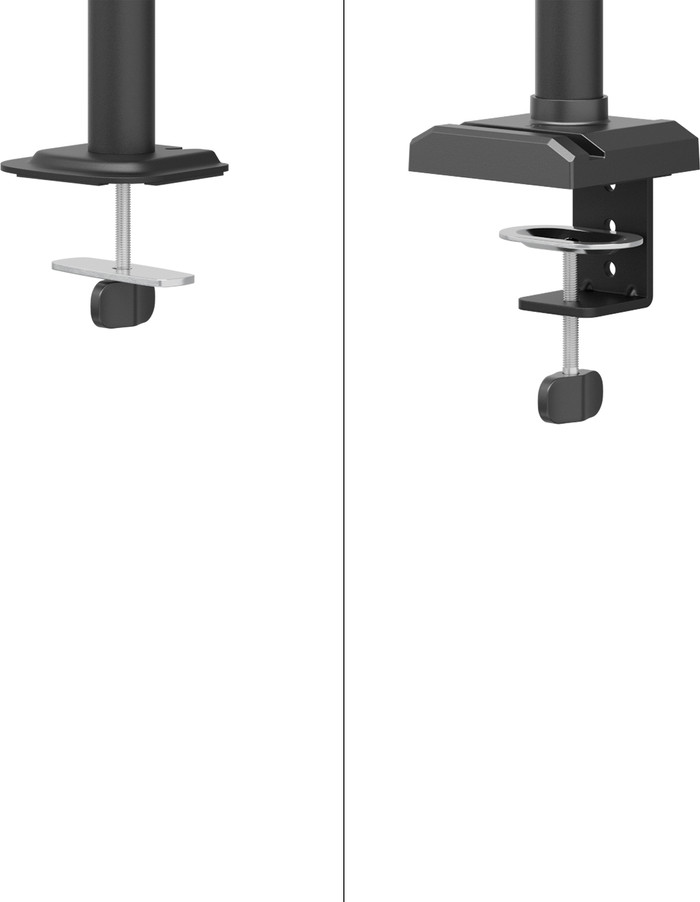
Note that if you have another shelf directly under your desktop: both the clamp and screw mounting require at least about 15 centimeters of free space under the desk. I myself had to cut out a bit before mounting was possible.
In addition, on the base of the whole is a fairly large logo (no sticker or anything like that, really in the metal itself) that is not present in the photos on the website.
Engel
15 March 2019
Automatically translated from Nederlands
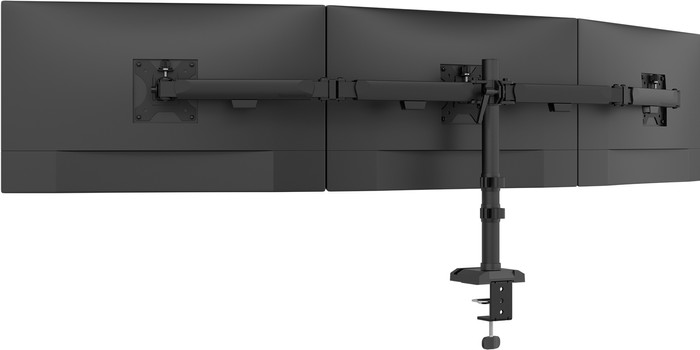
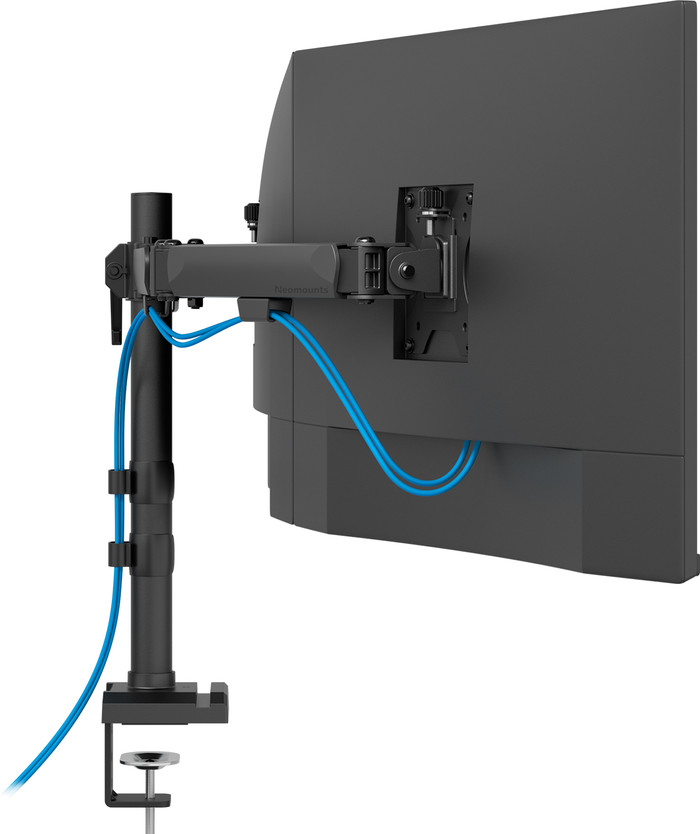
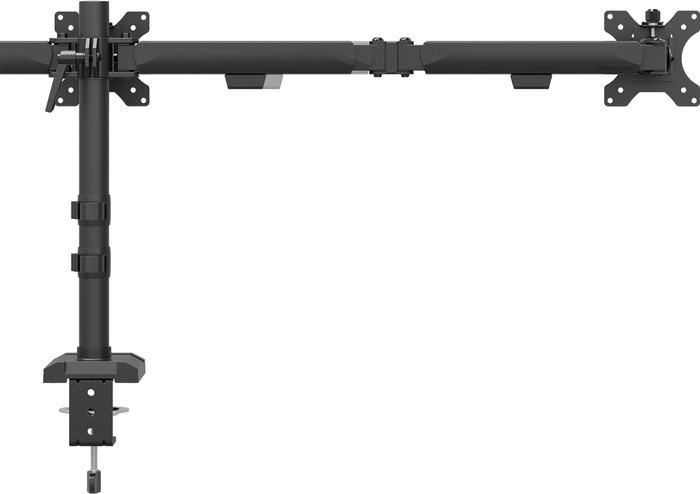
Product is neatly packaged, and largely pre-assembled. The description that comes with it is simple and easy to follow. The bracket is neatly matte black in color. There are also clips on the horizontal arms for cable management.
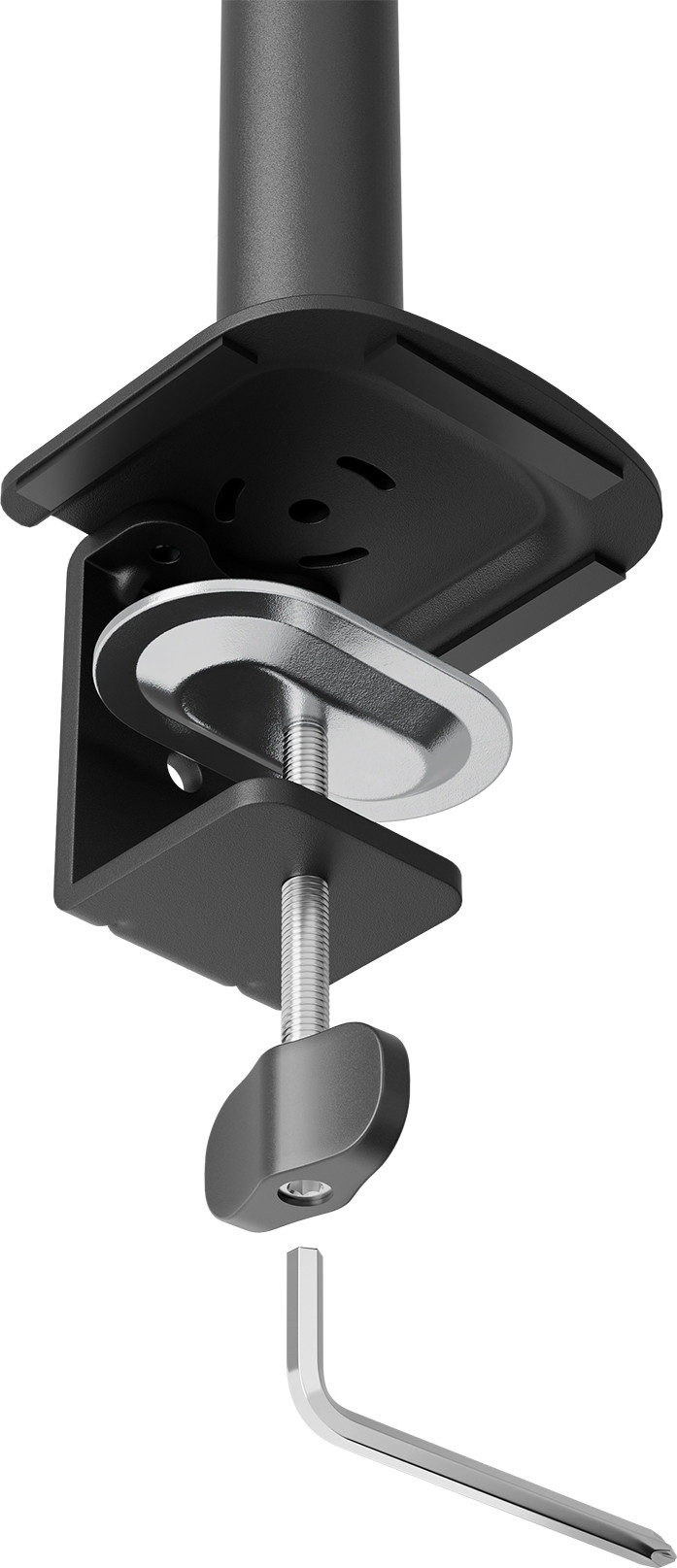
The standard offers two forms of installation; clamps on the desk, and through the desk. I myself opted for clamps on the desk. The clamp that clamps around the desk can be set in two positions; one for thicker desks and one for thinner desks. I had to put the clamp on the thin position myself, that was a matter of tightening and loosening two screws. The screws, however, were quite tight, and could not be loosened with the supplied keys. After the desk clamp, I attached the arms. These clamp around the standing 'post' and are very firmly attached. My 27" monitors hang easily 18cm from the desk, and could be hung about 5cm higher.
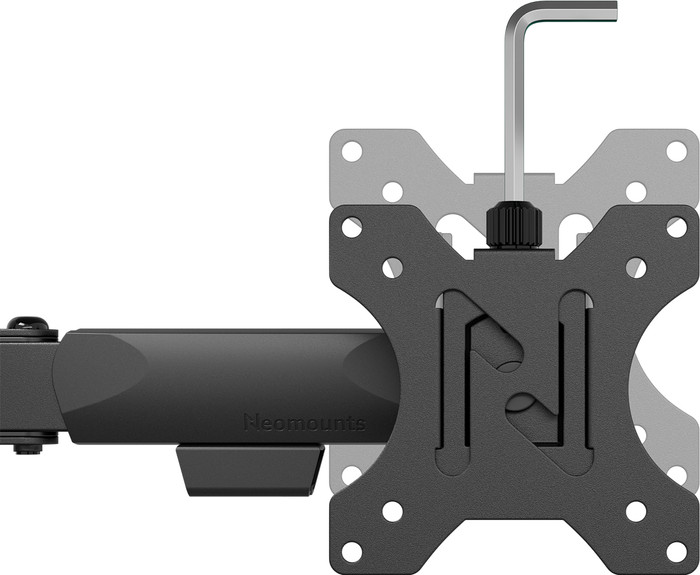
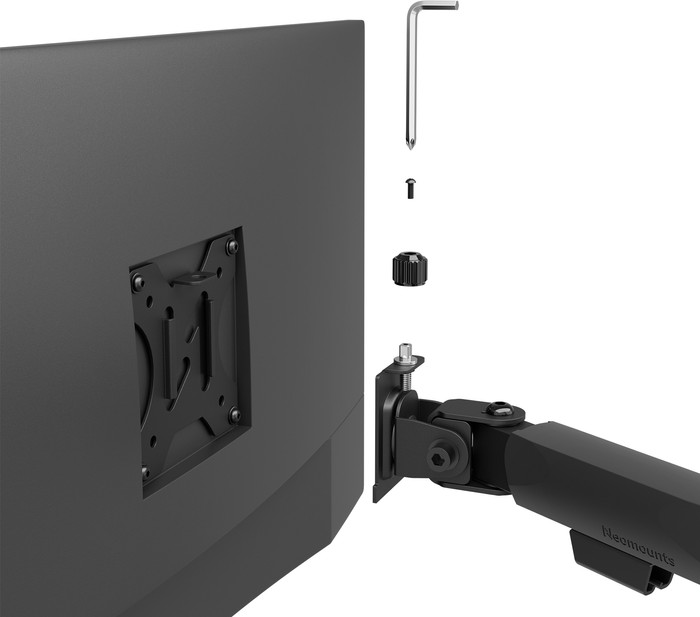
Two vesa brackets are included for the monitors. These brackets come on the mounting points on the back of the monitor. These brackets are securely fastened and there is no play. Tip: when attaching the brackets, I recommend sticking a piece of felt between the monitor and the bracket to prevent any damage. After mounting the vesa brackets, it is a matter of hanging the monitor on the arm. This is a matter of sliding the vesa bracket over the end of the arm and tightening a screw. Couldn't be simpler. The only drawback is that this form of attachment ensures that there is some play between the arm and the bracket. The monitors can therefore 'wobble' a bit. I solved this myself by pasting something in between.
Adjusting the monitors was very simple. There are plenty of adjustment options and it was easy to match both monitors. My monitors are not the lightest, but hang on these arms just fine.
Robin
19 May 2020
Automatically translated from Nederlands
Our digital expert will help you, but it can sometimes make mistakes, like humans do.
According to our monitor arm expert
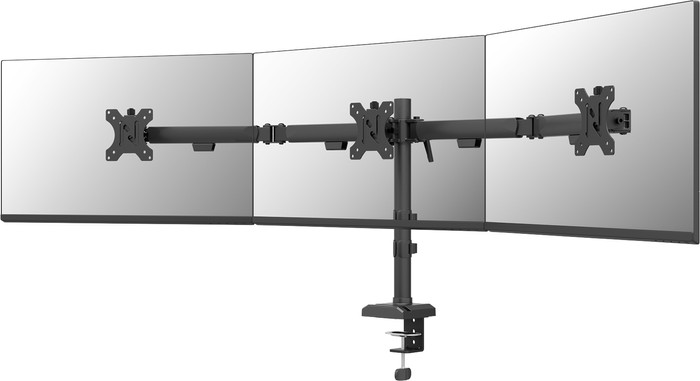
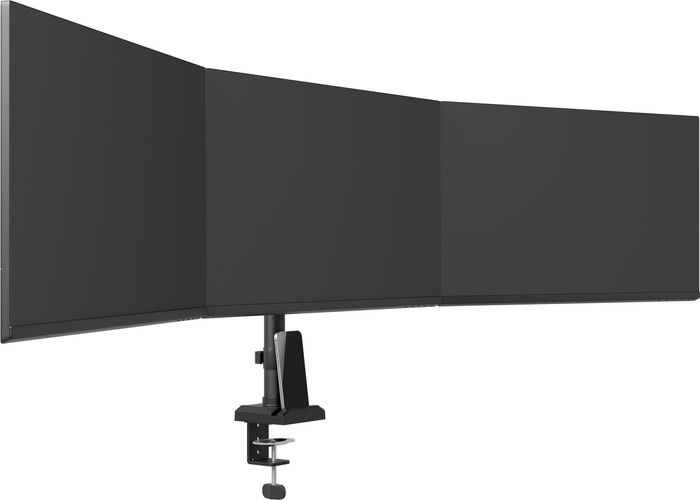
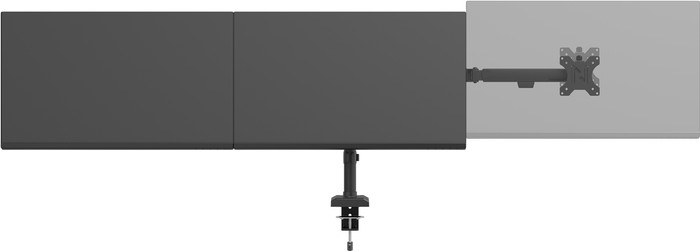
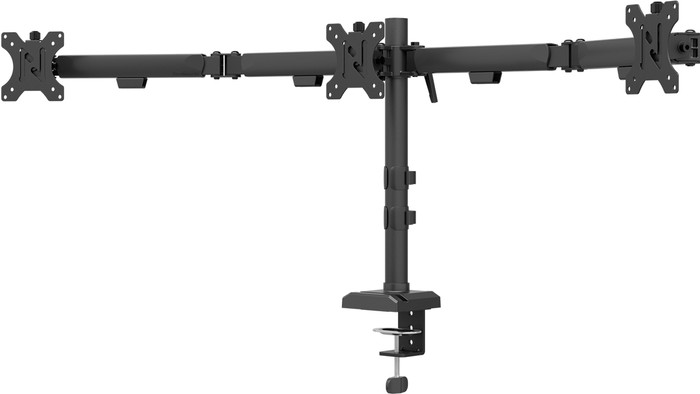
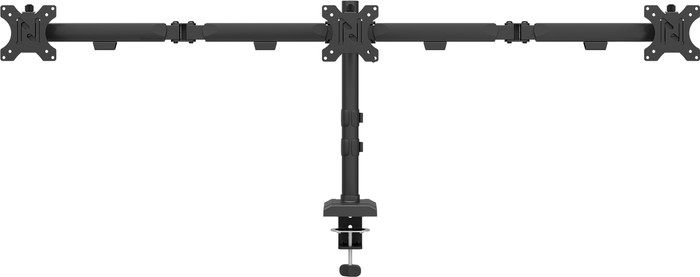
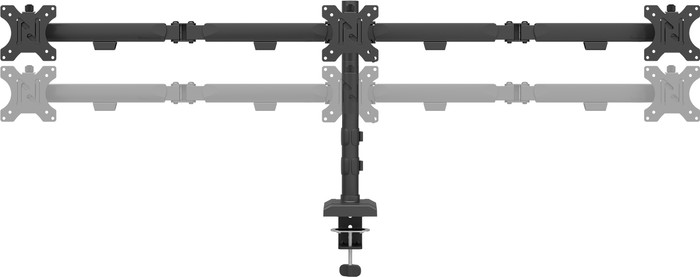
For 3 monitors: attach up to 3 monitors to the monitor arm, so you have more screen space.
For monitors up to 27 inches: you can securely attach monitors up to 27 inches to the arm and get extra desk space.
Adjust your viewing angle quickly: with the swivel and tilt design, you can adjust the monitor arm to a comfortable working posture.
More power needed: the mechanical arm lets you use more force when you adjust the monitor arm.
Not wall-mountable: you can't attach this monitor arm to a wall.
Product number | 965156 | |
|---|---|---|
Manufacturer code | DS60-600BL3 | |
Brand | Neomounts | |
Warranty | 2 years | |
Processing of your defect | Carry-in warranty |
Color | Black | |
|---|---|---|
Weight | 4,81 kg | |
Material | Metal |
Mounting surface | Desk | |
|---|---|---|
Cable management | ||
Mount flexibility | Swivels and tilts | |
Rotates | ||
Adjustable in depth | ||
Maximum weight | 6 kg | |
Full-motion adjustibility | ||
Minimum screen size | 10 inches | |
Maximum screen size | 27 inches | |
Adjustable in height | ||
VESA mount | 100x100mm, 75x75mm | |
Tilts | 90 ° | |
Swivel | 360 ° | |
Number of clamping arms | 3 | |
Ergonomic design |
Retail price
€ 103,95€ 89,90
Retail price
€ 103,95€ 89,90
Current product
27 inches
32 inches
34 inches
57 inches
27 inches
6 kg
9 kg
9 kg
30 kg
14 kg
100x100mm, 75x75mm
100x100mm, 75x75mm
100x100mm, 75x75mm
100x100mm, 100x200mm, 200x100mm, 200x300mm, 75x75mm
100x100mm, 75x75mm
Desk
Desk
Desk
Desk
Desk
Retail price
€ 103,95€ 89,90
Retail price
€ 139,-€ 92,90
Retail price
€ 149,-€ 107,90
Retail price
€ 149,-€ 119,-
Retail price
€ 143,-€ 136,90
Delivered on Monday
Delivered on Monday