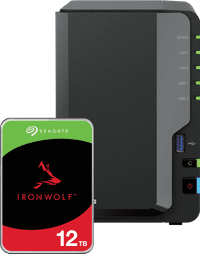
Synology DS225+ + Seagate IronWolf 12TB
- Be the first to know when this product is in stock
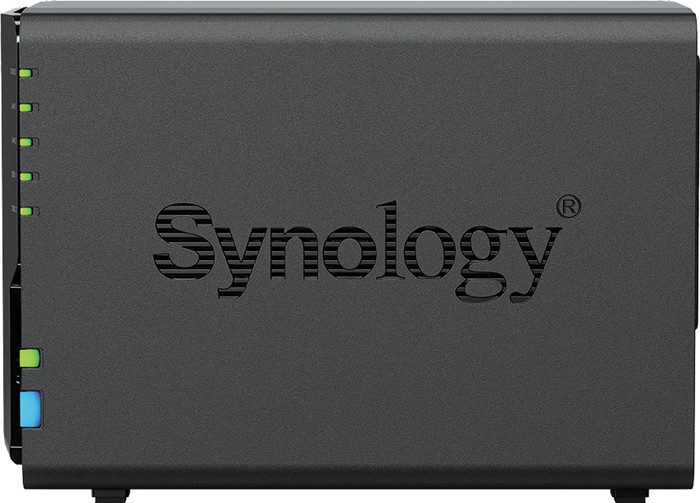
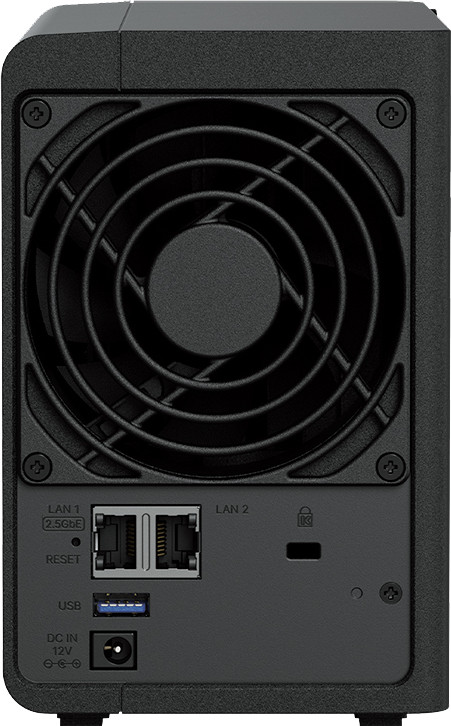
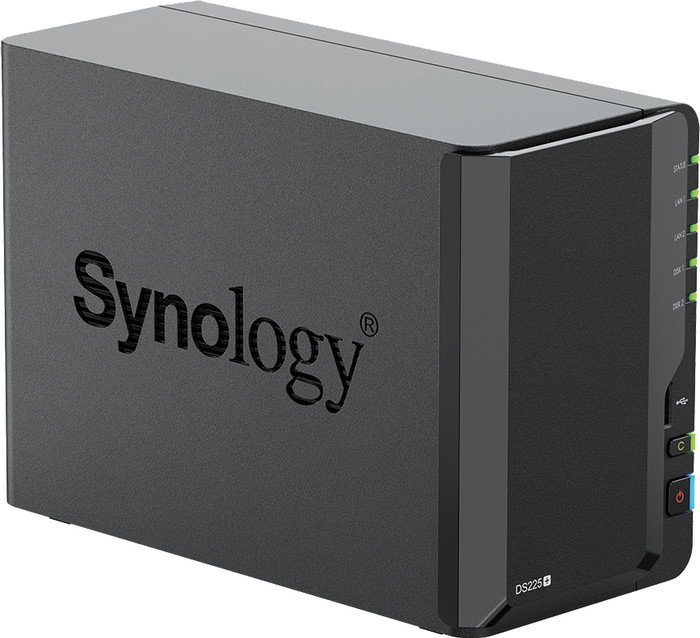
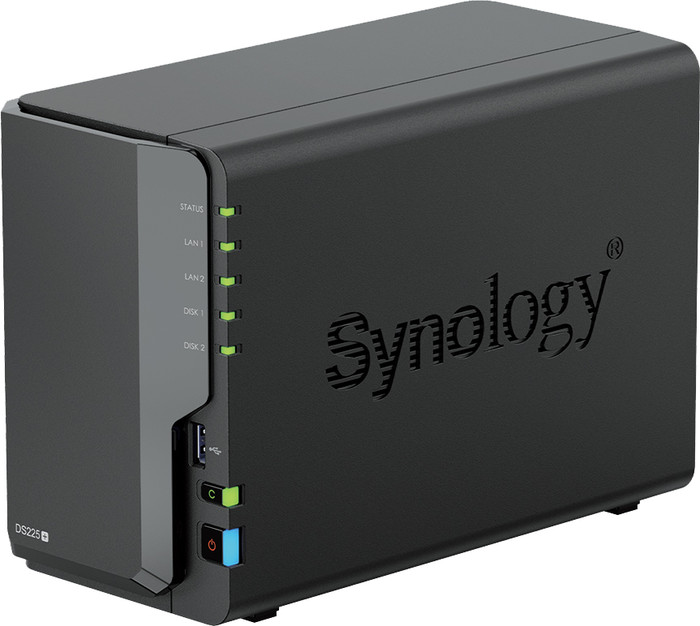


Product number | 967496 | |
|---|---|---|
Manufacturer code | DS225+ | |
Brand | Synology | |
Warranty | 3 years | |
Processing of your defect | Via Coolblue |
Built-in hard drive | ||
|---|---|---|
Number of hard drive slots | 2 | |
Suitable for hard drive size | 2.5-inch SSD, 3.5-inch HDD, mSATA | |
RAID | JBOD, RAID 0, RAID 1, Synology Hybrid RAID | |
Internal RAM | 2 GB | |
Total number of RAM slots | 2 | |
Expandable memory | ||
Maximum internal memory | 6 GB | |
Memory type | SO-DIMM DDR4 |
Connection type | Wireless | |
|---|---|---|
LACP Link aggregation | ||
Thunderbolt connector | ||
Bluetooth | ||
Number of Ethernet ports | 2 | |
Number of 10Gbps Ethernet ports | 0 | |
Number of 2.5Gbps Ethernet ports | 1 | |
Number of 1Gb/s Ethernet ports | 1 |
NAS functions | Backup server, Database server, Download server, FTP server, Mail server, Media server, Photo server, Surveillance station, VPN server, Web server, iTunes server | |
|---|---|---|
NAS application center | ||
Maximum number of shared folders | 128 | |
Maximum number of local users` | 512 | |
Plex support | ||
Number of IP camera licenses included | 2 | |
DLNA | ||
UPnP AV support | ||
FTP server | ||
On/off switch | ||
Automatic switch on/off | ||
Kensington lock | ||
Apple Time Machine support | ||
Chromecast support | ||
Suitable for IFTTT | ||
Recommended for use | Making a backup, Media streaming, Personal cloud |
Processor brand | Intel | |
|---|---|---|
Processor family | Celeron | |
Processor cores | Quad-Core (4) | |
Clock speed | 2,7 GHz |
Depth | 23,2 cm | |
|---|---|---|
Width | 10,8 cm | |
Height | 16,5 cm | |
Type NAS | Upright | |
Color | Black | |
Weight | 1300 g |
Product number | 855921 | |
|---|---|---|
Manufacturer code | ST12000VN0008 | |
Brand | Seagate | |
Warranty | 3 years | |
Processing of your defect | Carry-in warranty |
Total storage capacity | 12 TB | |
|---|---|---|
Hard drive type | 3.5 inches |
Compatible with product type | NAS |
|---|
HDD's RPM | 7200 rpm | |
|---|---|---|
Speed class | Mid-range | |
Cache memory | 256 MB | |
Data recovery service | 3 years |
Width | 10,1 cm | |
|---|---|---|
Height | 2,6 cm | |
Depth | 14,6 cm |
anything for a smile
According to our NAS expert
You can get started with the NAS right away thanks to the included internal 12TB HDD.
You can install up to 2 HDDs in this NAS for up to 52TB of storage space.
Via Plex, you can watch all the movies from your Personal Cloud on your smartphone, tablet, PC, or smart TV.
This NAS doesn't come with SSDs.
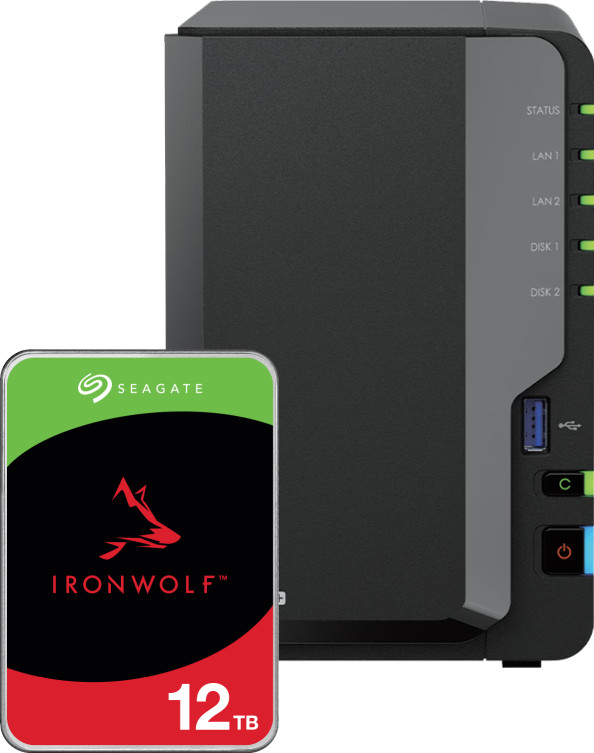
Store your media files on the Synology DS225+ NAS server and the included Seagate IronWolf 12TB internal HDD. This bundle includes a 12TB hard drive. You can install a total of 2 hard drives in this NAS. This way, you'll have 1 drive to store your files and another drive to make automatic backups. With a total capacity of 52TB, you can install up to 2 hard drives with 26TB of storage capacity each in this NAS. This way, you can use the DS225+ as a small server for your home office. Thanks to the 2GB RAM, you can stream movies in Plex to your connected smart TV or PC. In addition, the NAS can perform 2 tasks at the same time thanks to the Dual-Core Intel processor. This way, you won't have delays or stuttering while you work. You also get 2 Ethernet ports that both support 2.5GbE. This way, you'll always have a fast wired connection for your NAS.
It's a good thing Synology lifted its hard drive restrictions; otherwise, this product would be a clear no-go. You have to install the correct drivers for Intel's QSV yourself (via SSH or a script). And contrary to the product description here, the device only has one 2.5g port.
If you're not yet part of the Synology ecosystem, avoid it. The jump from the DS224+ to the DS225+ doesn't bode well for the future. With the exception of that single 2.5g port, this device is, on paper, the same as—and in reality, a downgrade from—its predecessor.
Piet Pieterson
18 February 2026
Automatically translated from Nederlands
After six years, it was time to upgrade my old Synology NAS. The drives were a bit newer, so I could keep them. Of course, I watched tons of tutorials on how to migrate, but it was a breeze. It's really just a matter of transferring drives and you're done. The DS225+ is fast, not exactly quiet (with the ventilation), but certainly acceptable.
Ronald
29 October 2025
Automatically translated from Nederlands
I buy a new one every five years, and then you just transfer the drives. Click and go. I mirror the drives for secure storage. It's professional software that I don't understand much about, but you can do absolutely anything with it. I just use it at home; no cloud storage subscriptions required, each family member has their own share of the drive. You can easily transfer photos from your phone to the NAS and watch them easily via an app or on the TV. I don't use music anymore; Spotify is more convenient.
Marc
16 February 2026
Automatically translated from Nederlands