TP-Link routers
Compare TP-Link routers
Stable and safely online on the go
Add a SIM card and enjoy internet everywhere with a mobile network. You can connect multiple devices without problems.
Easy to take with you thanks to the battery.
More stable than a hotspot from your smartphone.
Safer than a public network.
From
to€ 62,90
€ 320,90
Fast internet anywhere in the house
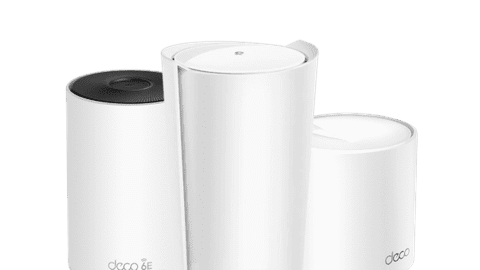
Ensure the fastest connection everywhere in your house with mesh routers. Every station creates a stable network. You can expand the network with more stations.
Fast internet throughout your home.
Expand your network without limit with multiple stations.
From
to€ 84,95
€ 2.002,-
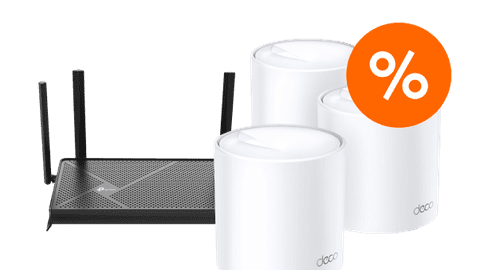
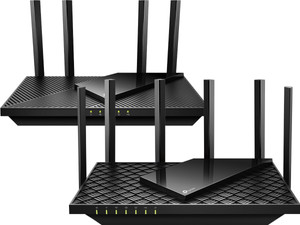
Fast internet around your router
With a TP-Link Archer, your internet connection is faster than with a modem. The connection becomes less stable if you're further away from your modem or router.
Fast internet around your router.
From
to€ 59,90
€ 450,90
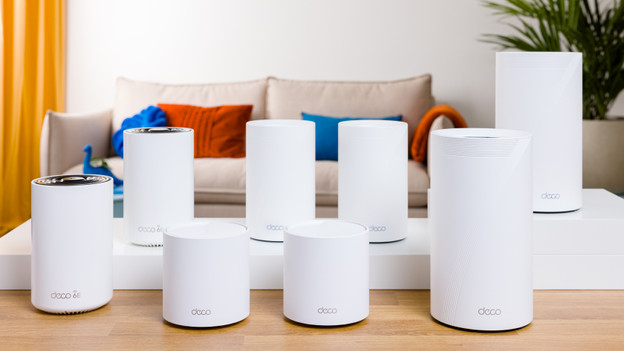
A stable connection everywhere in your house with Deco Mesh
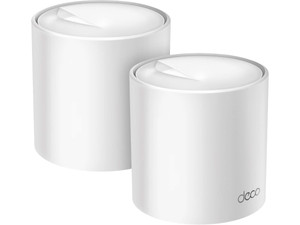
Provide a stable connection everywhere in the house with Deco Mesh. This way, you have multiple stations that spread 1 network. Your devices automatically switch to the station with the best connection. This way, you have the fastest internet anywhere in the house without effort.
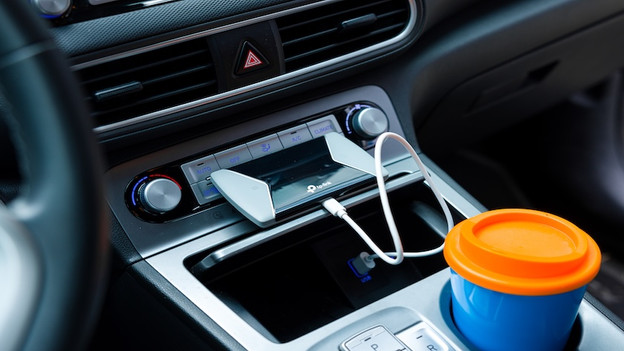
Get fast internet on the go with MiFi routers
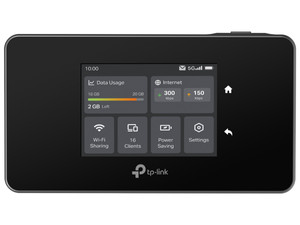
A MiFi router provides internet like at home on the go. These mobile WiFi routers work with a SIM card, so you can also go online stably on vacation. This way, you can reach speeds up to 600Mbps on the go. The connection you create with your MiFi router is more secure than public networks, because others can't use your network. Your internet is also faster than a hotspot from your smartphone.
TP-Link router of the month
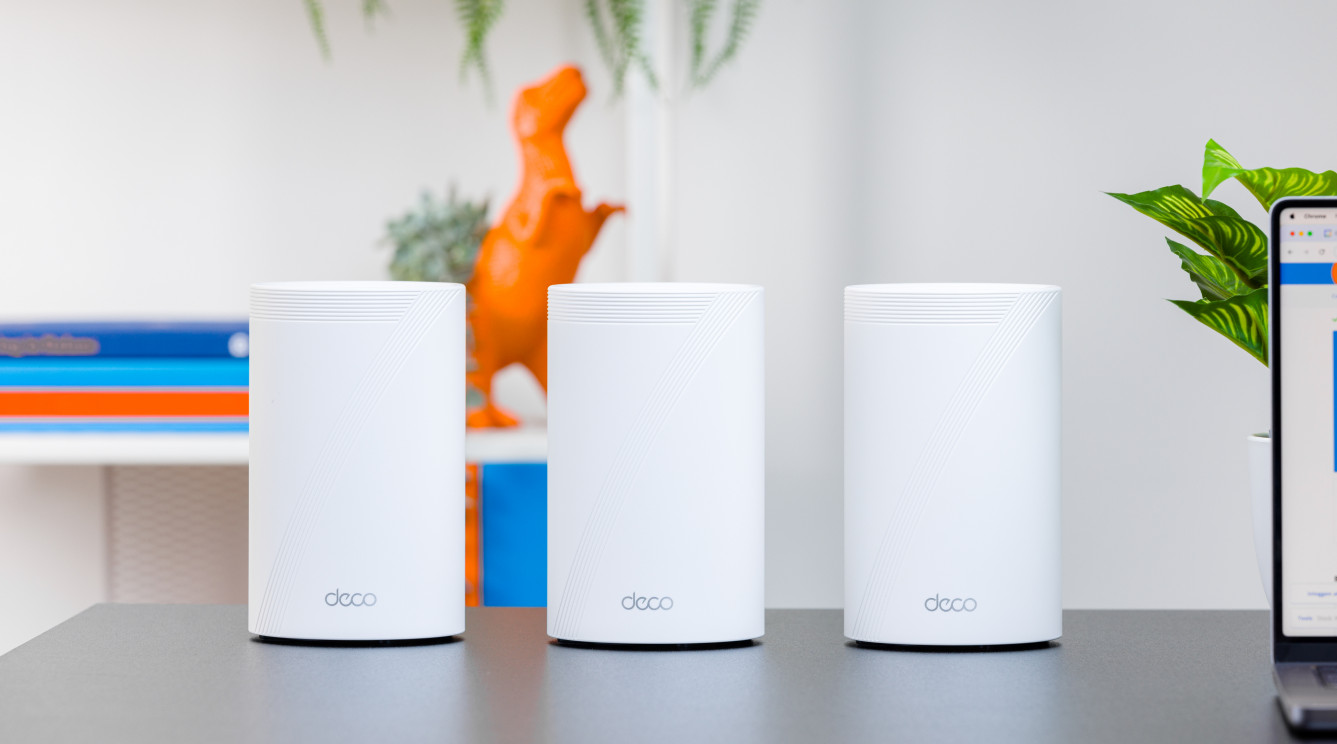
Fast internet in the entire house
With a Deco mesh router on every floor, you have stable WiFi everywhere in your house. Thanks to WiFi 7, you can get the highest speeds and you're less bothered by interference of other devices.

FAQ
How do you set up a TP-Link router?
If you have a good spot for your router, connect it with an UTP cable to your modem. The router then connects itself to your modem. You can then log in with your smartphone or laptop for the first time to your router. You can set a new password and your router is ready for use. Read the extensive steps in the article below.
How do you reset a TP-Link router?
You can reset your router via the reset button on the back of your router. Then you can set it again. Read below where you can find the reset button exactly.
What's the TP-Link app called?
TP-Link has an app for every kind of router. You can use the TP-Link Deco app for your Deco routers. Use the TP-Link Tether app for your Archer routers and the tpMiFi app for your MiFi routers.
How do I log in to my TP-Link router?
Go to the IP address of your router while you're connected wired or wirelessly. Then log in with your user information or use 'admin' twice as the username and password. Lost the address or your login information? Reset the router.