Welcome to your environment! You can order everything from your assortment with your personal budget here.

You can always return to the normal Coolblue website by clicking here.

Your outstanding budget (incl. VAT) is always visible here, so you know exactly how much you can spend.

Coolblue home

Die Website ist auf Englisch, möchtest du sie auf Deutsch ansehen?

Help with your product
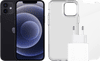
Apple iPhone 12 128GB Black + Accessory Pack
0 reviews

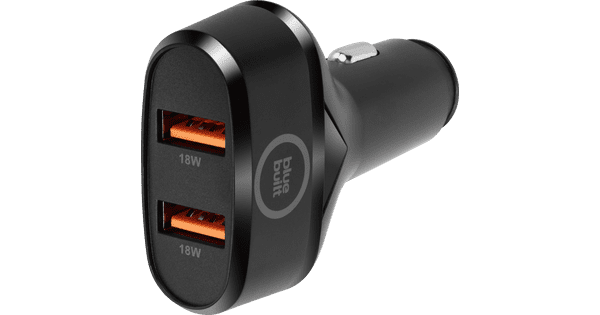
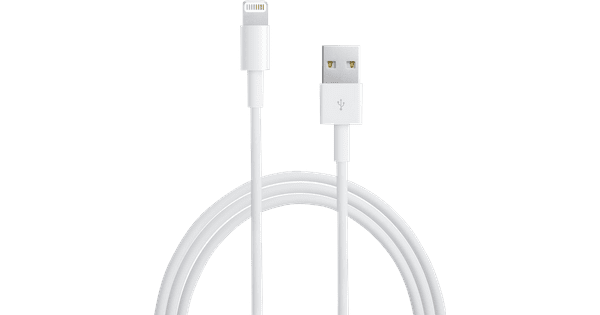
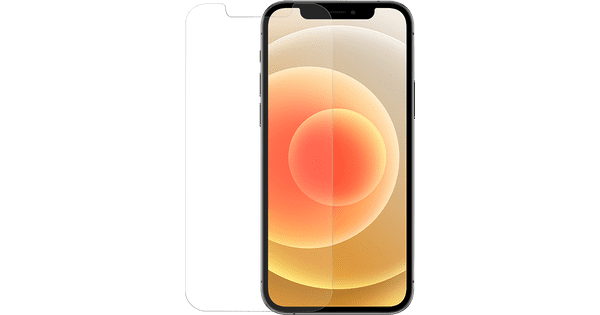
With the Apple iPhone 12 128GB Black + Accessory Pack, you'll have all sorts of useful accessories right away. The 128GB storage has enough space for your photos, videos, and apps. On the front of the device, you'll find the 6.1-inch OLED screen. On this screen, black tones are really black. The aluminum sides have an angular shape which we recognize from the iPad Pro. On the back of the device, you'll see the wide-angle lens and an ultra wide-angle lens. With the second camera, you can take photos of wide landscapes or tall buildings. You can do that with low light too, thanks to the night mode. With the InvisibleShield Glass Elite screen protector and the Tech21 Evo Clear cover, you can protect your device. This way, can keep the casing free from scratches, bumps, and dirt. Via the Apple USB-C charger, you can charge you iPhone via the socket. The battery of your iPhone will be 50% full after half an hour with this adapter. Note: earbuds aren't included by default. You have to use your current accessories or by them separately.
Read all tips here

Which product do you want to see articles about?

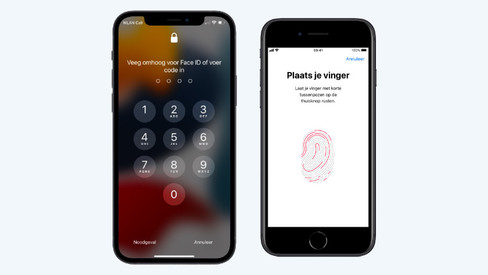
How do you secure your Apple iPhone?

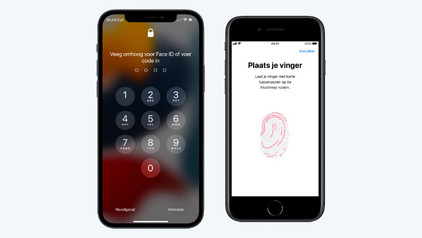
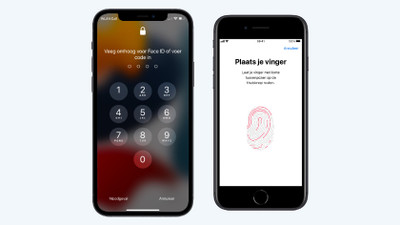
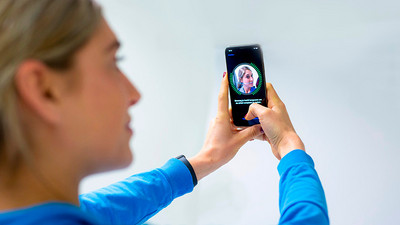
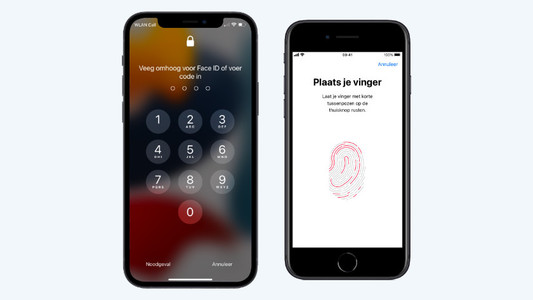
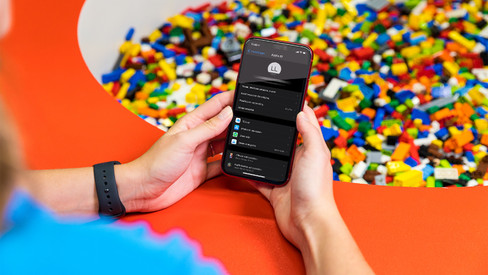
Your iPhone contains a lot of personal information that's for your eyes only. This includes passwords, notes, and photos. You can secure your iPhone easily with Face ID or a passcode, for example. This way, you can be sure that your information is secure if your phone gets lost or stolen. In this article, we'll give you tips to secure your iPhone.

How do you remove your old screen protector from your screen?

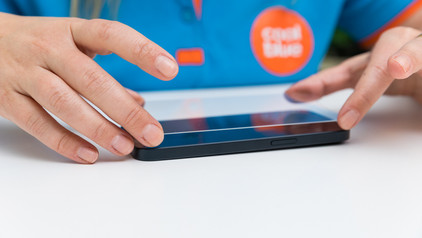
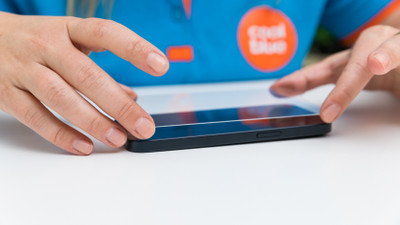
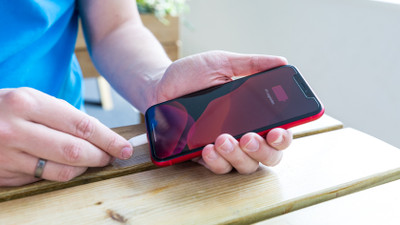
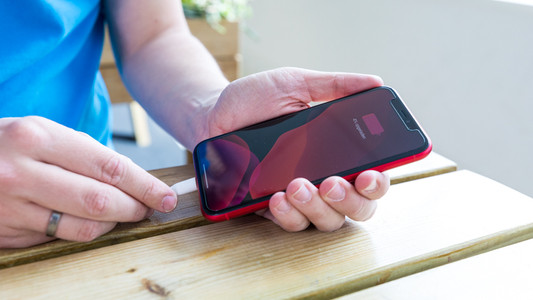
Before you apply a new screen protector, you have to remove the old screen protector from your device first. Often, it's not a good idea to just pull it off. The glass of the screen protector can break and give shards, for example. That's why we explain 3 ways to safely remove your screen protector.

How do you secure your Apple iPhone?

Your iPhone contains a lot of personal information that's for your eyes only. This includes passwords, notes, and photos. You can secure your iPhone easily with Face ID or a passcode, for example. This way, you can be sure that your information is secure if your phone gets lost or stolen. In this article, we'll give you tips to secure your iPhone.

Get started with the Apple health functions

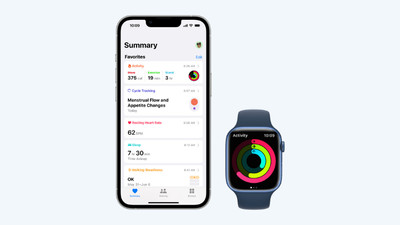
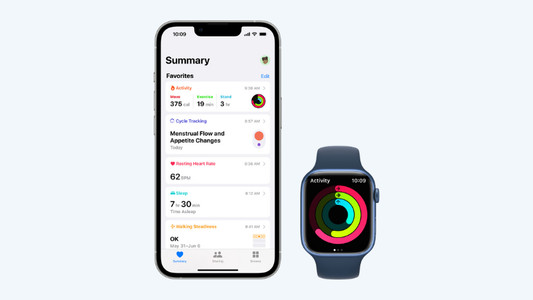
Want to be healthier? The health functions on your Apple devices will be useful. These allow you to track your exercise and heart rate with your Apple Watch and receive notifications if you're not so healthy. In this article, you can read all about the Apple health functions.

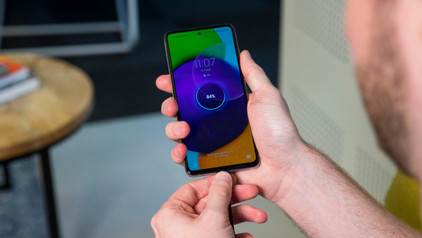
7 tips for charging your smartphone

You probably charge your smartphone every day. When you charge it the right way, your battery wears less and your device lasts longer. We'll explain why it's better not to charge your smartphone up to 100% and why fast charging is convenient here. That way, you'll know exactly how to properly charge your smartphone, tablet, or other device.

Subjects
Didn't find your answer?

Find an answer to your question quickly and easily via our customer service.

Coolblue specialist
Personal chat Digitalk.
You're now chatting with Coolblue customer service
This chat is closed
foo
Oeps File size is larger than 5MB. Upload a smaller file.