Samsung Galaxy tablets
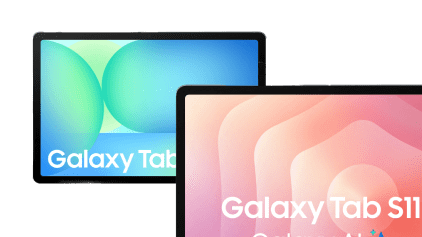
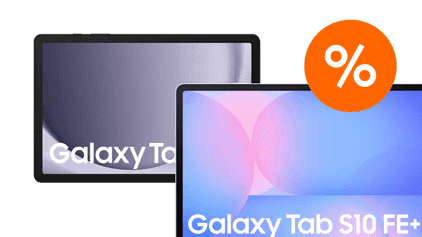
Compare the Samsung Galaxy Tab series
The fastest tablets with an excellent screen
The colors stand out on the screen of tablets from the Tab S series. Demanding apps and games work smoothly thanks to the powerful and fast processor.
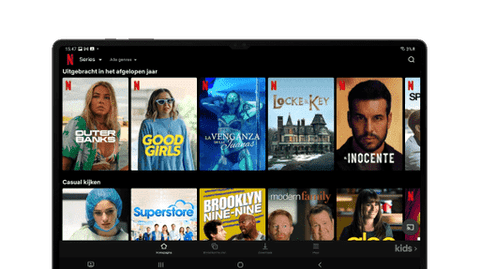
You can watch movies and series in high quality thanks to the good screen.
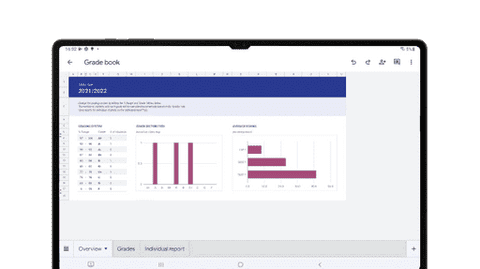
You have more screen space on the large screen, so you can work or study more easily.
Thanks to the powerful processor, you can easily perform demanding tasks.
With the included stylus, you can quickly take notes.
From
to€ 691,-
€ 2.107,-
Fast tablets with a good screen
On the larger screen of the Tab S FE, images look smooth and bright. This way, you can comfortably watch your favorite series.
Thanks to the better image quality, movies and series look bright and colorful.
Thanks to the high brightness, you can see realistic colors, even in bright sunlight.
With the included stylus, you can quickly take notes.
From
to€ 502,90
€ 1.066,-
Faster tablets with a reasonable screen
On the medium-sized screen, you can see images better than with the Samsung A series. You can comfortably watch a YouTube video.
On the medium-sized screen, you can easily open 2 apps at the same time.
With the included stylus, you can quickly take notes.
From
to€ 319,-
€ 637,90
Tablets with a decent screen
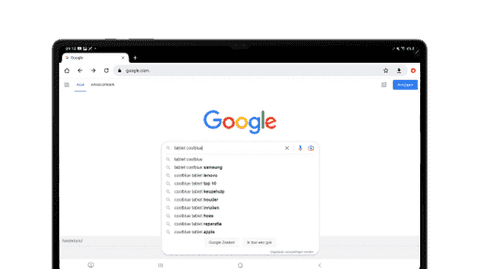
Tablets from the Tab A series are suitable for basic use. You can browse the internet and play light games like Candy Crush.
You can easily hold your tablet thanks to its small screen.
From
to€ 129,90
€ 373,90
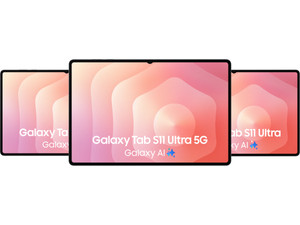
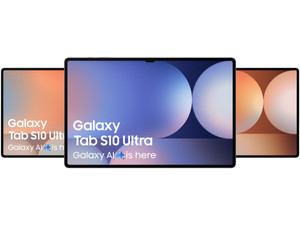
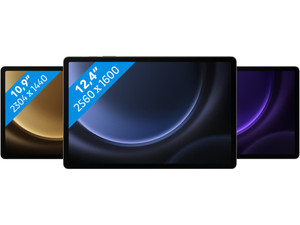
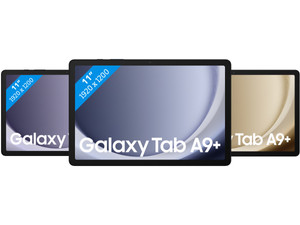
The latest Samsung tablet
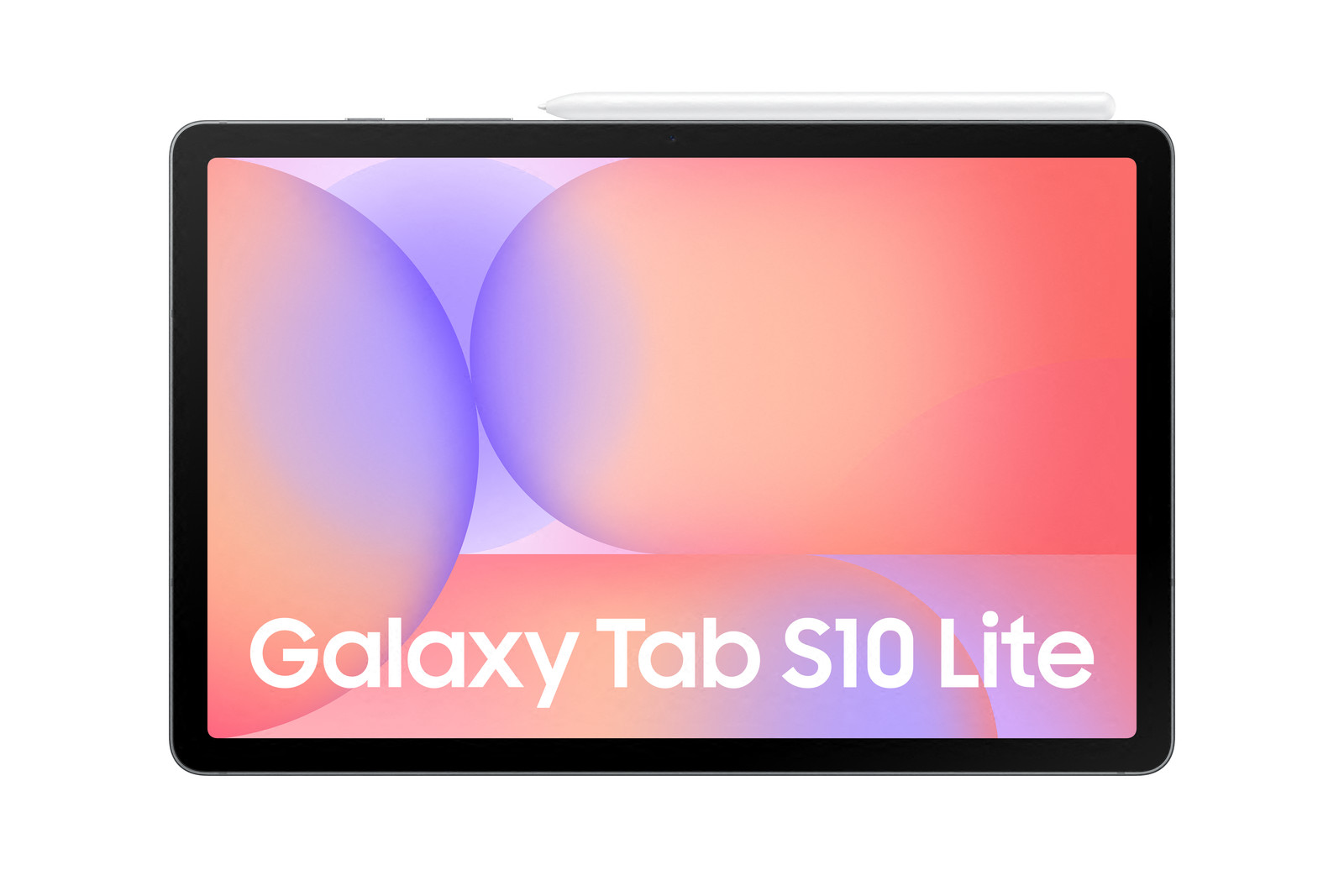
Samsung Galaxy Tab S10 Lite
On the Samsung Galaxy Tab S10 Lite, you can watch a video or take notes. Thanks to the good processor, you can navigate through your apps smoothly. On the medium-sized screen, you can open 2 apps next to each other. You can make accurate notes and sketches with the included stylus.

Visit our stores
- Our experts are happy to advise you on your Samsung Galaxy tablet choice.
- View our Samsung assortment and try them in the store.
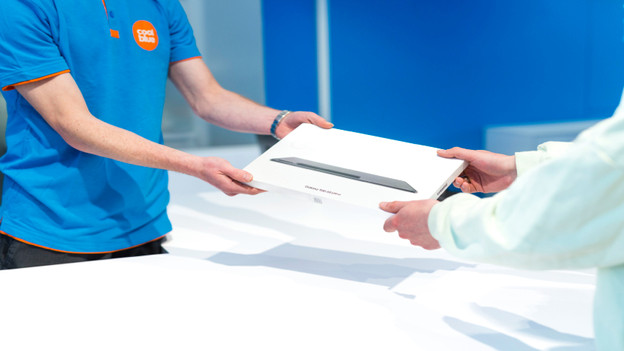
- You can take your new tablet home right away.
- If you buy a screen protector in the store, we apply it your Samsung screen right away.
Official Samsung Reseller
We're an official Samsung reseller. So you're sure that you're getting an official Samsung tablet of good quality. Our experts are happy to help you choose your new tablet. Read our Samsung tablet advice or get advice in one of our stores.
Galaxy AI on your Samsung tablet
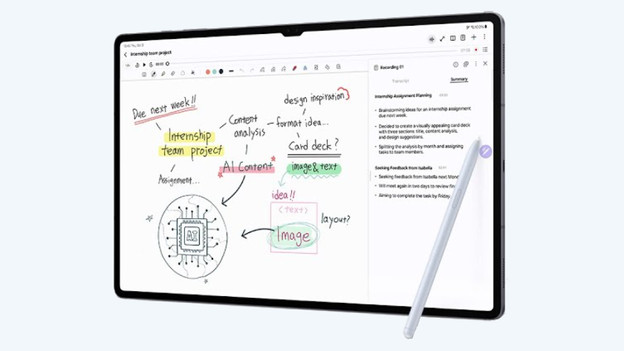
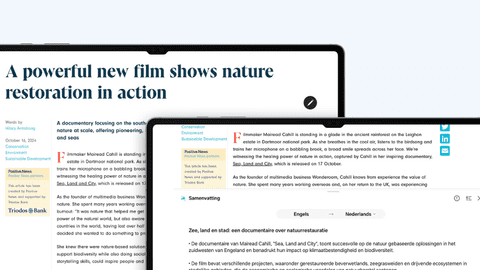
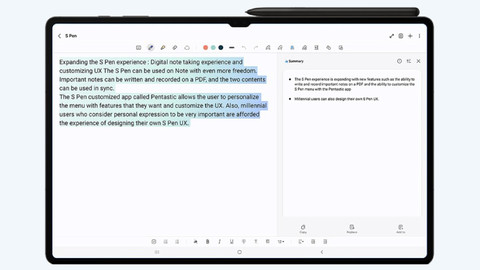
Galaxy AI is the Samsung smart assistant. The smart assistant makes your everyday tasks easier. You can easily edit photos or summarize long texts, for example. AI can also help translate audio and turn your audio into text. Galaxy AI is available on the Samsung Galaxy Tab S11 Ultra, S11, S10 Ultra, S10 Plus, and Tab S9. Want to read more on Galaxy AI? Click on one of the articles below.

Advice on Samsung tablets
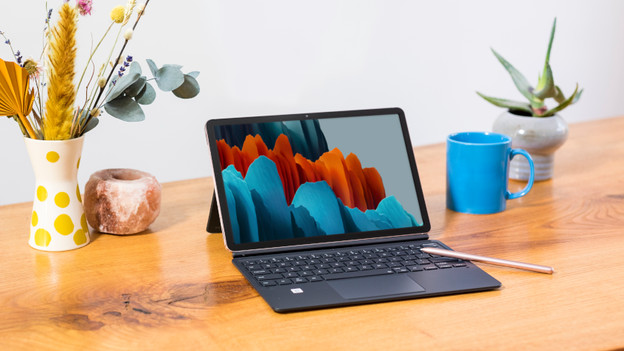
How large do you want your Samsung tablet to be?
You can hold the small Tab A9 in 1 hand. On the medium-sized 11-inch tablets like the Tab A9 Plus, Tab S11, or Tab S10 FE, you can watch movies comfortably. Choose the large Tab S10 FE Plus, Tab S10 Plus, or the very large Tab S11 Ultra for work or school.
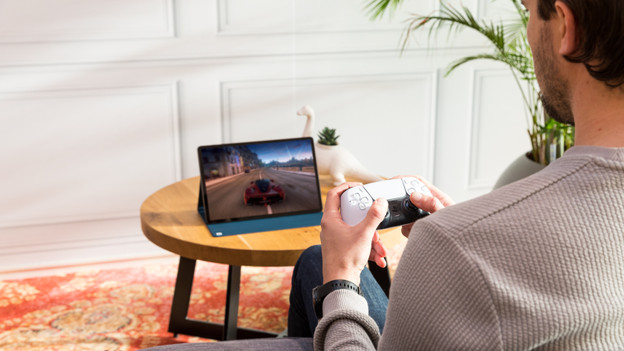
How fast do you want your Samsung tablet to be?
You can use tablets from the Tab A series for light tasks like browsing the internet. The tablet slows down when you use more demanding apps. You can smoothly open multiple apps at the same time with the faster Tab S FE series. Do you play demanding games or edit photos? Choose a tablet from the Tab S series, because those are the fastest tablets.
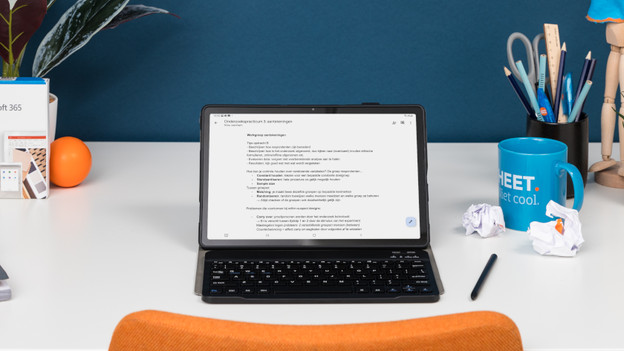
How much storage do you need on your Samsung tablet?
If your storage is full, you need to delete apps. With 128GB, you need to do this after around a year. Choose a Galaxy tablet with 256GB if you often download new apps. You need to delete apps after 2 years. With 512GB, you don't need to delete apps the next few years.
Which Samsung tablet suits you?
Samsung tablets for movies, series, and games
You can enjoy your favorite movies or games on the bright and sharp screen of the Tab S10 Plus or Tab S11 Ultra.Samsung tablets for study and business use
Effortlessly work on your reports and presentations thanks to the fast processor of a tablet from the S series.Samsung tablets for simple tasks
Browse the internet and play light games like Candy Crush with the Tab A9 of Tab A9 Plus.Samsung tablet for the whole family
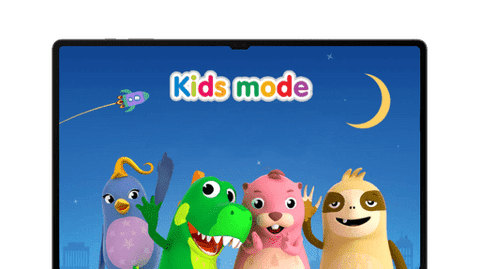
Your children can safely play on a Samsung children's tablet. You can also use it yourself and browse the internet.