Samsung Galaxy Tab S
Samsung Galaxy Tab S.
Touché.
Compare the Samsung Galaxy Tab S series
Extra large tablet
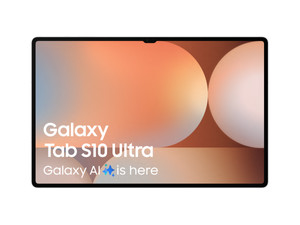
The Tab S12 Ultra has the largest screen. Because of this, you can see all the details of movies and accurately work on creative projects.
You have enough space on the extra large 14.6-inch screen for photo and video editing, for example.
Dankzij de krachtige processor kan de tablet zwaarste taken zoals 3D games gemakkelijk aan.
Large tablet
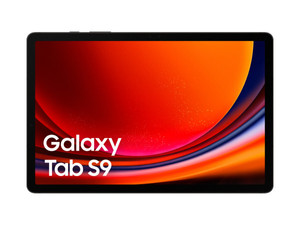
On the large Tab S12 Plus, you can comfortably watch movies and series in high quality. Due to its size, it's less easy to take with you on the go.
Thanks to the powerful processor, the tablet can easily handle the most demanding tasks like 3D games.
Galaxy AI op je Samsung tablet
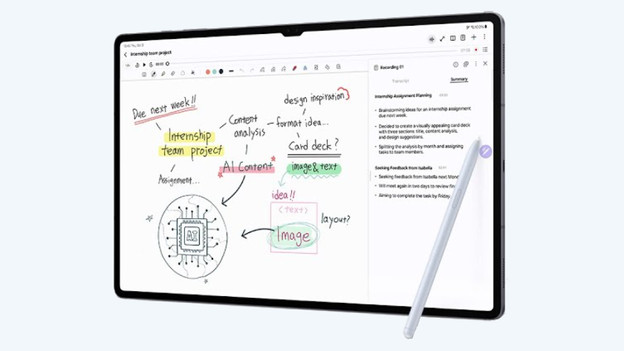
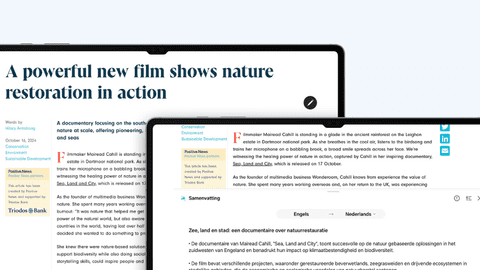
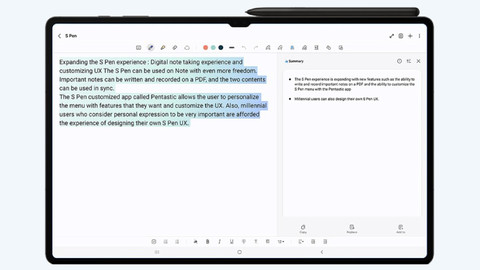
Galaxy AI is the Samsung smart assistant. The smart assistant makes your everyday tasks easier. You can easily edit photos or summarize long texts, for example. AI can also help translate audio and turn your audio into text. Galaxy AI is available on the Samsung Galaxy Tab S12 Ultra, S12 Plus. Want to read more on Galaxy AI? Click on one of the articles below.

Compare different sizes
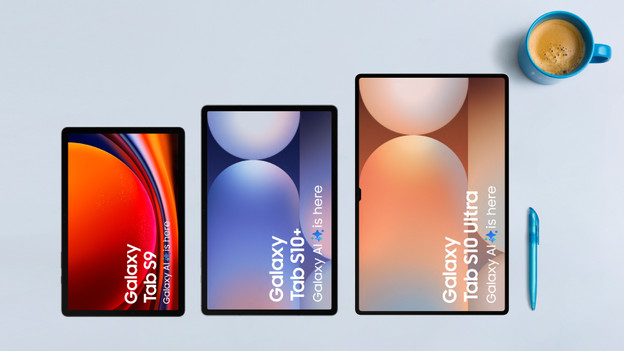
Want to see all the details of your movies or accurately work on creative projects? Choose the extra large Galaxy Tab S12 Ultra with the 14.6-inch screen. This size is comparable to a laptop. The Tab S12 Plus is large, but slightly smaller than the Ultra. You can easily take the compact 11-inch Tab S11 with you everywhere.
Visit our stores
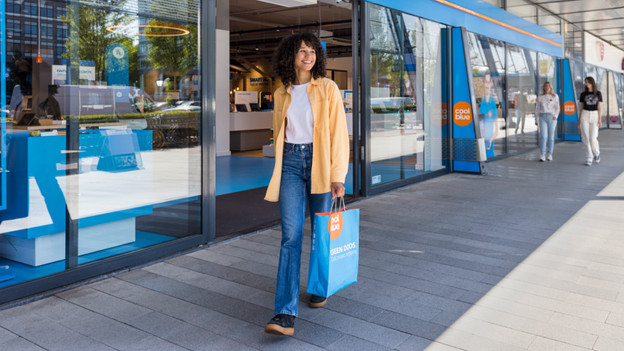
Test the various tablets from the Samsung Galaxy Tab S series in one of our stores and let our experts give you advice. That way, you can be sure you choose the right tablet for you. Picked a new tablet? Buy a screen protector along with it and we'll stick it on your new Samsung tablet right away.

Trade in your old tablet for a discount
Still have an old Samsung tablet? Trade it in with Samsung upgrade and get a discount on your new Samsung Galaxy Tab S. We'll give your old tablet a second life. That's good for your wallet and the environment.
Frequently asked questions
What's the difference between the Samsung Galaxy Tab S11, the S12 Plus, and the S12 Ultra?
You can easily take the compact Tab S11 anywhere and watch movies and series. Choose the S12 Plus if you want a slightly larger screen for your work or studies. Want to get to work creatively or play 3D games? The large and powerful S12 Ultra is the best tablet for you.
How do you choose the right storage for your Samsung Galaxy Tab S?
With 128GB, you have to clean out your storage after a year. You can store a lot of photos and apps on 256GB of storage. You have this clean this out after 2 years. With 512GB of storage, you have more than enough storage to store your movies, series, and photos in high quality for the coming years.
How do you connect your Samsung Galaxy Tab S to a screen?
You can connect your tablet to a screen several ways: via a docking station, HDMI cable, Chromecast, a smart TV, or via Samsung DeX. With an extra screen, you have more screen space or can turn your Tab S into a desktop.
What's the difference between WiFi and 4G(+) and 5G tablets?
With a Samsung Galaxy Tab S, you can always connect to the WiFi network. You can even connect some tablets to a mobile 4G or 5G network. You do need a SIM card with a mobile data plan or eSIM. That way, your tablet can connect to the internet anywhere.

