Gaming laptops







Back to School with extra student discount on gaming laptops
Want to buy a gaming laptop and are you a student? You're in luck, because you receive an extra student discount on many gaming laptops at Coolblue from 10 August 2026 to 6 September 2026. This amount is added to the regular Back to School deals.
- Upload your student ID
- Choose a participating gaming laptop and add it to your shopping cart
- Get ready to start studying


CONTROL Resonant GeForce RTX 50 Series Set
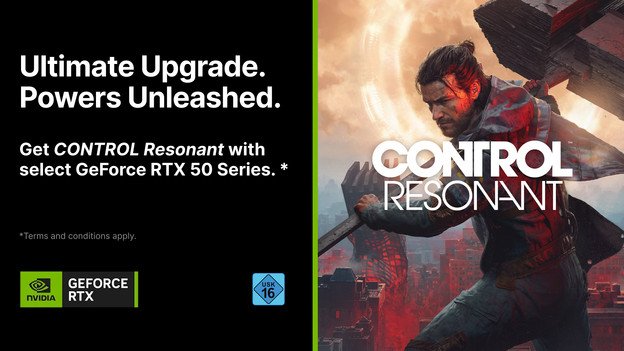
When you purchase selected GeForce RTX 50-series products, you’ll get the game CONTROL Resonant for free:
- Laptops and PCs with GeForce RTX 5090, 5080, 5070 Ti, or 5070 video cards
- GeForce RTX 5090, 5080, 5070 Ti, 5070 video cards
Promotion period: 25 August 2026 – 24 September 2026
Game release date: 25 September 2026
Code valid until: 27 October 2026
We'll send you the code. 1 code per person.
Which video card do I need for my gaming laptop?
Gaming notebooks with NVIDIA GeForce RTX 5070
A gaming laptop with an NVIDIA GeForce RTX 5070 video card is suitable for playing demanding games in Full HD quality with DLSS enabled. This includes games such as Microsoft Flight Simulator 2024 and Starfield.Gaming notebooks with NVIDIA GeForce RTX 5060
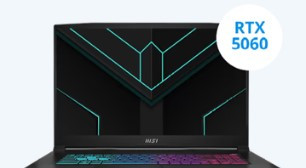
A gaming laptop with a GeForce RTX 5060 is suitable for medium demanding games, which you can play smoothly without DLSS support. The video card provides more power, which allows you to play more smoothly without needing additional support.Gaming notebooks with NVIDIA GeForce RTX 5050
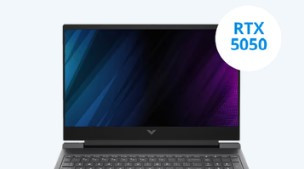
With an NVIDIA GeForce RTX 5050 video card, you can play your favorite medium demanding games smoothly in Full HD with DLSS enabled. This includes games like Hogwarts Legacy and Cyberpunk 2066. You can play all light games without DLSS enabled.Gaming notebooks with NVIDIA GeForce RTX 5070 Ti
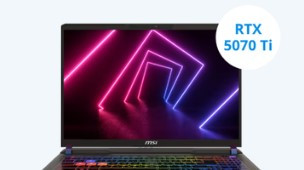
With a gaming laptop with an NVIDIA GeForce RTX 5070 Ti video card, you can play your favorite demanding games in Full HD and see every detail. Thanks to the larger RAM and increased performance, you can play these demanding games smoothly even without DLSS support. You can also play games in Quad HD with DLSS enabled, so you see even more detail.Gaming notebooks with NVIDIA GeForce RTX 5080
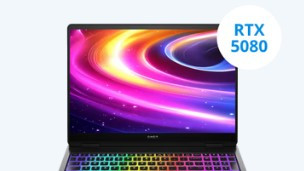
With an NVIDIA GeForce RTX 5080 gaming laptop, you can play all games smoothly in Quad HD. You can also play light games in 4K with DLSS enabled and apply graphic packs to your games. This allows you to continue playing smoothly at a minimum of 60 fps while noticing more details.
Our Back to School favorite gaming laptop
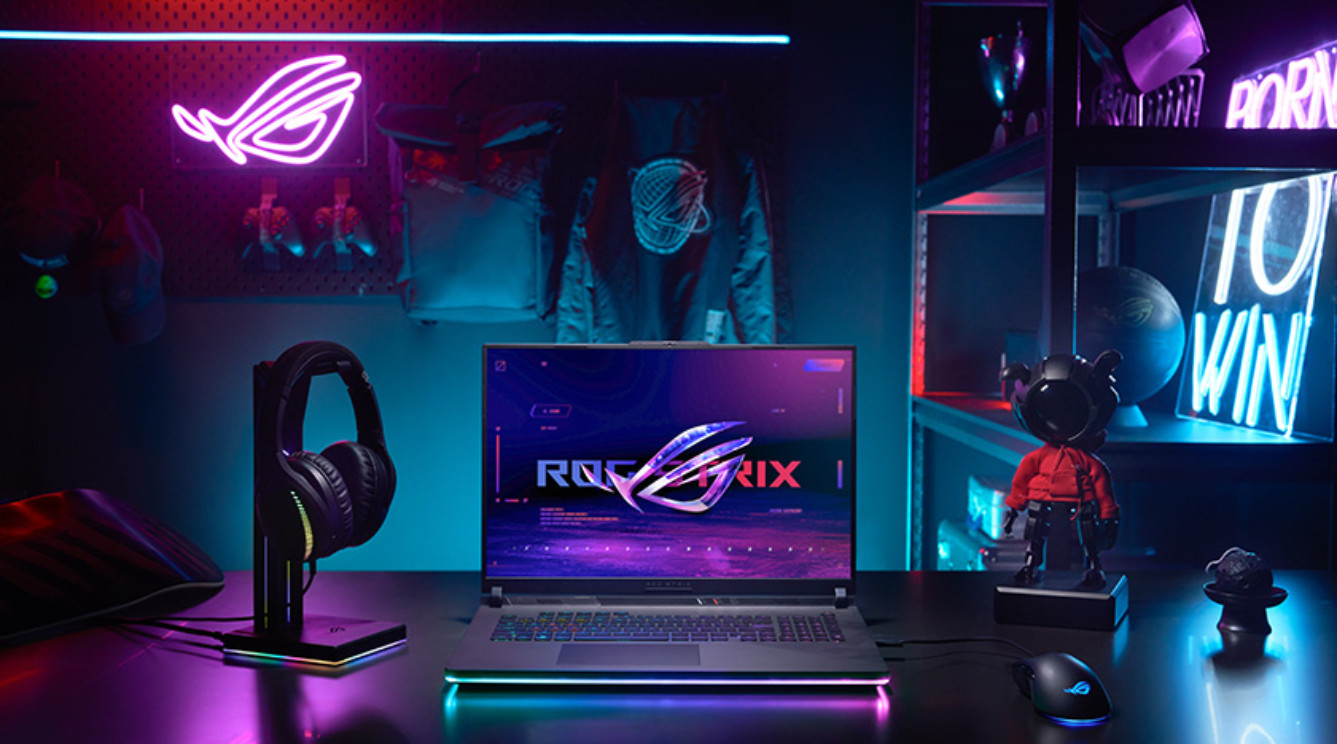
Full power and smooth action on a 16-inch screen
With the large 16-inch ASUS ROG Strix G16 laptop, you can play demanding games and work effortlessly in powerful programs. The AMD Ryzen 9 (8940HX) processor and 16GB (DDR5) RAM ensure fast loading times and smooth multitasking. The NVIDIA GeForce RTX 5060 video card displays sharp images. Especially in fast-paced games, the 165Hz IPS panel shows smooth movements that help you stay on top of the action.
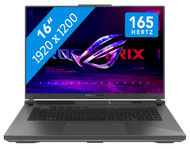
€ 1.899,-
Gaming laptops for every budget
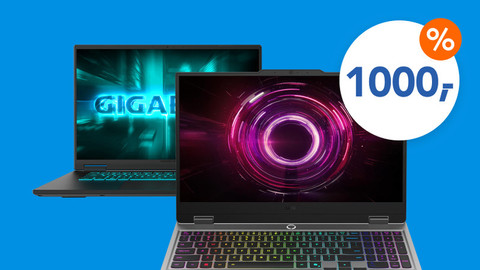
The best gaming laptops under €1,000
These gaming laptops are suitable for most popular games. They offer strong performance for both beginners and experienced gamers.The best gaming laptops under €1,500
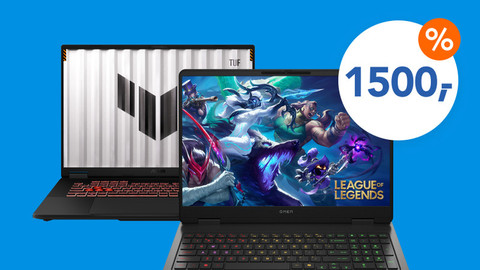
These gaming laptops let you play the latest games at high settings. They impress with their high performance and smooth gameplay.The best gaming laptops under €2,000
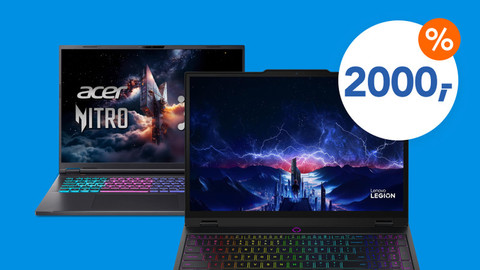
Thanks to their powerful hardware, these gaming notebooks are suitable for demanding games and streaming.
NVIDIA Slim gaming laptops
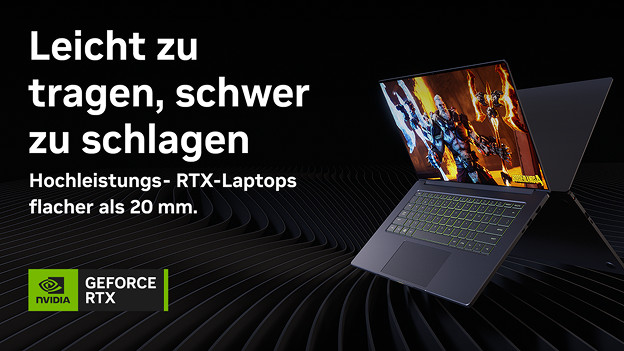
Experience the performance of a gaming laptop in a thin and light design with an NVIDIA Slim Gaming Laptop. A 14-inch NVIDIA Slim Gaming Laptop weighs no more than 2 kilograms, while a 16-inch laptop weighs no more than 2.3 kilograms. The chassis is no more than 2 centimeters thick, making these models easy to take with you. This is practical if you also use the gaming laptop for work or take it to a gaming tournament. Thanks to a minimum brightness of 300 nits, you'll enjoy vibrant colors. This allows you to edit your photos and videos with precision.
What games do you play on your gaming laptop?

Light games
For light games like League of Legends or Fortnite, an RTX 3050 or RTX 4050 is sufficient. With this, you can get at least 60 fps in Full HD. Older games like GTA V run smoothly in Quad HD at high settings. If you also plan to stream, choose a gaming laptop with at least 16GB RAM. This will allow multiple programs to run smoothly and without lag.

Medium demanding games
More demanding games like Call of Duty or Battlefield require a more powerful video card. They display a lot of details and effects on the screen. An RTX 5050 or RTX 5060 gaming laptop is ideal for these games. If you play older games as well, you can install new graphics packs for them. This makes them look even more realistic. You can also use the laptop for graphic design and streaming. The large RAM provides enough power for all these tasks.

Demanding games
Games like Starfield or Elden Ring demand a lot from your video card. For games like these, a gaming laptop with an RTX 5070 or better is ideal. These games have a lot of detail and fast-paced action. The video card provides enough processing power for smooth gameplay. With an RTX 5080, you can enjoy these titles in 4K with DLSS turned on. If you play all games at very high settings, go for a gaming laptop with an RTX 5090.
Experience the ultimate gaming experience with the NVIDIA RTX 5000 series
Everything on the NVIDIA GeForce RTX 5000 series video cards
The NVIDIA GeForce RTX 5000 video cards provide improved DLSS support, more powerful components, and new technologies. We’ll explain the differences.Comparison NVIDIA GeForce RTX 5000 and RTX 4000 video cards
You can learn all about the differences between the RTX 5000 and RTX 4000 series video cards here.What's NVIDIA DLSS?
With NVIDIA DLSS, your video card uses AI to generate more frames for an even better gaming experience. Learn more about NVIDIA DLSS here.


Advice on gaming laptops
How do I choose a gaming laptop?
Find out how to choose the best gaming laptop for you here.Everything on gaming laptops with RTX video card
You can learn everything on gaming laptops with RTX video card here.Complete your gaming laptop setup
Here's everything you need to know to get your laptop ready for gaming.More advice on laptops
You'll find all our articles to help you choose a laptop here.

Frequently asked questions
How do I choose a gaming laptop?
It’s important to know what you’ll use your new gaming laptop for. For example, do you play light, medium demanding, or demanding games? Want to stream your gameplay for your followers and friends? Also think about what screen size you want.
What size video card do I need?
That depends on the games you want to play. If you only play light games, an RTX 2050 or RTX 3050 video card is more than enough. For medium demanding games, we recommend at least an RTX 4050 or RTX 5050. If you also play demanding games, you’ll need at least an RTX 4070 or RTX 5070. An RTX 5090 is only necessary if you play all games at the highest settings.
What games can I play on my gaming laptop?
Which games run on your laptop depends mainly on the video card, processor, and RAM. If you use the game filter on the following page, you’ll see exactly which gaming laptop is right for the games you play.
How big should my gaming laptop be?
If you primarily use your laptop at your desk and only occasionally take it with you, a 15 or 16-inch laptop is a good fit. If you're looking for a larger model for a permanent location, a 17 or 18-inch laptop is more suitable.
How do I complete my gaming Notebook setup?
It depends on what kind of gamer you are. If you mostly play for fun, a gaming mouse and a mouse pad will probably be enough. Also play online with your friends? We recommend a headset. For avid gamers, we also recommend a gaming monitor and a keyboard.

Complete your gaming laptop setup




Advice on Gaming laptops
Can't choose? View the advice from our expert.
