


Chromebook support
Did you just purchase a Chromebook? On this page, we'll share a couple of useful tips. That way, you can get started with your new Chromebook right away. In addition, we'll tell you more about how the ChromeOS operating system works.
Most relevant
Help choosing
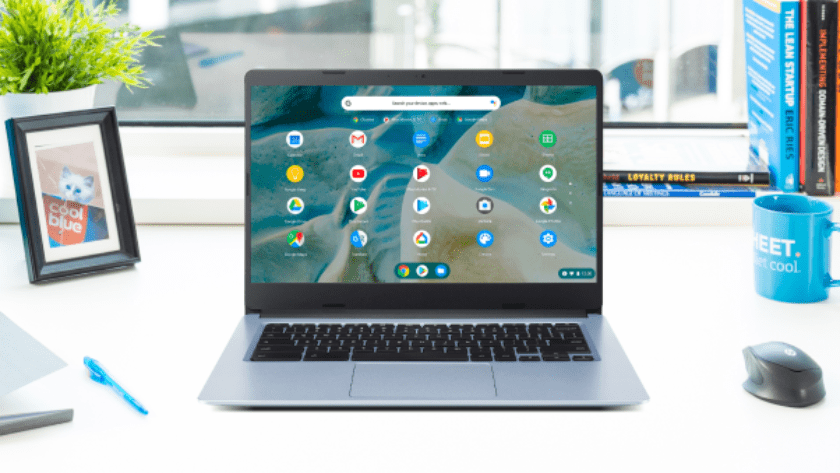
What's a Chromebook?
Read what the properties of a Chromebook are and what you can use them for here.



Explanation of properties
- What are the pros and cons of working in the cloud on a Chromebook?
- What is Cloud gaming?
- Which Intel processor do you need in your laptop?
- How much RAM do you need in your laptop?
- What's Coolblue laptop insurance and how does it benefit you?
- Which warranty do you need for your laptop?
- How much storage space do I need in my laptop?
- Advice on the speed class of a laptop
- Advice on the build quality of a laptop
Compare products
- What are the differences between Windows 10 Home and Windows 10 Pro?
- The different versions of Windows 10
- Compare the Lenovo LOQ, Lenovo Legion, and Lenovo Legion Pro
- Compare the ASUS TUF Gaming, ROG Zephyrus and ROG Strix
- What is the difference between a Chromebook and a laptop?
- Comparing laptops: what you should keep in mind
- What's the difference between a notebook, a laptop, and an ultrabook?
- Compare macOS to Windows and ChromeOS
- Compare a laptop with HDD to a laptop with SSD

You may also like:
More articles
-
Help choosing
- How do you choose a laptop?
- 5 reasons to buy a new laptop
- Advice on 2-in-1
- Advice on computers
- Compare a tablet, laptop, and a 2-in-1 laptop
- How do you choose a laptop for home use?
- How do you choose a laptop for on the go?
- How do you choose the right charger for your laptop?
- What should you keep in mind when buying RAM?
- What should you keep in mind when buying a fast laptop?
- What should you keep in mind when buying a silent laptop?
- What student laptop is best for you?
-
Explanation of properties
-
More help
